> ## Documentation Index
> Fetch the complete documentation index at: https://docs.goguardian.com/llms.txt
> Use this file to discover all available pages before exploring further.
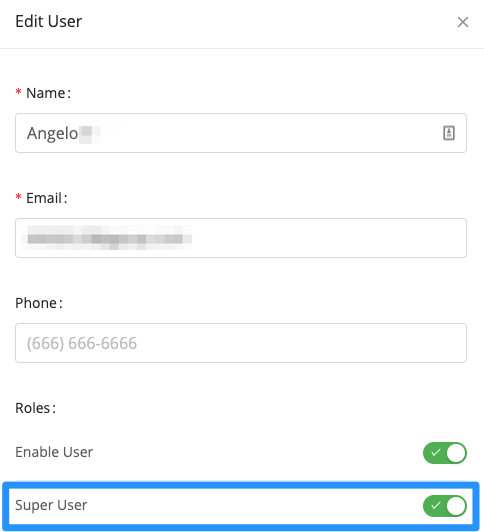
# Make Another User a Super User
> Promote an existing GoGuardian user to Super User in Org Management so they can manage accounts, permissions, and product settings.
Super Users can access [manage.goguardian.com](https://manage.goguardian.com/) and make account-level changes — adding users, editing permissions, and changing high-level GoGuardian Admin, Teacher, and Beacon settings.
To promote an existing user to a Super User:
1. Go to [manage.goguardian.com](https://manage.goguardian.com/).
2. Find the user and click **Edit** at the right end of their row.
3. In the side panel, toggle on **Super User**.
4. At the bottom of the side panel, click **Save**.