> ## Documentation Index
> Fetch the complete documentation index at: https://docs.goguardian.com/llms.txt
> Use this file to discover all available pages before exploring further.
# Add or Change a Question's Standards
> Attach or update curriculum standards to any question type using the Meta Data tab and the standards browser.
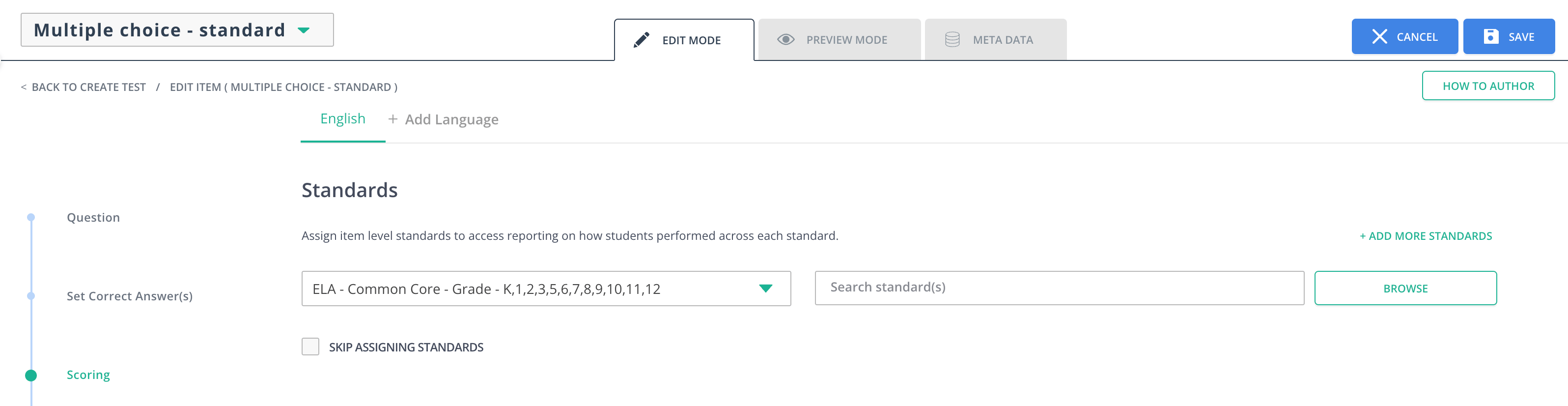
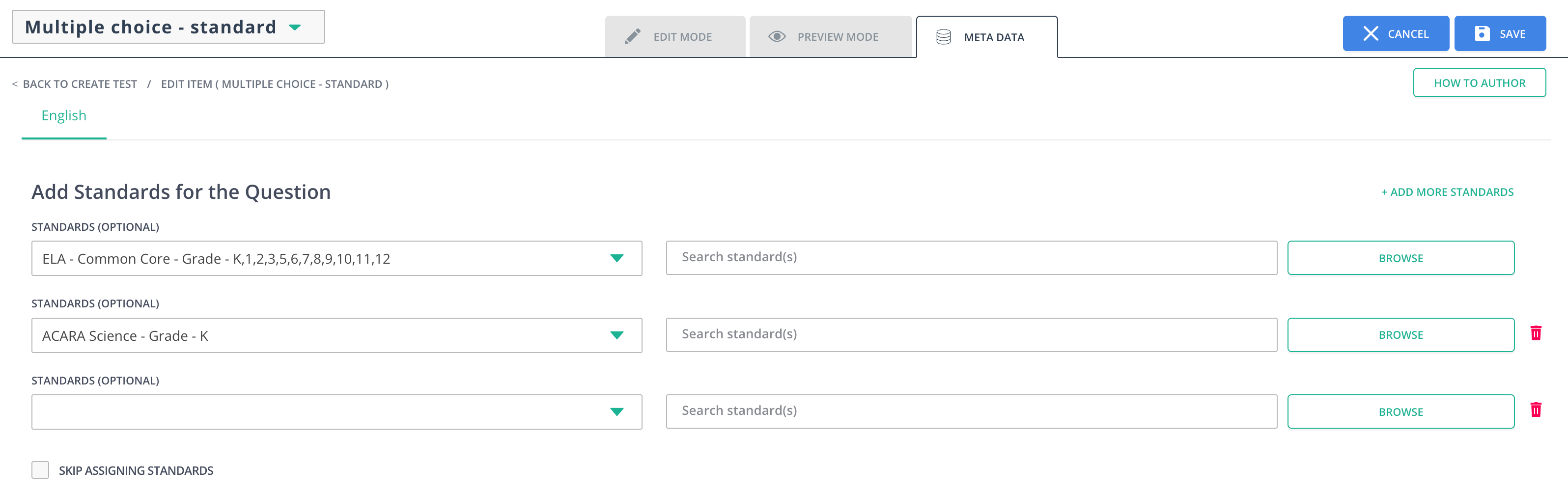
To change or add more standards to any question type, click the **Meta Data** tab while editing the item. Then, click the **Browse** button and select the subject, standard set, and grade level. Finally, click the checkbox of the standard or standards you want to add to the question and click **Done**.
## Add or Change a Question's Standards in Pear Assessment
Standards are a central part of Pear Assessment. They can be added or edited in the **Edit Mode** and **Meta Data** tabs of an item.
## Adding or Change Standards
1. Click **Item Bank** in the navigation menu.
2. Click the plus button (+) to add a question.
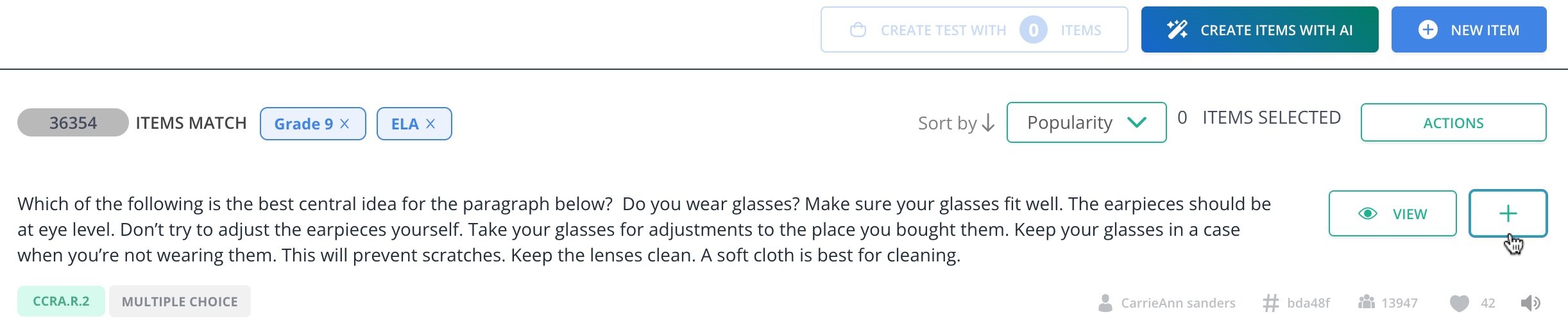 3. Click **Create Test with \[Number of] Items**.
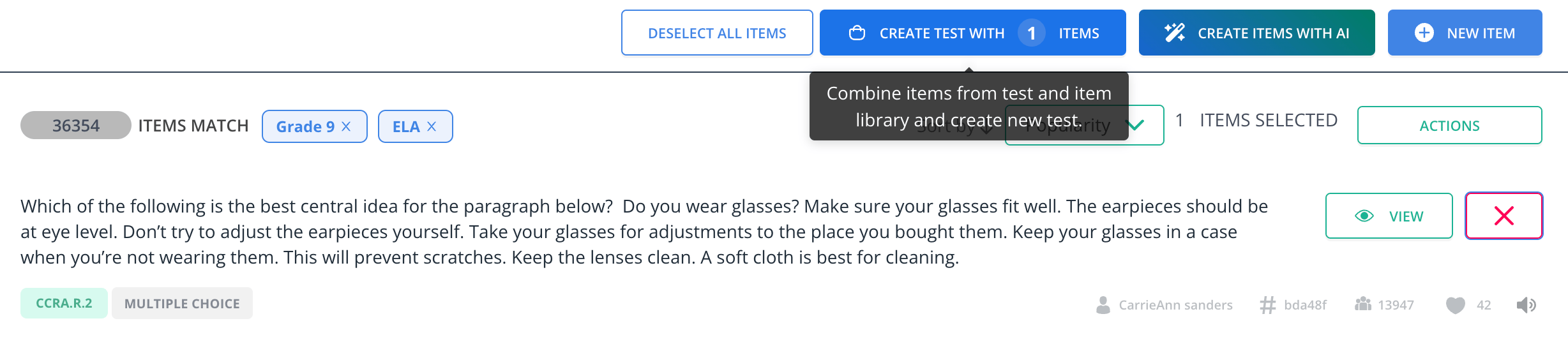 4. Click on the question in the **Review** tab.
5. Click the pencil button in the toolbar of the question.
4. Click on the question in the **Review** tab.
5. Click the pencil button in the toolbar of the question.
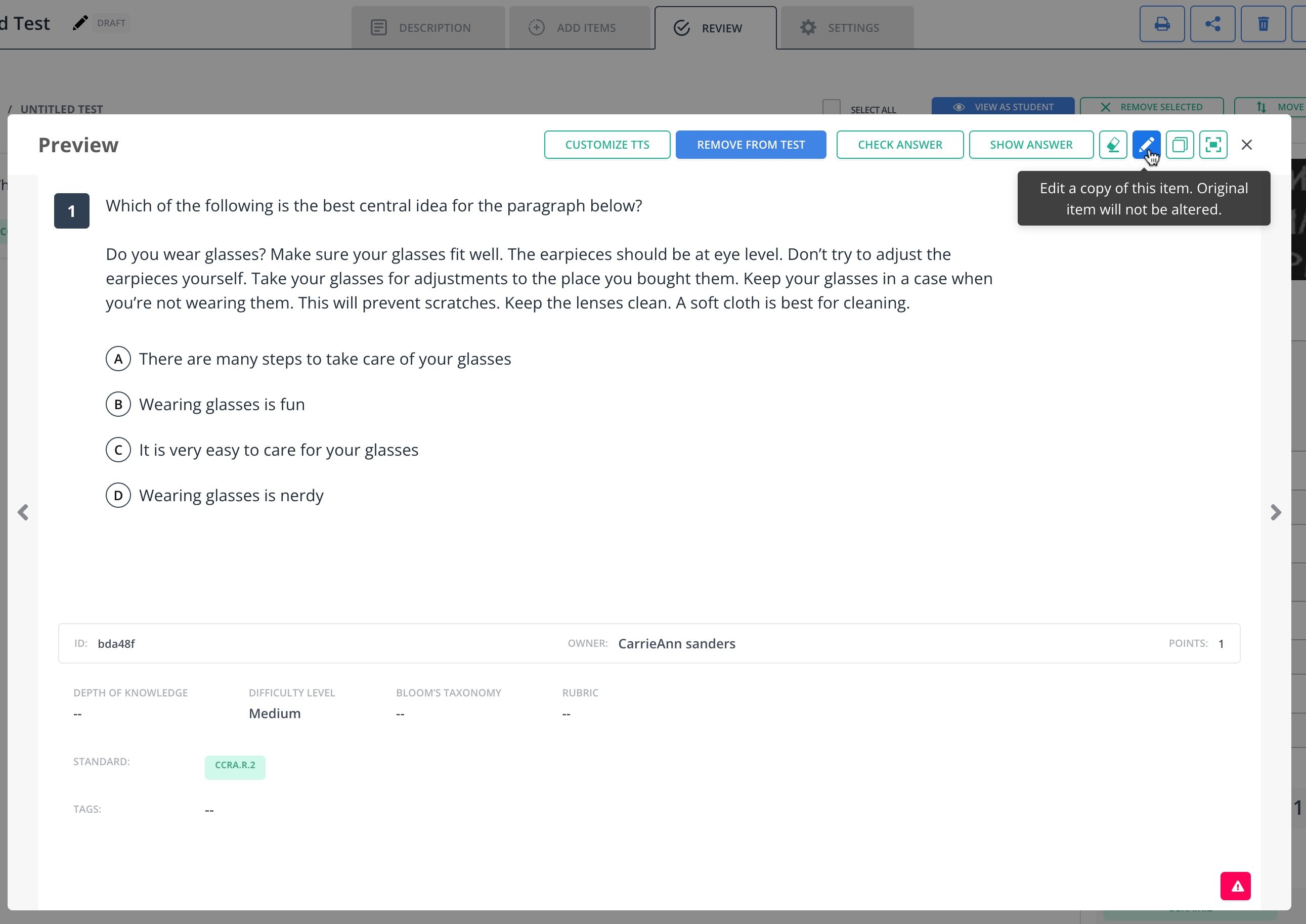 6. In the **Edit Mode** tab, scroll down to the **Set Correct Answer** section and edit the standards. Standards can also be edited in their tab by clicking on the **Meta Data** tab.
7. Enter your preferred **Subject**, **Standard Sets**, and **Grade**.
8. Click the **Browse** button to search standards.
9. Click **Save**.
6. In the **Edit Mode** tab, scroll down to the **Set Correct Answer** section and edit the standards. Standards can also be edited in their tab by clicking on the **Meta Data** tab.
7. Enter your preferred **Subject**, **Standard Sets**, and **Grade**.
8. Click the **Browse** button to search standards.
9. Click **Save**.