> ## Documentation Index
> Fetch the complete documentation index at: https://docs.goguardian.com/llms.txt
> Use this file to discover all available pages before exploring further.
# Apply Filters in Test Library
> Narrow the Test Library by grade, subject, standards, tags, and ownership filters to find the right assessment faster.
The article explains how to apply filters in the Test library, which allows educators to quickly search the content library.
## Apply Filters in Test Library
The Test library houses all prebuilt assessments shared by your Pear Assessment community and the primary copy of assessments you have created.
## Select Relevant Filters
1. Click **Test** in the navigation menu.
2. The filter panel is found next to the navigation menu and offers the following options:
* **Search** — Enter keywords and skills to narrow your scope.
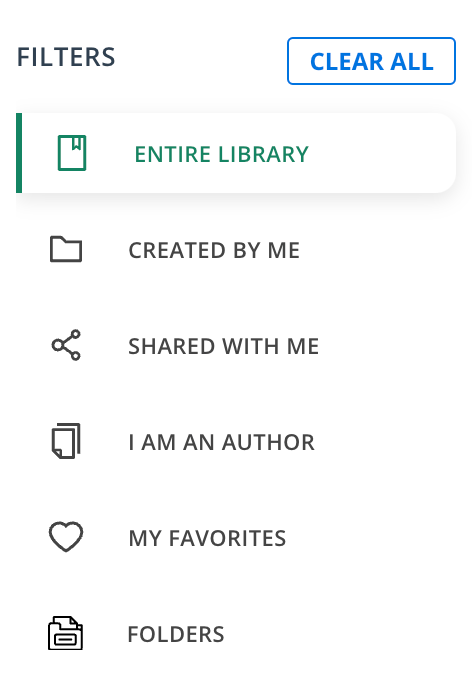
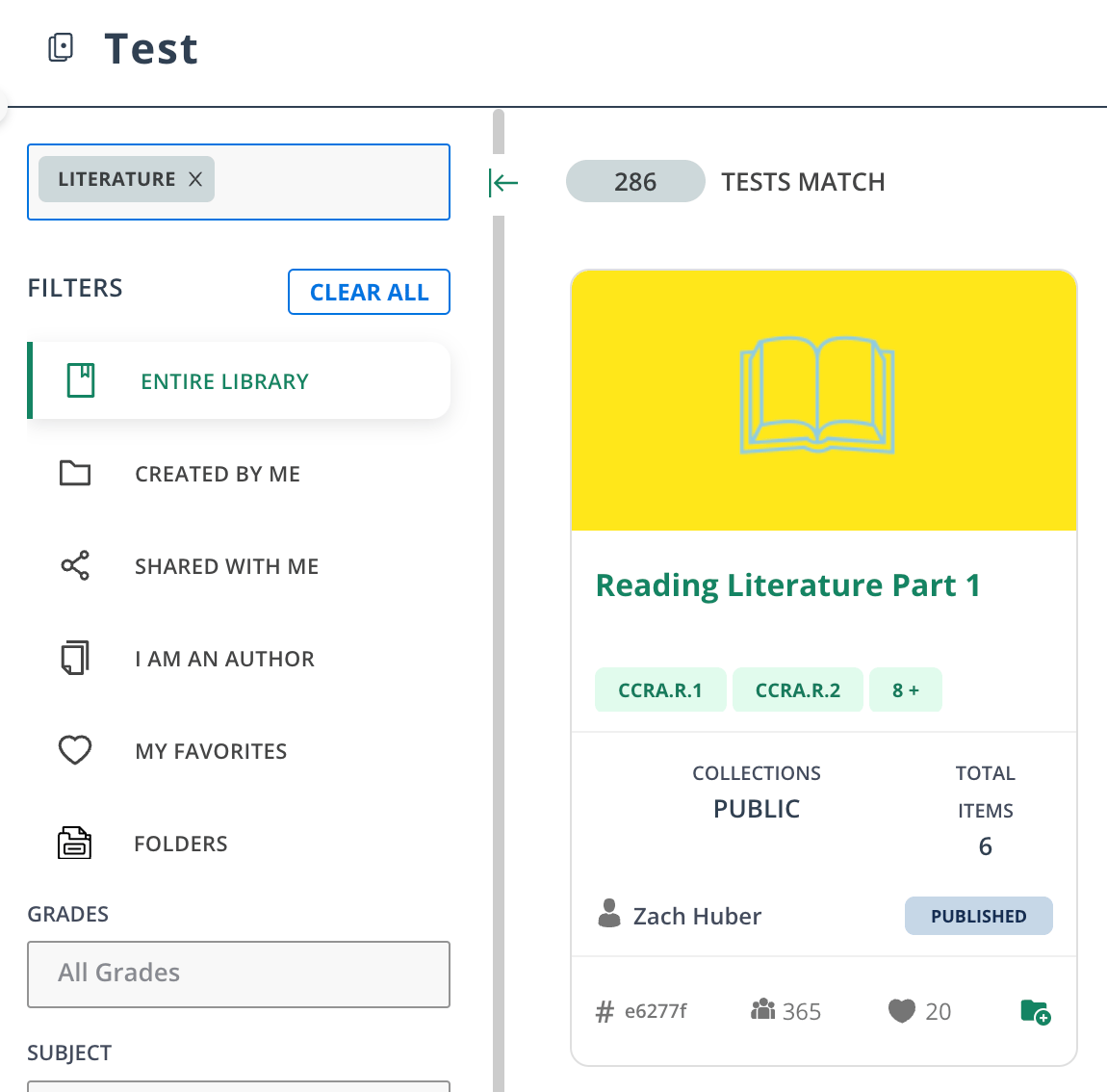 * **Entire Library** — All tests created by the Pear Assessment community.
* **Created By Me**
* **Shared With Me** — Shared with you by fellow teachers in the district or school.
* **I Am An Author**
* **My Favorites** — Saved tests from previous searches.
* **Folders** — Tests saved in folders.
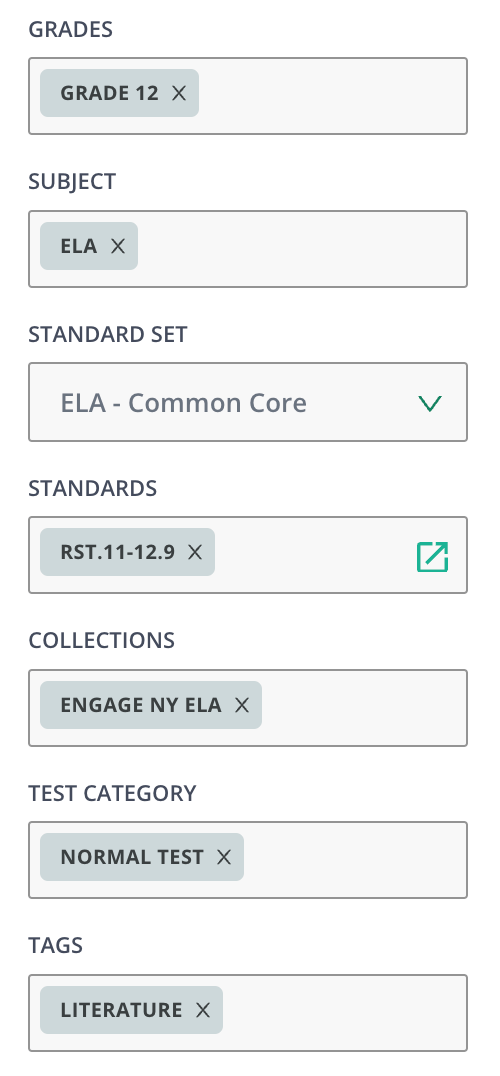
* **Grades**
* **Subject**
* **Standard Set**
* **Standards**
* **Collections**
* **Test Category**
* **Tags**
If you can’t find an assessment, check your filters. Changing or clearing your filters altogether will normally solve this issue.
* **Entire Library** — All tests created by the Pear Assessment community.
* **Created By Me**
* **Shared With Me** — Shared with you by fellow teachers in the district or school.
* **I Am An Author**
* **My Favorites** — Saved tests from previous searches.
* **Folders** — Tests saved in folders.
* **Grades**
* **Subject**
* **Standard Set**
* **Standards**
* **Collections**
* **Test Category**
* **Tags**
If you can’t find an assessment, check your filters. Changing or clearing your filters altogether will normally solve this issue.