> ## Documentation Index
> Fetch the complete documentation index at: https://docs.goguardian.com/llms.txt
> Use this file to discover all available pages before exploring further.
# Add Pear Practice as a Progressive Web App in Google Chrome
> In Google Chrome, Pear Practice can be installed as a progressive web app (PWA), letting educators and students open it.
## Add Pear Practice as a Progressive Web App in Google Chrome
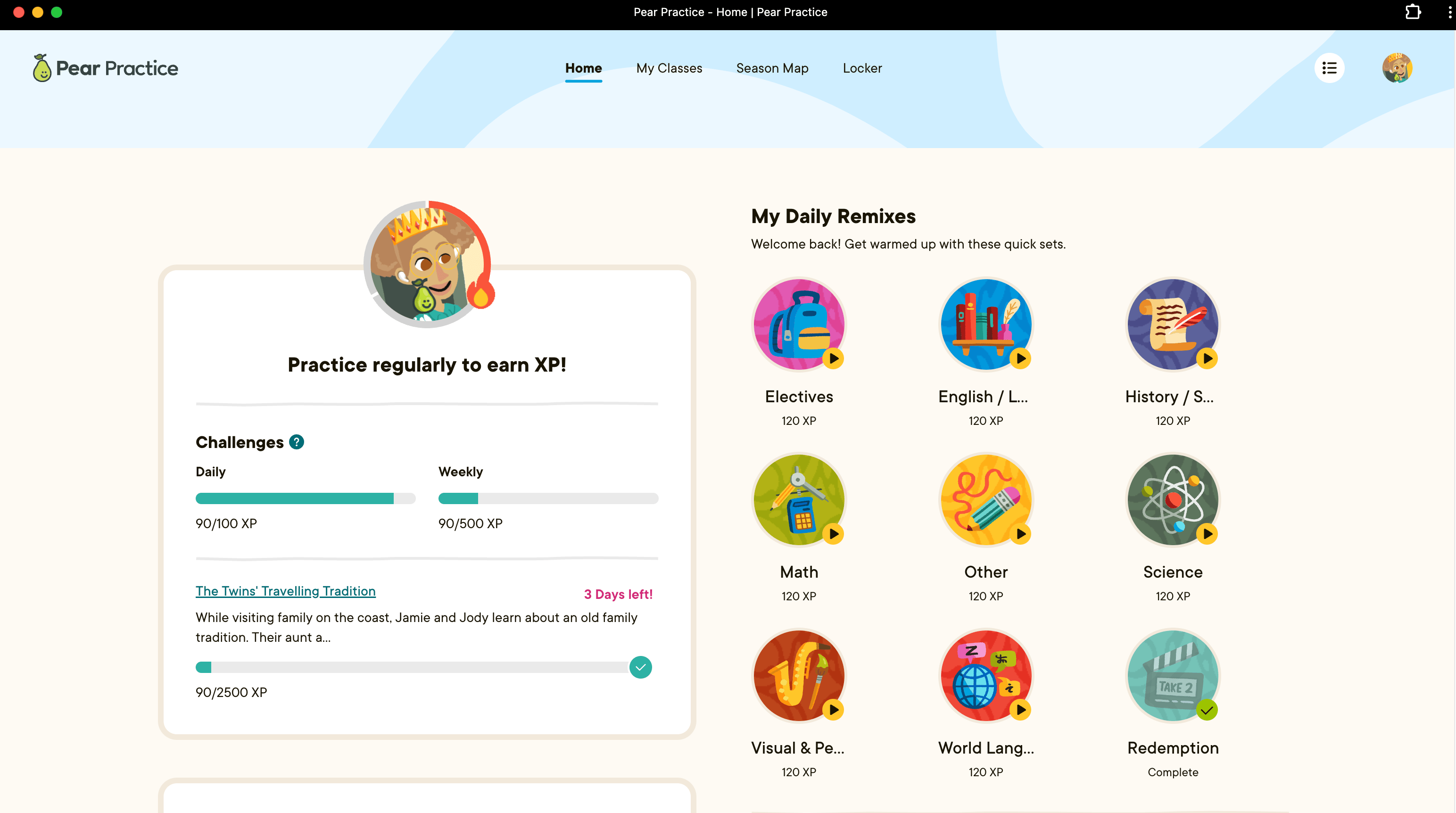
In Google Chrome, Pear Practice can be installed as a [progressive web app (PWA)](https://support.google.com/chrome/answer/9658361?hl=en\&co=GENIE.Platform%3DDesktop), letting educators and students open it as an app on their iPads, Macs, Windows, or Chromebook devices. The PWA opens in a separate window without an address bar and bookmarks, increasing engagement and eliminating distractions for students.
## Install the Pear Practice PWA
1. Visit practice.peardeck.com in Google Chrome.
2. In the address bar, click the install button next to the bookmark (star) button.
3. Click **Install**.
4. Confirm the Pear Practice PWA automatically opens after installation. If the app doesn't open, please navigate to your applications folder and open it.
Add the Pear Practice PWA to your Dock on your [iPad](https://support.apple.com/en-my/guide/ipad/ipadf6ea1ce5/ipados) or [Mac](https://support.apple.com/guide/mac-help/open-apps-from-the-dock-mh35859/mac), [Windows taskbar](https://support.microsoft.com/en-us/windows/how-to-use-the-taskbar-in-windows-0657a50f-0cc7-dbfd-ae6b-05020b195b07), or [Chromebook shelf](https://support.google.com/chromebook/answer/3113576?hl=en). Google Workspace administrators can add [Pear Practice as a kiosk](https://knowledge.workspace.google.com/kb/how-to-set-up-a-kiosk-app-000007425) on Chromebooks in Google Admin.