> ## Documentation Index
> Fetch the complete documentation index at: https://docs.goguardian.com/llms.txt
> Use this file to discover all available pages before exploring further.
# Enable or Disable Tools
> Control which Pear Start tools are available to teachers in your district by enabling or disabling them from Manage Tools.
In Pear Start, administrators can enable or disable Workspace or Custom tools to standardize and streamline the toolset available to teachers.
Administrators need access to Pear Start Workspace to enable or disable tools. Workspace access includes **Manage Tools** in the navigation menu and shows the district name under the administrator's name.
## Enable a Tool for All Teachers
1. Sign in to Pear Start as a **Workspace** administrator.
2. Click **Manage Tools**.
3. Click the name of the tool you want to enable.
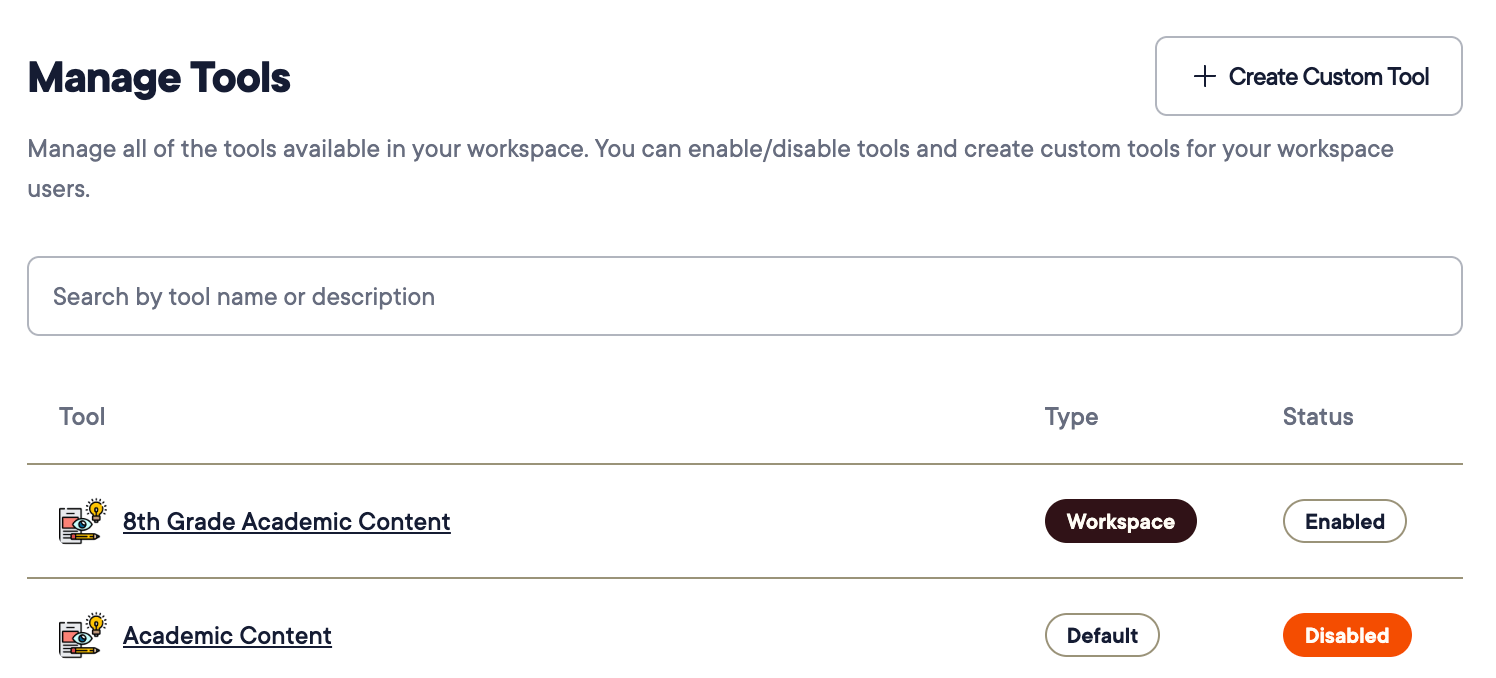 4. Toggle on **Is Enabled**.
 ## Disable a Tool for All Teachers
Teachers can still review their use of a disabled tool in the **History** tab.
1. Sign in to Pear Start as a **Workspace** administrator.
2. Click **Manage Tools**.
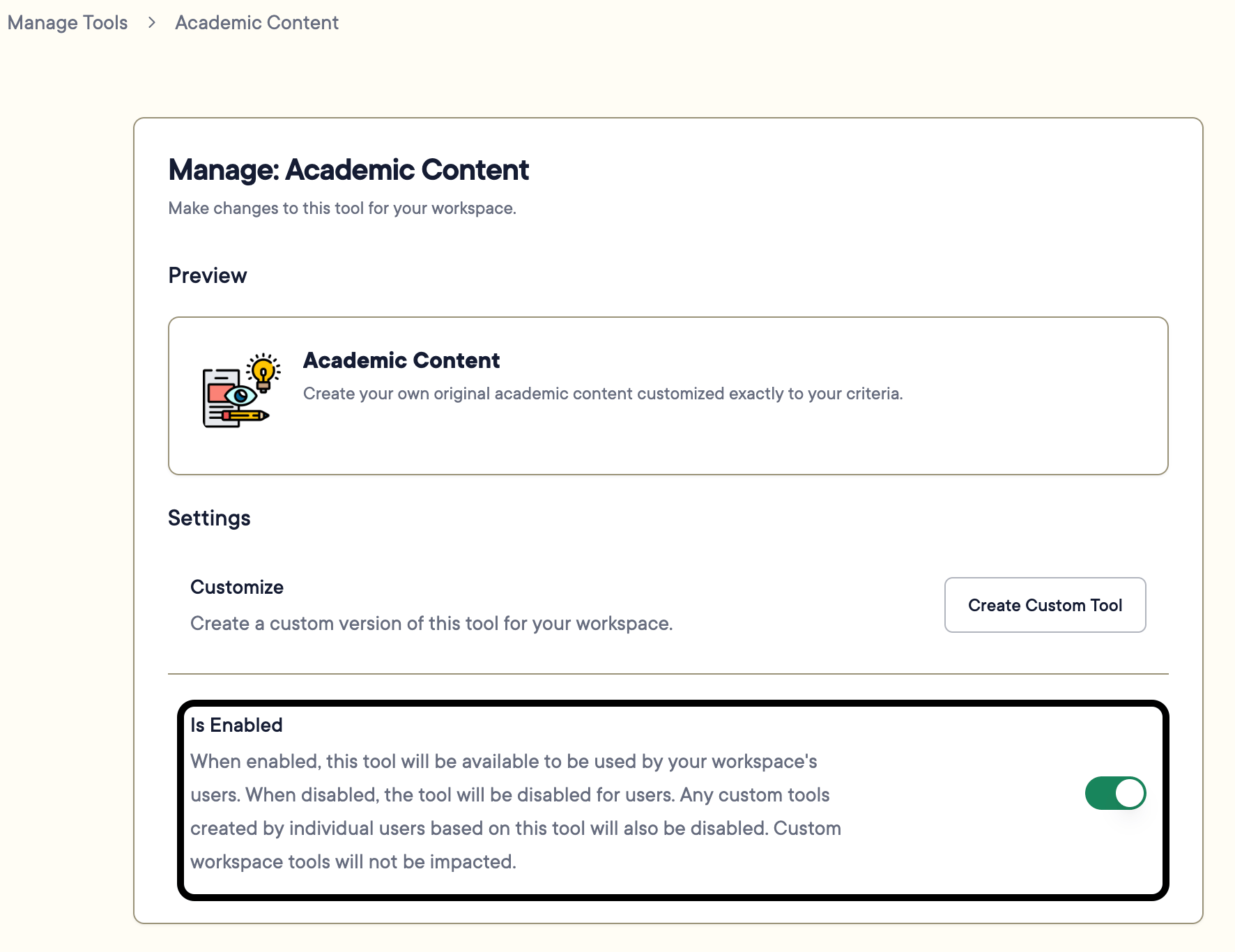
3. Click the name of the tool you want to disable.
4. Toggle off **Is Enabled**.
## Disable a Tool for All Teachers
Teachers can still review their use of a disabled tool in the **History** tab.
1. Sign in to Pear Start as a **Workspace** administrator.
2. Click **Manage Tools**.
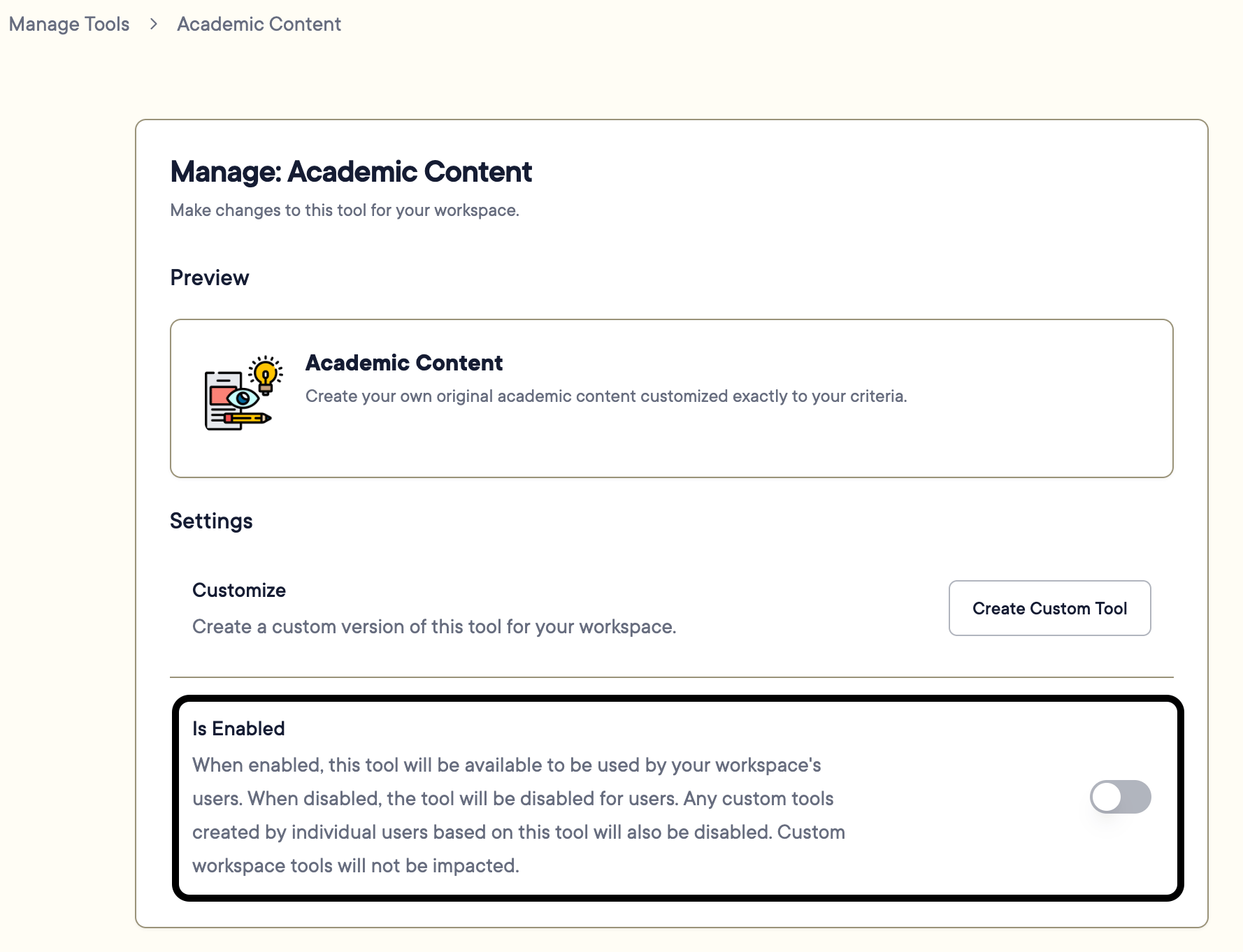
3. Click the name of the tool you want to disable.
4. Toggle off **Is Enabled**.
 ## Resources
Review all tools available to teachers and manage Workspace tools from one place.
Build district-wide AI tools for teachers.
## Resources
Review all tools available to teachers and manage Workspace tools from one place.
Build district-wide AI tools for teachers.