> ## Documentation Index
> Fetch the complete documentation index at: https://docs.goguardian.com/llms.txt
> Use this file to discover all available pages before exploring further.
# Shared Quick Lists in GoGuardian Teacher
> What Quick Lists are, the three types (GoGuardian, Shared, and teacher-created), and how a Super User creates an org-wide Shared Quick List.
In a teacher session, teachers can apply a Scene to limit student browsing, blocking or allowing specific websites. Because many educational sites redirect to other domains, Quick Lists make this easier: they are groups of URLs that can be quickly added to or removed from a Scene's exceptions list, in either Block Mode or Allow Mode Scenes.
## Understand the Three Types of Quick Lists
* **GoGuardian Quick Lists** — prebuilt lists of popular sites such as Kami, Desmos, Mastery Connect, Kahoot, Schoology, Google Docs, i-Ready, and more.
* **Shared Quick Lists** — collections of URLs managed in Org Management by a Super User and available to all teachers in the organization.
* **Teacher-created Custom Quick Lists** — lists a teacher creates for their own Scenes, visible only in their own account.

 ## Create a Shared Quick List
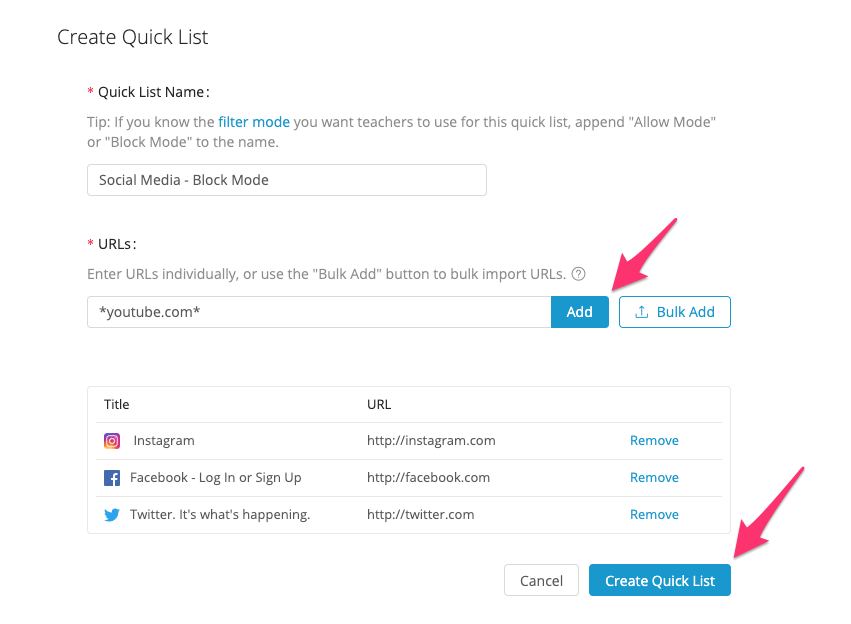
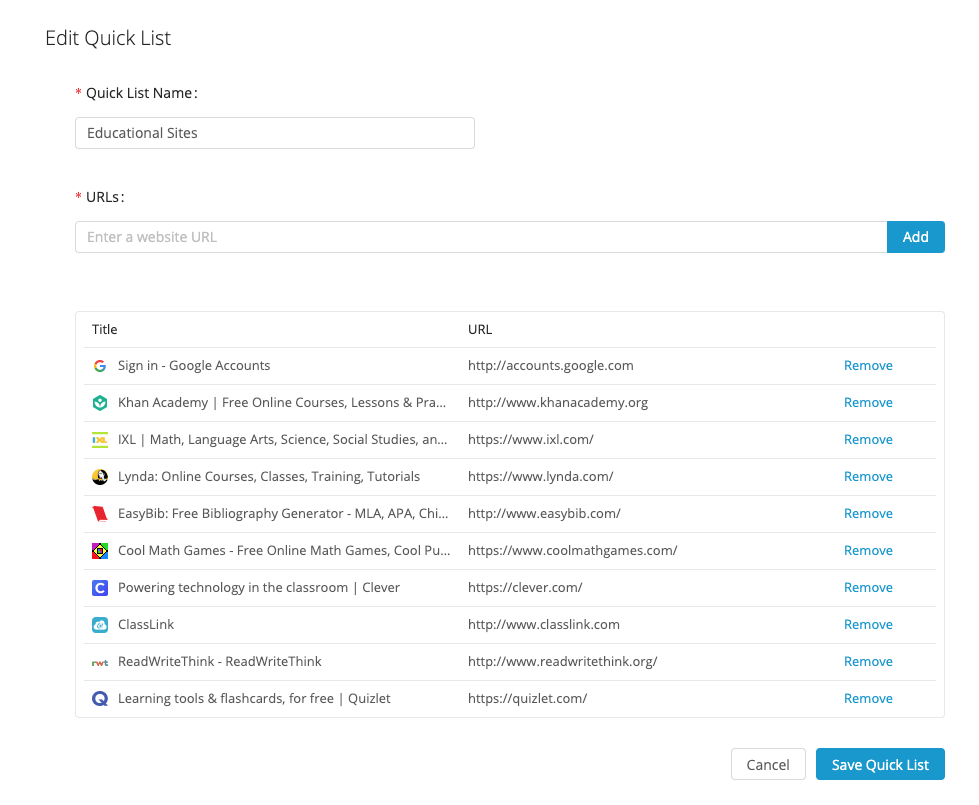
Go to [manage.goguardian.com](https://manage.goguardian.com/) → **Products** → **Teacher** → **Quick Lists**. A Super User can add URLs individually or by CSV upload, and can export existing Shared Quick Lists as a CSV.
There is a limit of 100 URLs per Quick List. Each Shared Quick List becomes available to teachers when they create Scenes, where they can allow or block the collection of URLs.
## Create a Shared Quick List
Go to [manage.goguardian.com](https://manage.goguardian.com/) → **Products** → **Teacher** → **Quick Lists**. A Super User can add URLs individually or by CSV upload, and can export existing Shared Quick Lists as a CSV.
There is a limit of 100 URLs per Quick List. Each Shared Quick List becomes available to teachers when they create Scenes, where they can allow or block the collection of URLs.