Find Your Class Code in Pear Assessment
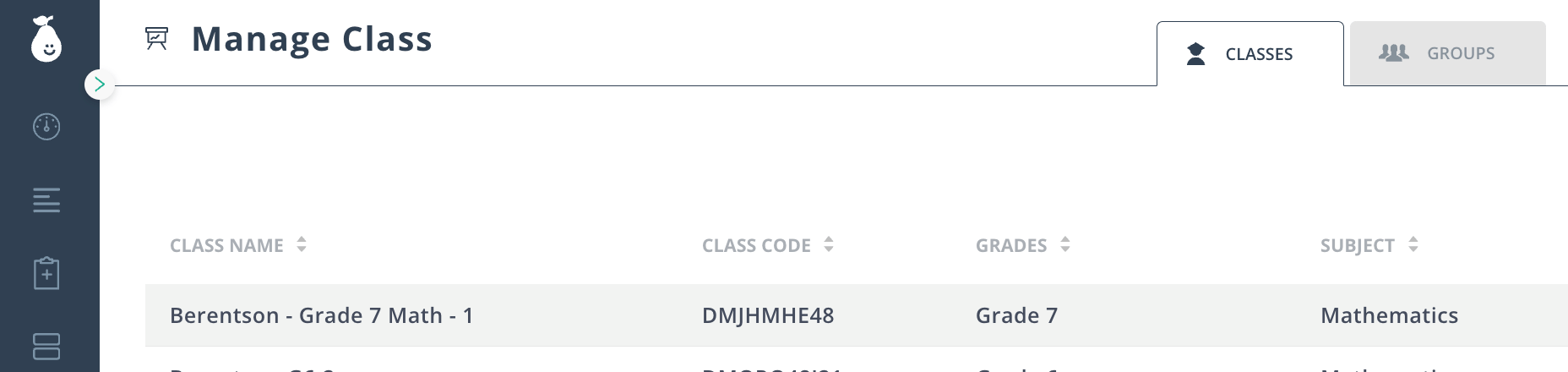
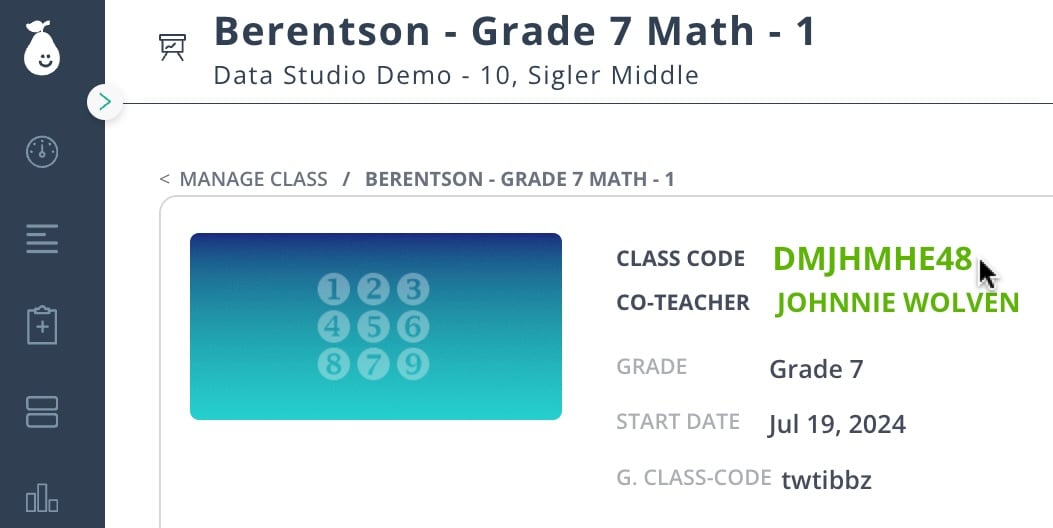
In Pear Assessment, you can find your Class Code from the Dashboard or the Manage Class sections. The code can be shared with students with Pear Assessment accounts who need to join your class.Find Class Code in Dashboard
- Click Dashboard in the navigation menu.
- Click on a class under the Classes tab.
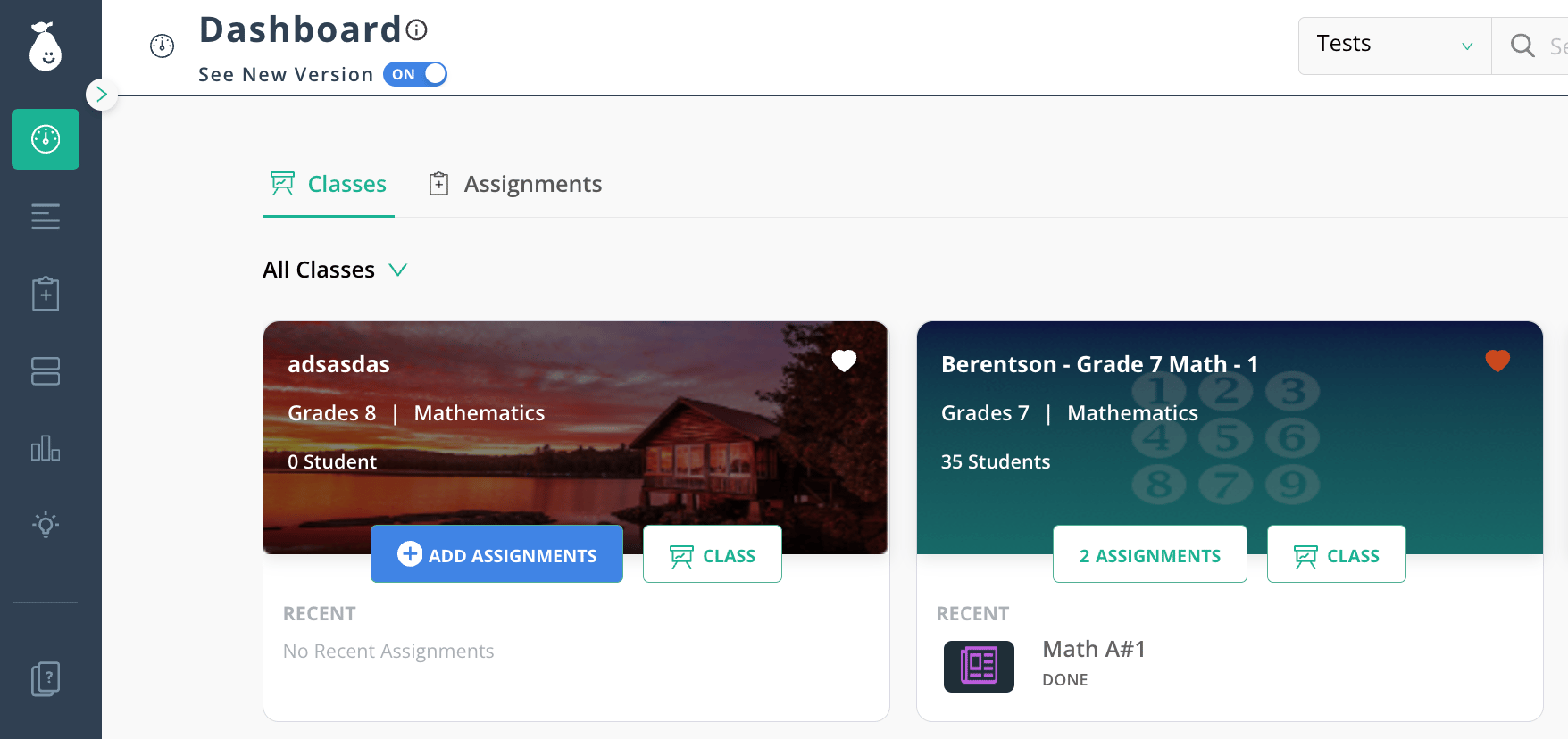
- Find your eight-digit Class Code next to the class image.
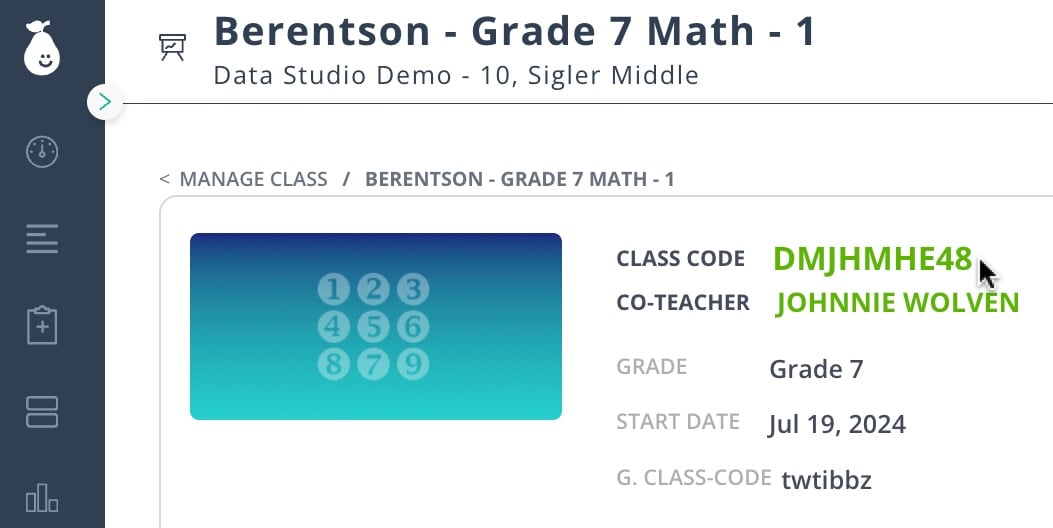
Find Class Code in Manage Class
- Click Manage Class in the navigation menu.
- Click on a class under the Classes tab.
- Find your eight-digit Class Code next to the class image.