How and When to Release Scores and Feedback in Pear Assessment
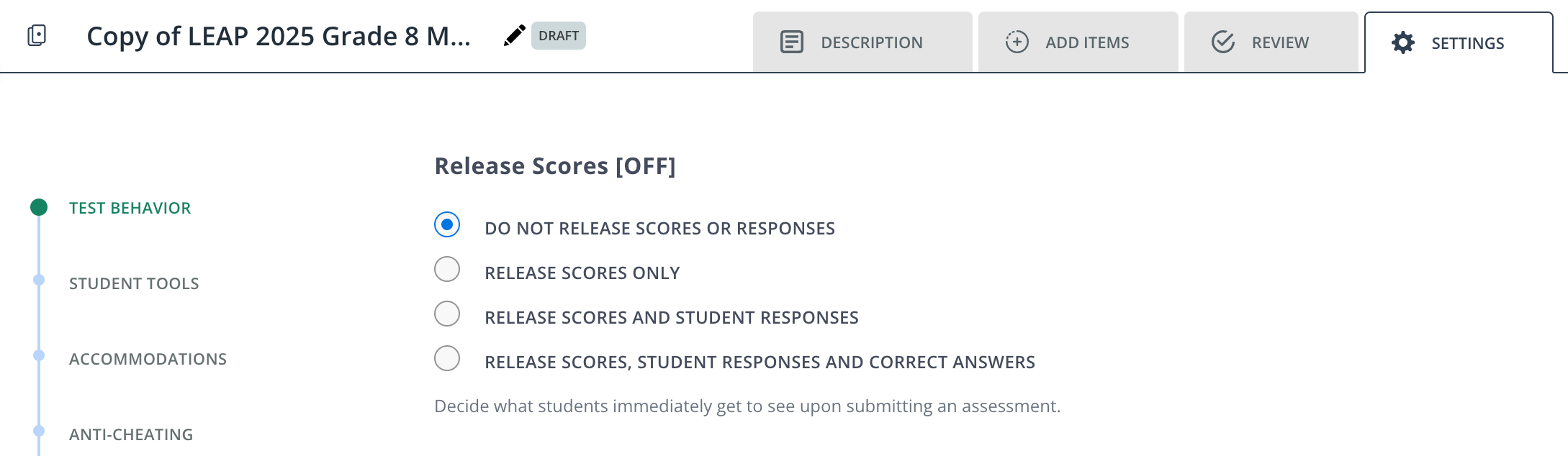
District or school administrators own common assessments and set policies, such as determining the testing window, who’s assigned an assessment, when to release feedback to students, and more. For common assessments, if you want a high level of test security, we recommend the following setup under a test’s Settings tab.
When the assessment ends, you can selectively release the scores for one or more classes. To do so, click Assignments in the navigation menu > click Actions at the end of an assessment’s row > Release Scores. This releases scores for all classes taking the assessment.
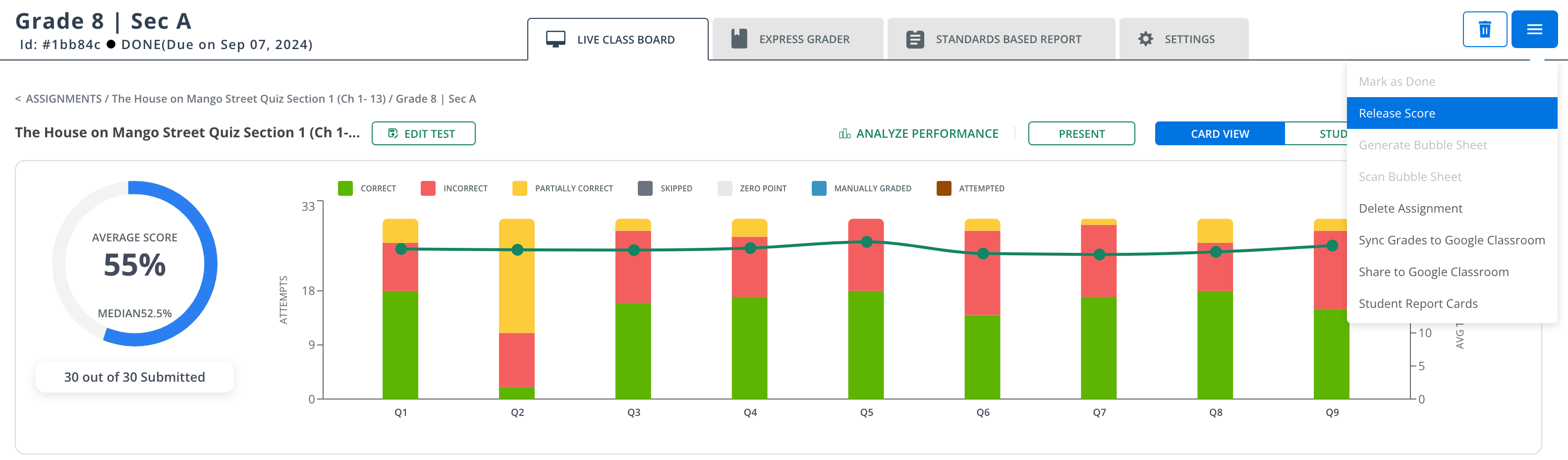
To release scores for a specific class, click Assignments > the class name > the hamburger menu > Release Score.