

Create Instant Lessons Across Pear Deck Learning
- Click Tools in the Pear Start sidebar.
- Click an AI-based tool, fill out the fields as needed, and click Generate.
- Click Transform at the bottom of the generated content.
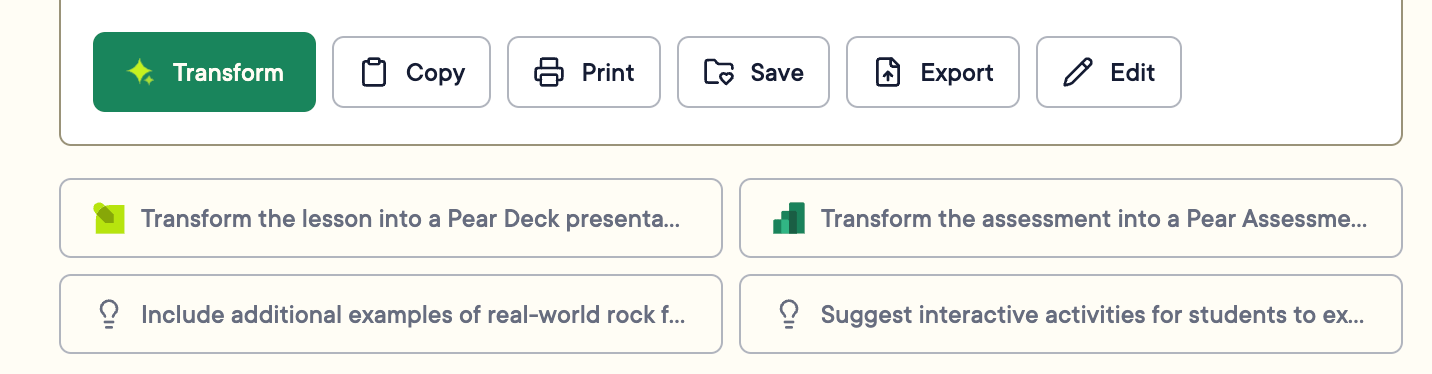
-
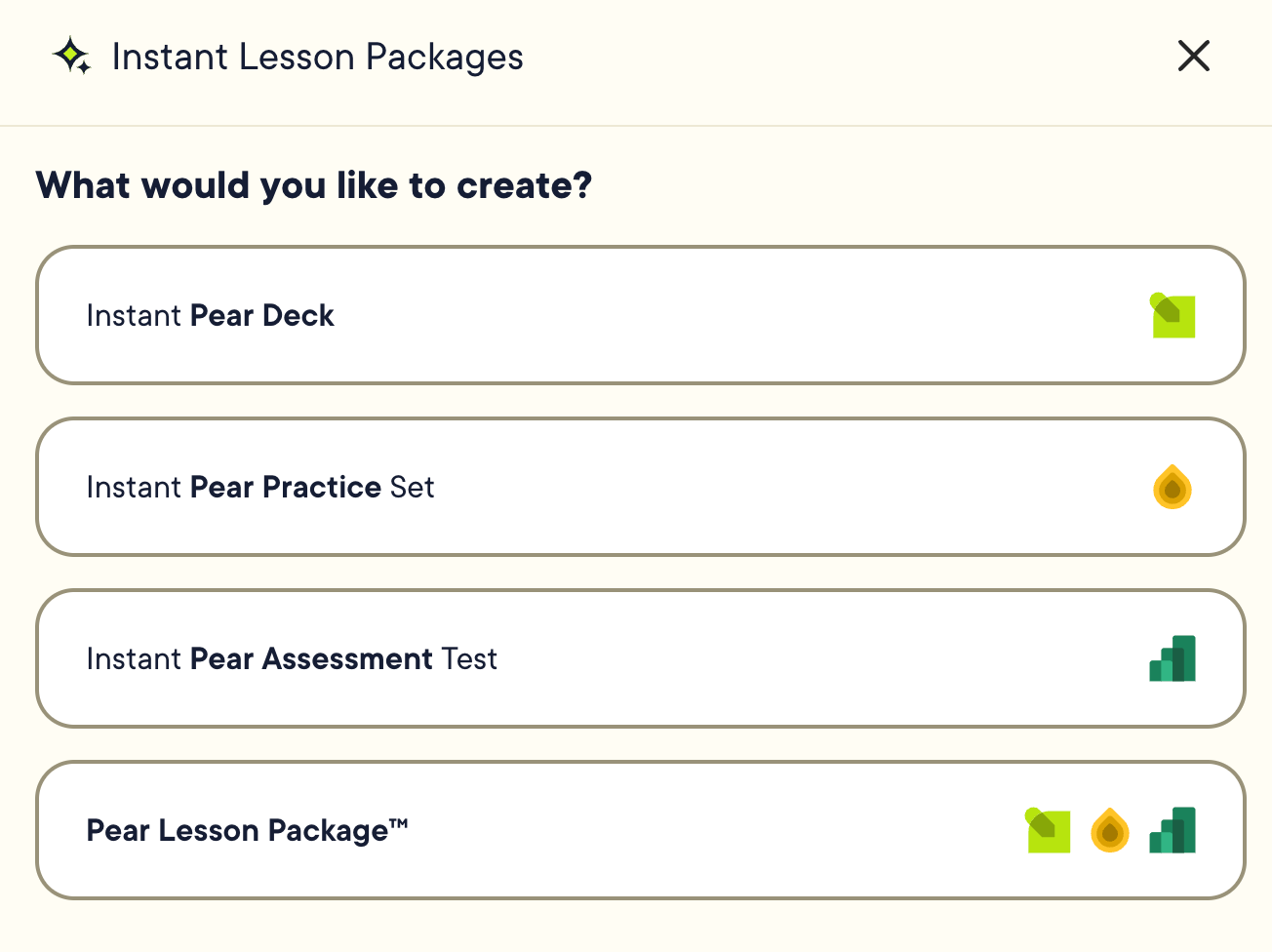
Select one of the following:
- Instant Pear Deck
- Instant Pear Practice Set
- Instant Pear Assessment Test
- Pear Lesson Package : includes all three of the above
- Review the auto-populated settings, including Grade Level, Reading Level, and Subject.
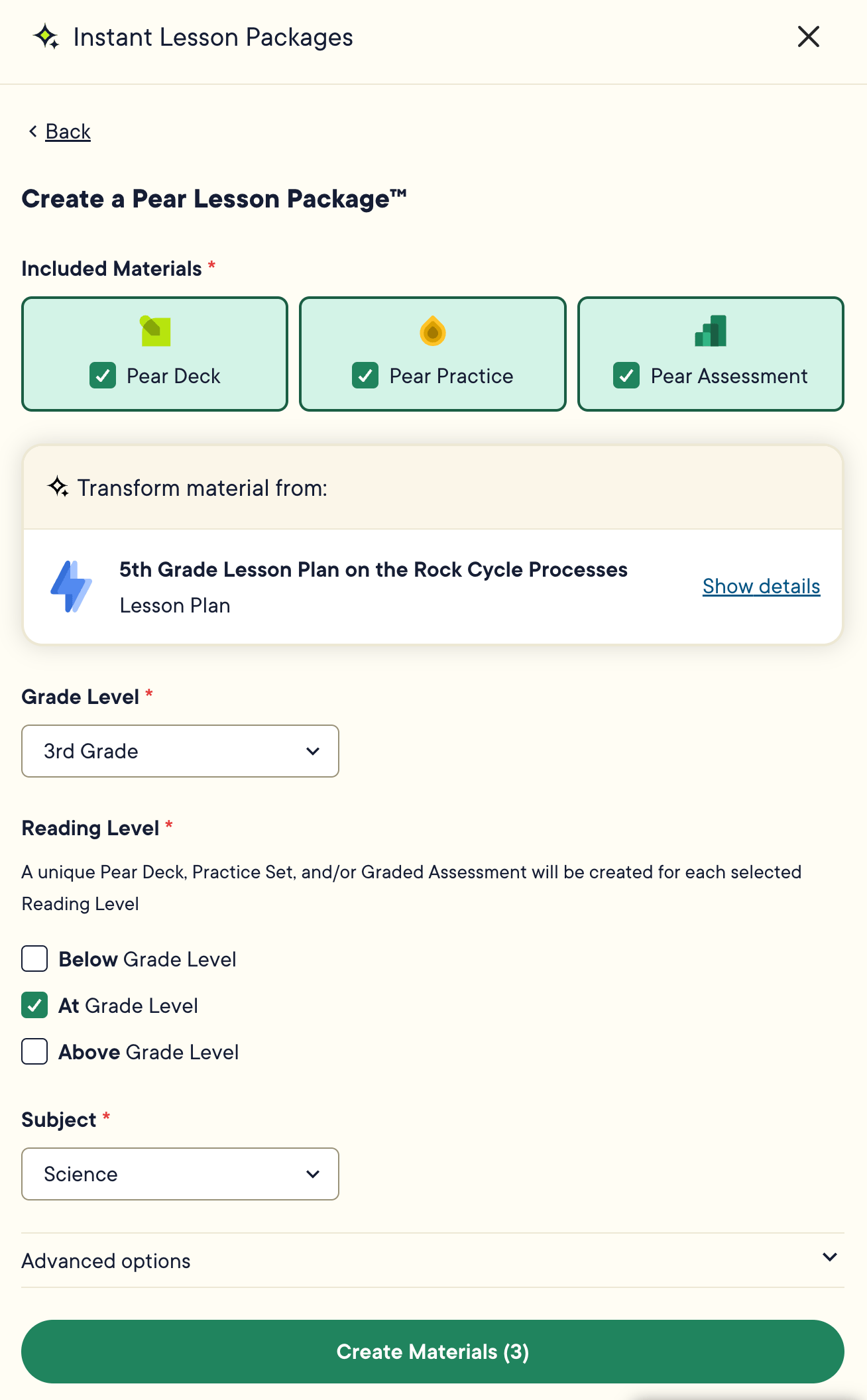
- Click Create Materials.
- Click on the generated materials to open them in a new tab. You can also access them by clicking the waffle tray in the upper-left corner of Pear Start and opening the relevant Pear Deck Learning app.

Resources
Tools Overview
Learn how Pear Start Tools work and how to use the Generate and Transform features.