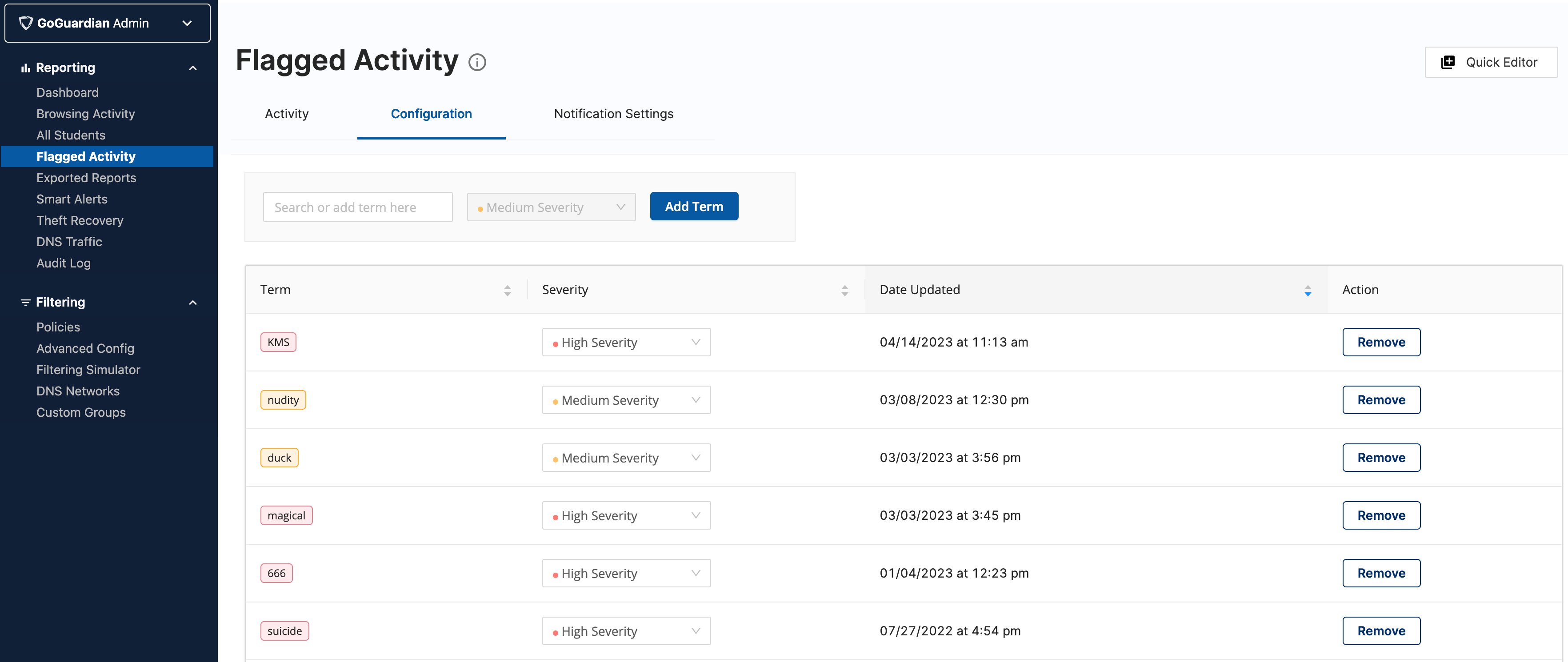
Add, remove, and adjust the severity of the terms the Flagged Activity engine scans for on visited websites.
Go to Flagged Activity → Configuration. The terms listed there are what the Flagged Activity engine references when scanning the content of visited websites. A default list of terms and severity levels is provided and is fully customizable — you can remove terms, add terms, and adjust severity for your school.