

GoGuardian Admin also supports DNS filtering use cases such as BYOD, guest, and unmanaged-device access from the same dashboard.
Navigate GoGuardian Admin
Use the side navigation to move between the main areas of GoGuardian Admin. The navigation groups related tools together and supports accessible product navigation. Some navigation items display a New or Beta badge. GoGuardian manages these informational badges. Customer administrators cannot add, remove, or edit them.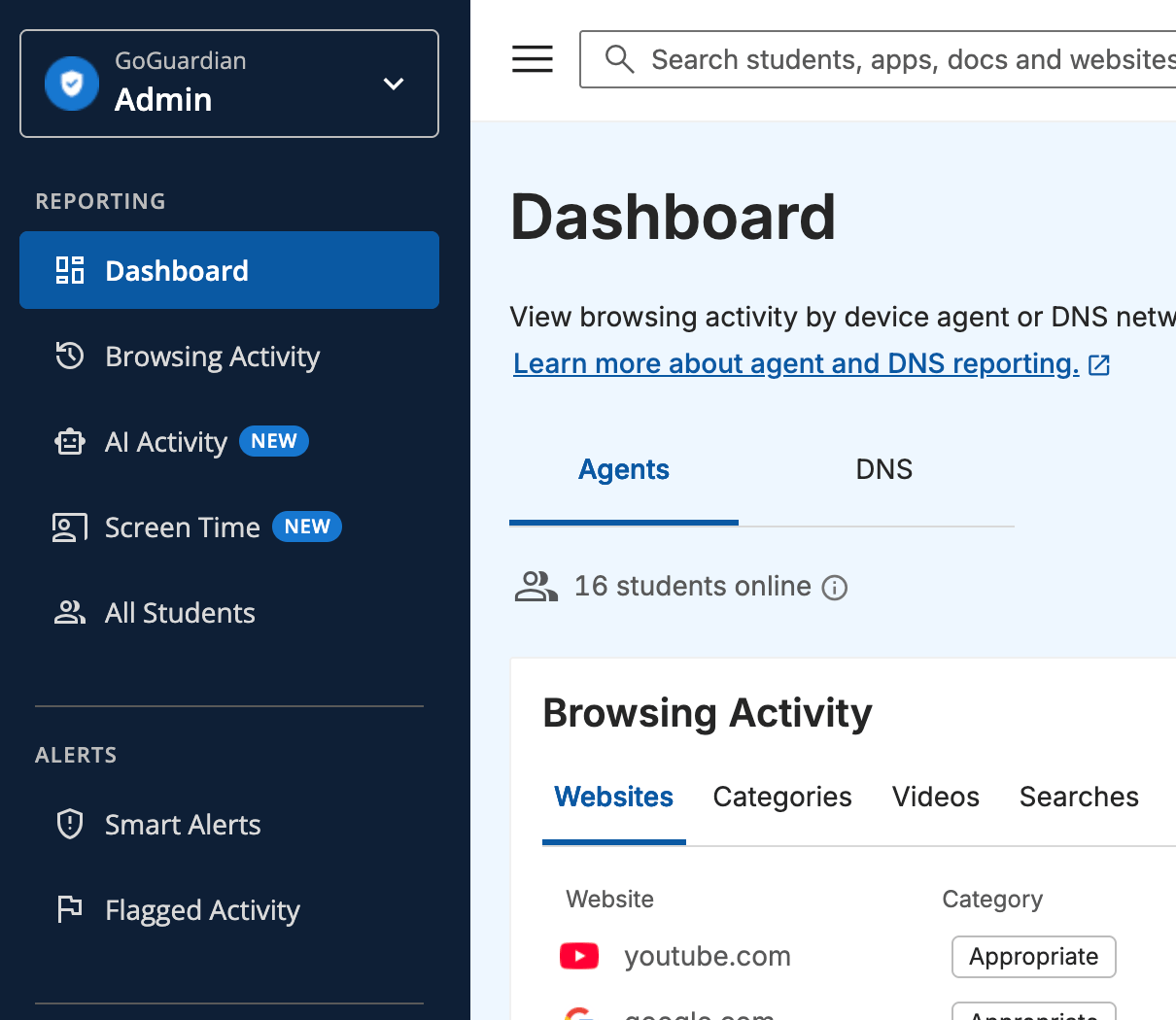
Filtering Policies Overview
Learn what a filtering policy controls, where it applies, and which related tasks usually follow.
Create a Filtering Policy
Set up a new policy, assign it to the right target, and validate the result before wider rollout.
DNS Filtering Overview
Extend filtering to school-network traffic, including BYOD, guest, and unmanaged-device use cases.
Set Up GoGuardian DNS
Create a DNS network, assign a filtering policy, and point your network at GoGuardian’s resolvers.
DNS Precision Filtering
Add subnet-based rules and Agent Awareness to DNS filtering for an on-premise Windows Server network.
Configure YouTube Filtering
Manage YouTube access at the website, video, channel, category, and playback-setting layers.
A Site Is Blocked Unexpectedly
Troubleshoot blocked-site reports by checking policy assignment, precedence, category rules, and location-based filtering.
A Device Is Not Filtering on the School Network
Troubleshoot DNS coverage, network context, and device behavior when filtering is missing on campus.
A YouTube Video Is Blocked Unexpectedly
Troubleshoot whether the video is blocked by website rules, YouTube rules, Google Admin settings, or policy precedence.
Policy Precedence Overview
Understand how Admin resolves conflicts when more than one policy can affect the same user or device.
Filtering Contexts Overview
Understand how network, device, and location context change which filtering path applies.
YouTube Filtering Layers Overview
Understand how Website URLs, YouTube rules, and Google Admin settings combine to produce the final result.
Review What GoGuardian Admin Manages
- Category-based filtering rules
- Site-specific allowlist and blocklist entries
- Policy assignment for OUs, custom groups, and supported filtering contexts
- DNS filtering for school-network traffic, including BYOD, guest, and unmanaged devices
- On-campus and out-of-school filtering behavior
- Network, subnet, and IP-level troubleshooting signals for DNS filtering, including DNS Precision Filtering for on-premise Windows Server networks
- YouTube filtering for channels, videos, keywords, categories, and playback restrictions
- Audit history and policy validation workflows