Add or Change a Question’s Standards in Pear Assessment
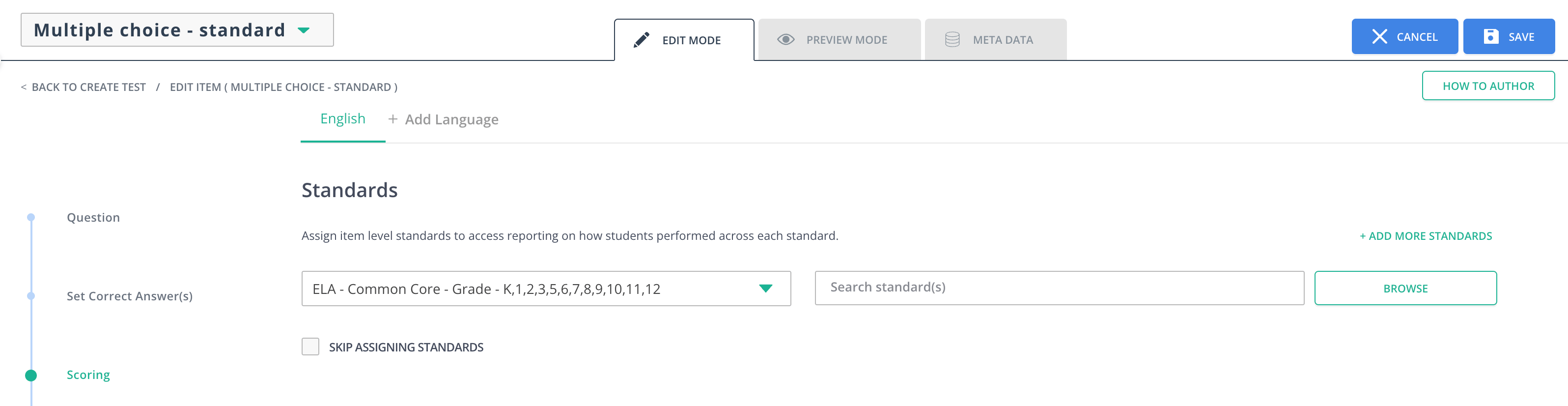
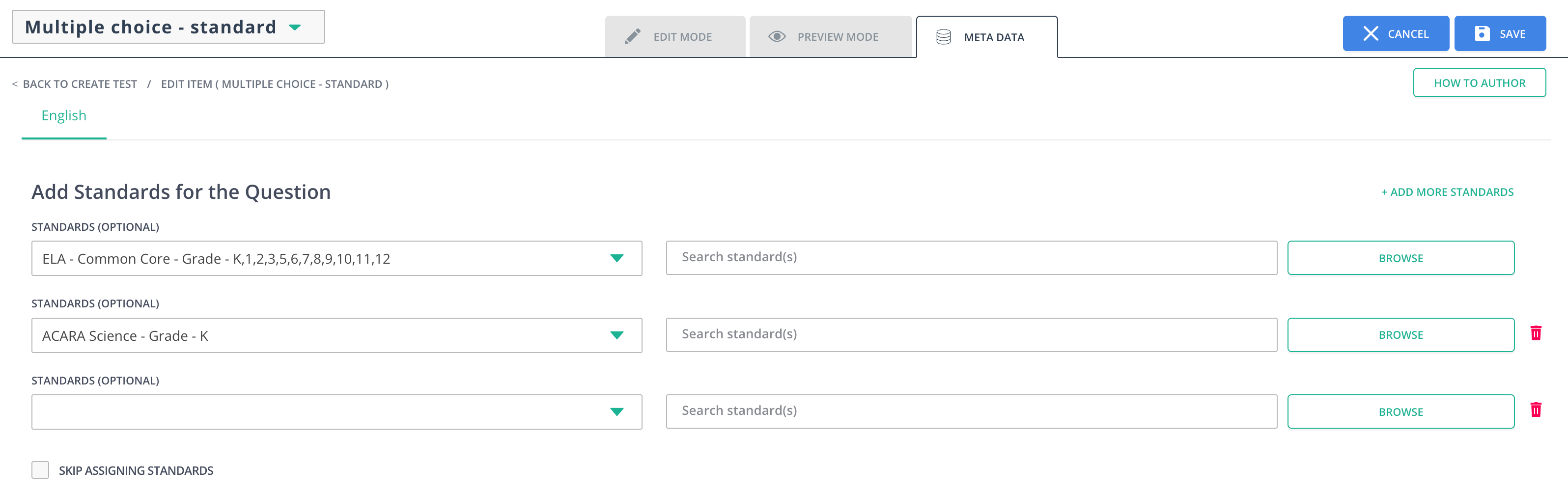
Standards are a central part of Pear Assessment. They can be added or edited in the Edit Mode and Meta Data tabs of an item.Adding or Change Standards
- Click Item Bank in the navigation menu.
- Click the plus button (+) to add a question.
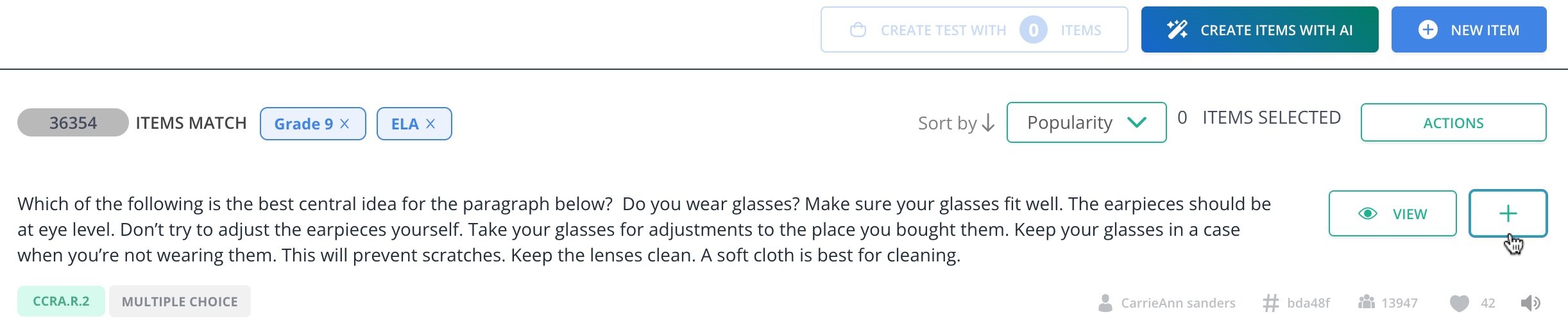
- Click Create Test with [Number of] Items.
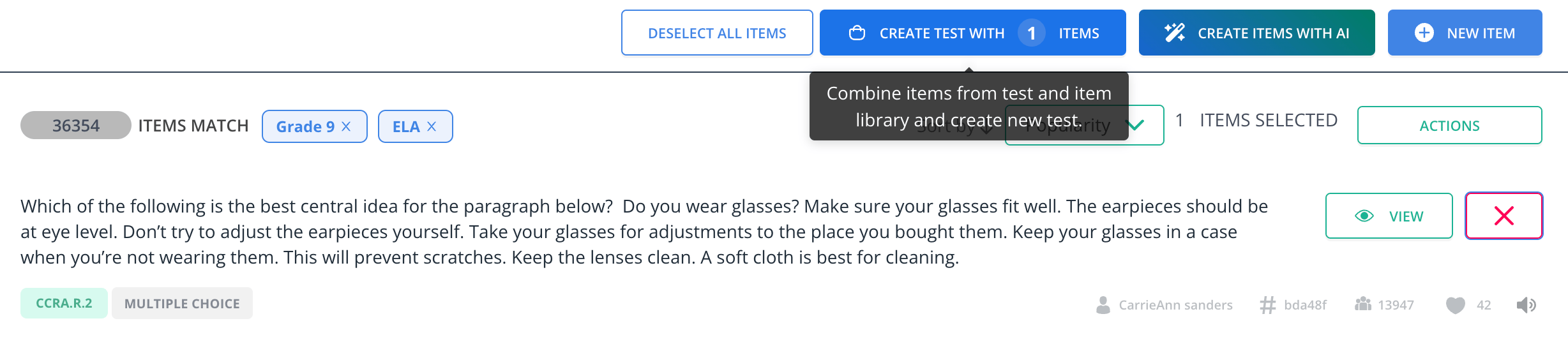
- Click on the question in the Review tab.
- Click the pencil button in the toolbar of the question.
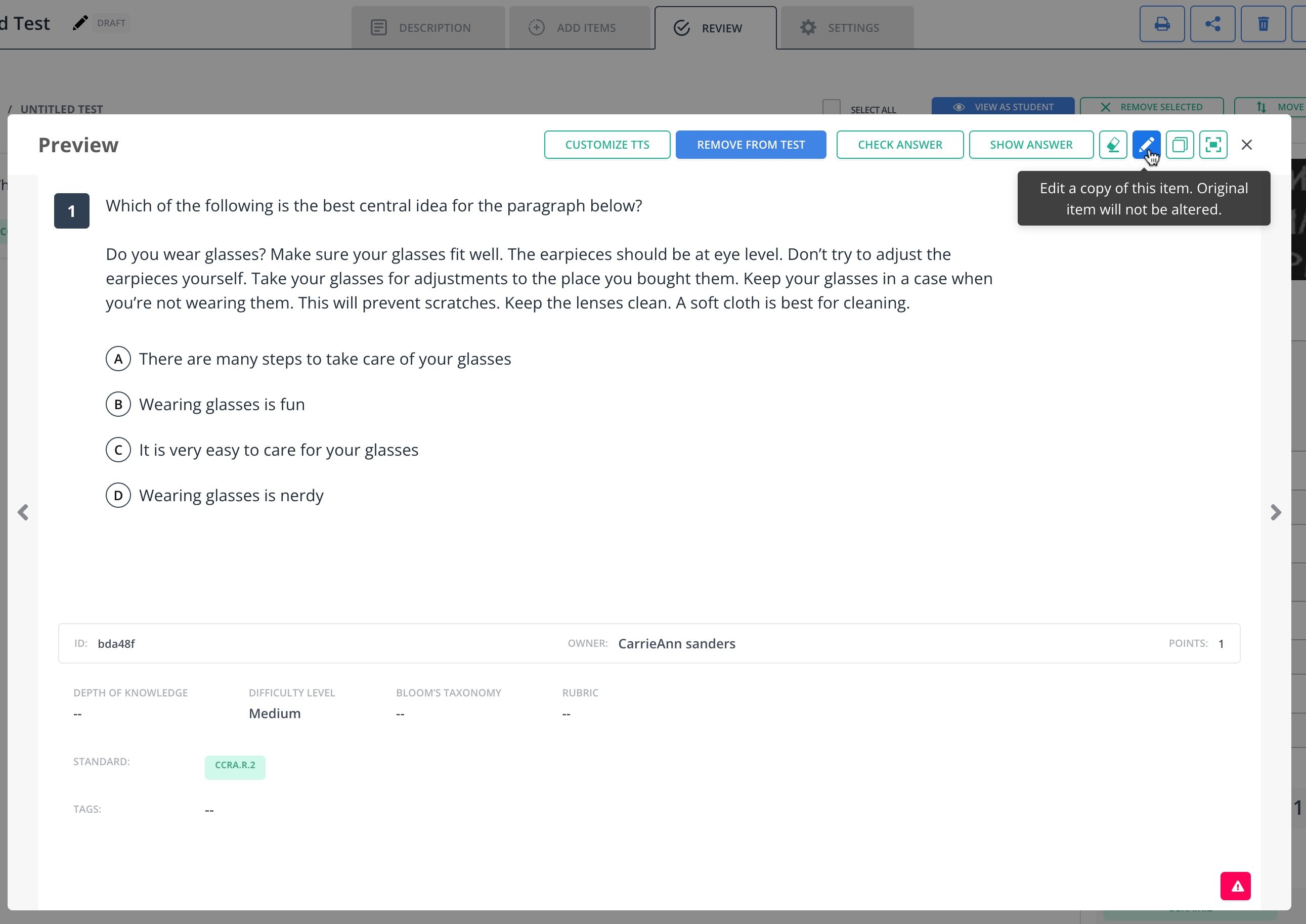
- In the Edit Mode tab, scroll down to the Set Correct Answer section and edit the standards. Standards can also be edited in their tab by clicking on the Meta Data tab.
- Enter your preferred Subject, Standard Sets, and Grade.
- Click the Browse button to search standards.
- Click Save.