Evaluate Standards Gradebook
- In GoGuardian Pear Assessment, click Insights in the navigation menu.
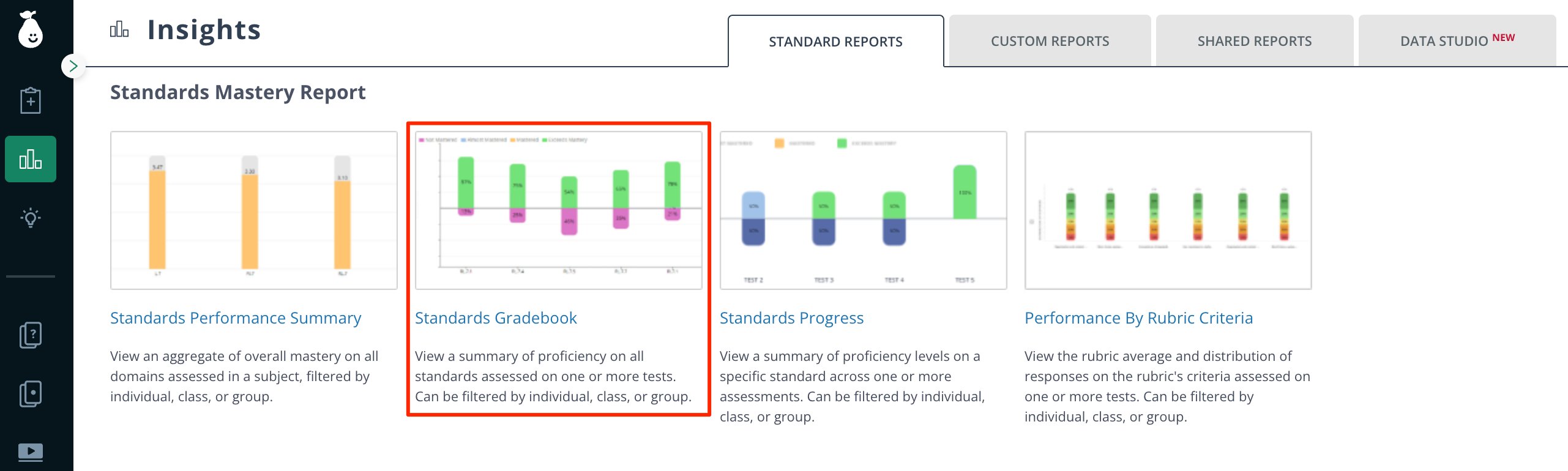
- Click Standards Gradebook under Standards Mastery Report.
- Apply the relevant filters for your reporting scope.
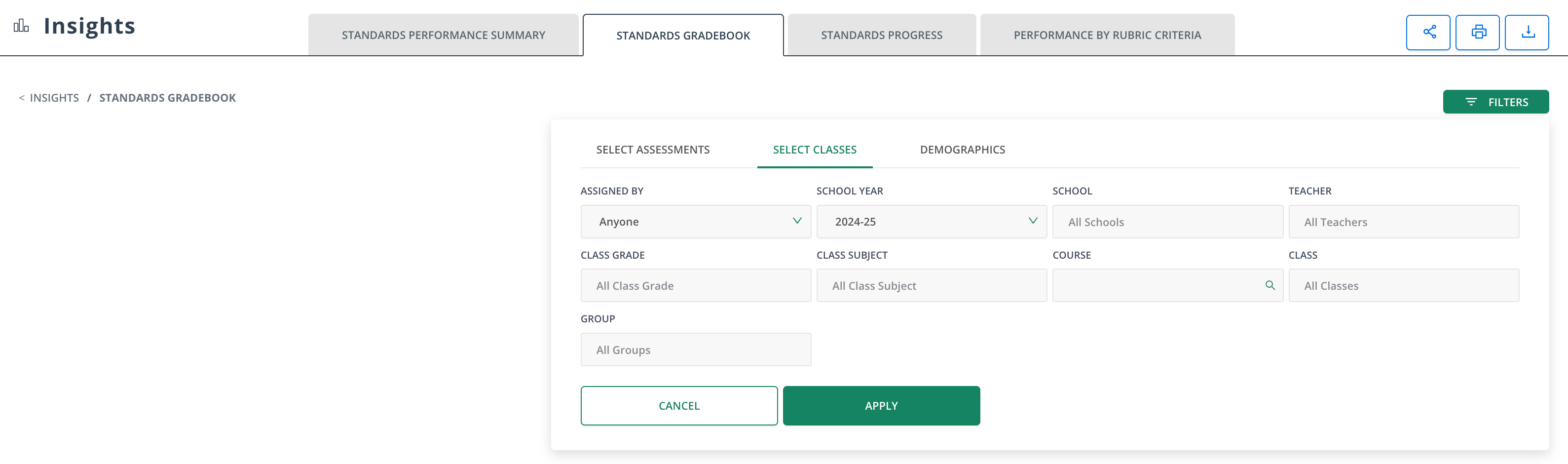
-
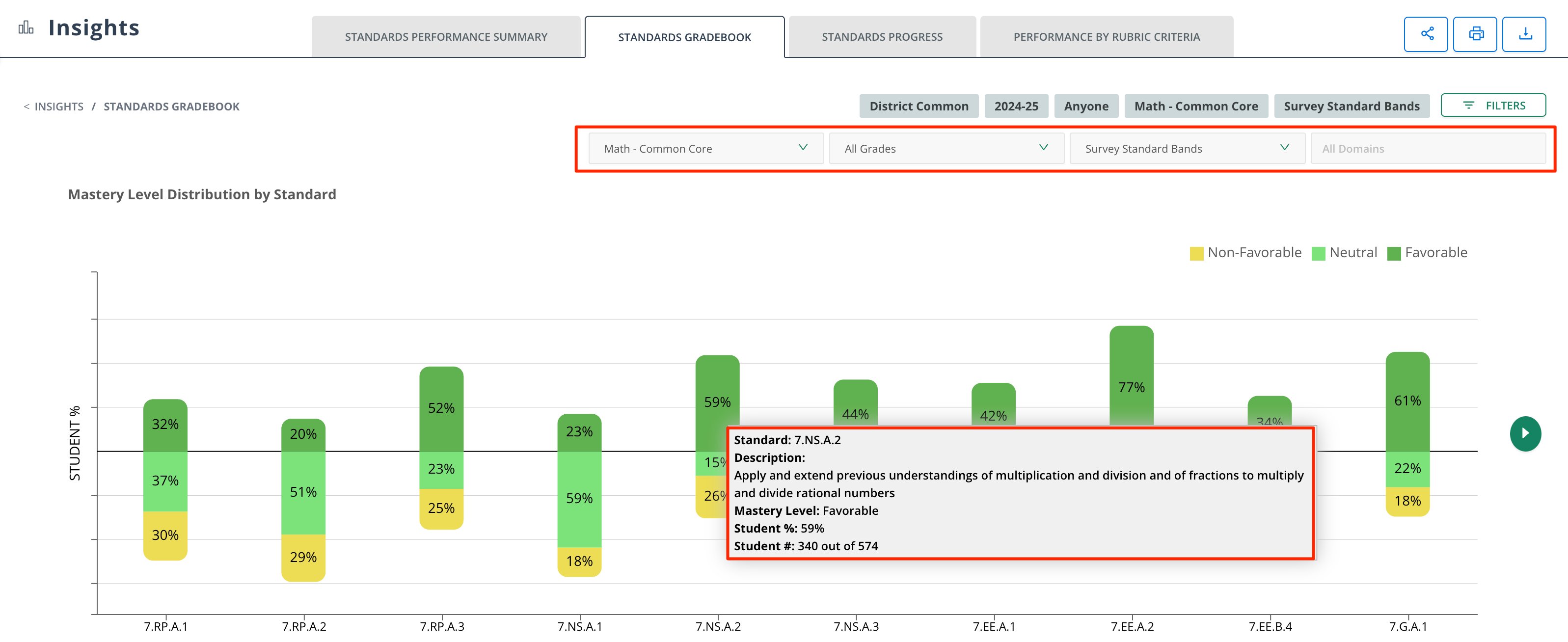
Select the following sub-filters:
- Standard Set
- Grade Level
- Proficiency Band
- Domains
- Hover the Mastery Level Distribution by Standard data for detailed information about student percentage scores per standard.
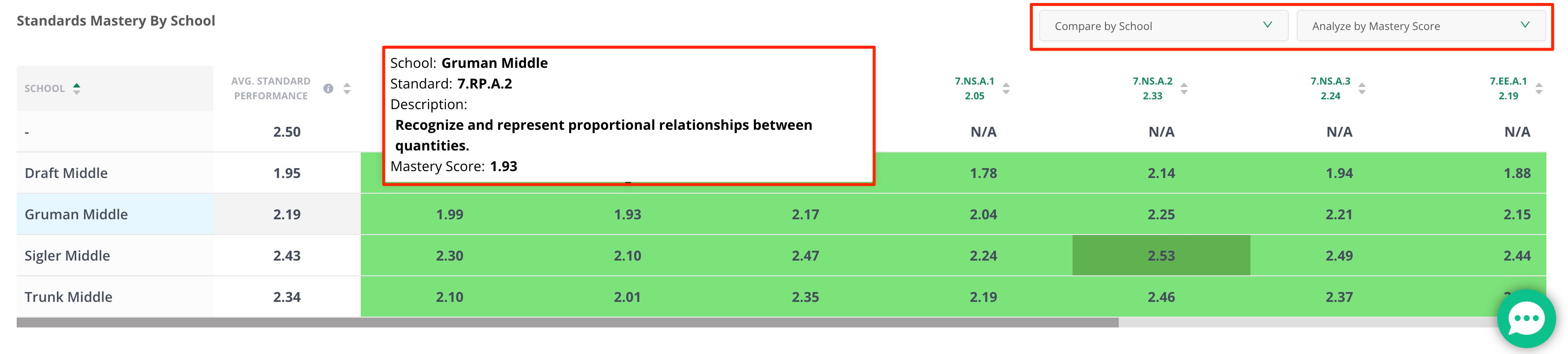
- Hover the Standards Mastery by School data to review standards and mastery scores in greater depth.