

Give Feedback via Live Class Board
- Click Assignments in the navigation menu.
- Click the assignment’s name.
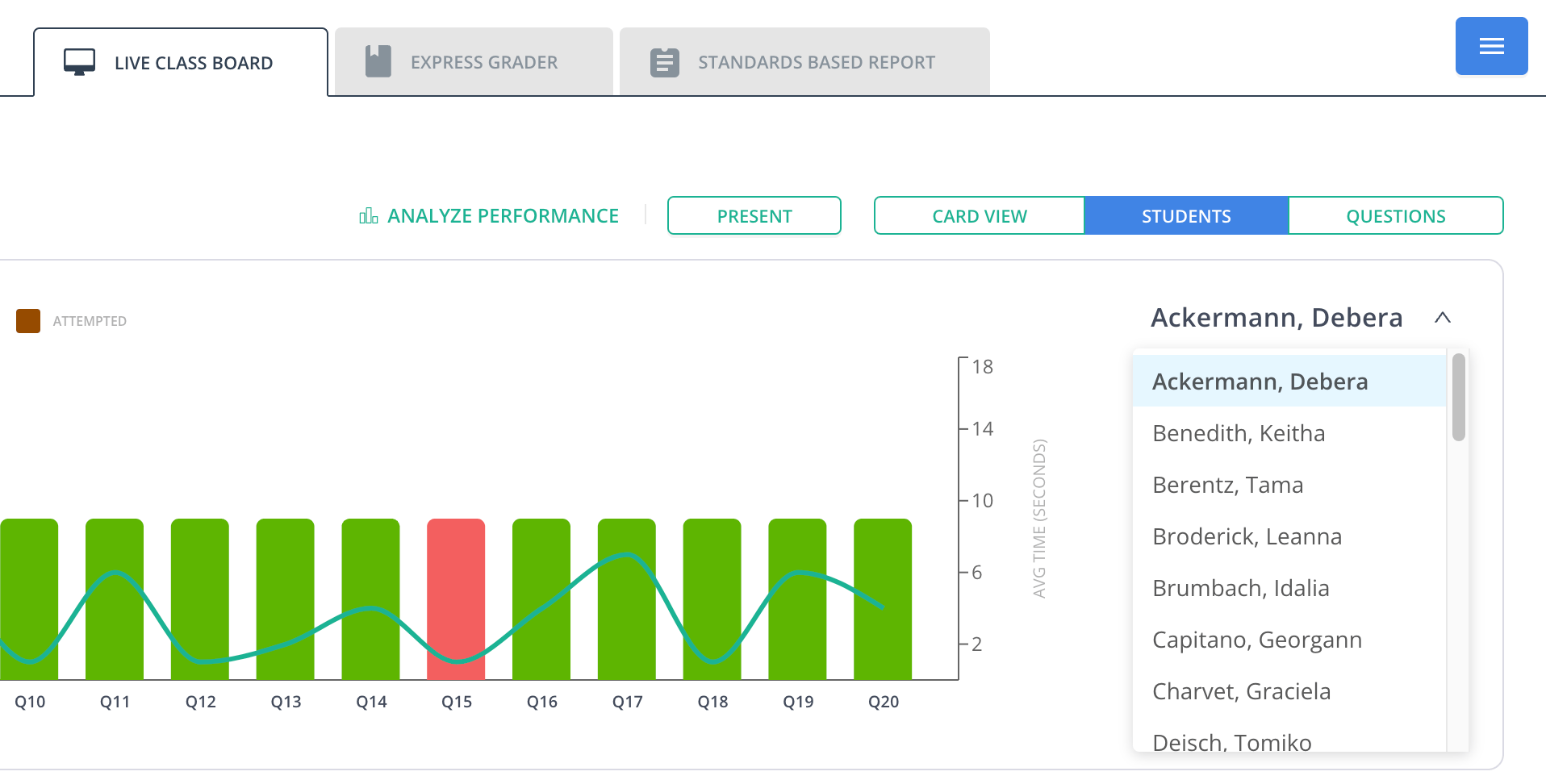
- Click Students in the Live Class Board tab.
- Select the student from the dropdown menu below the Students section.
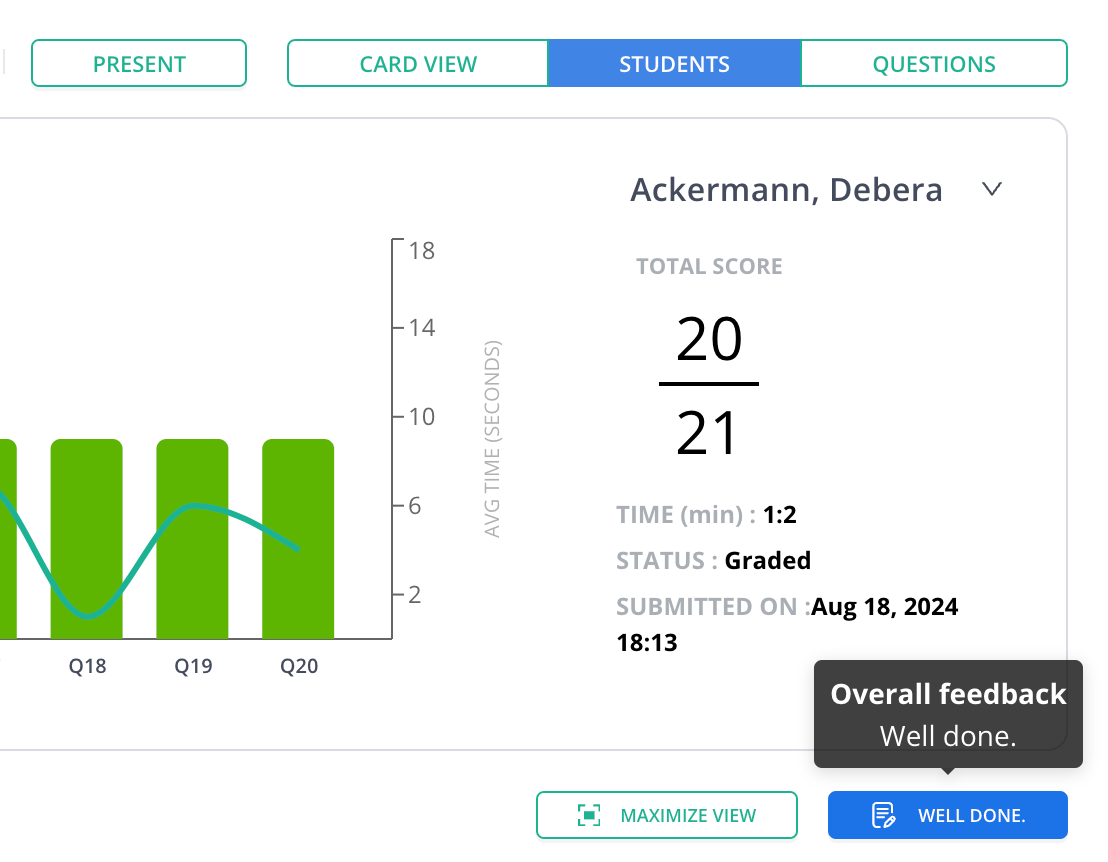
- Click Well Done to provide overall feedback (optional).
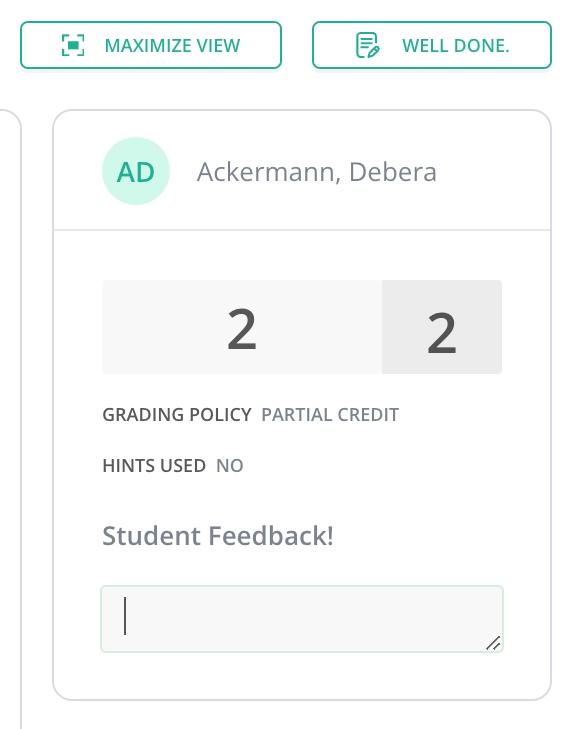
- Click the text field under Student Feedback to provide question-specific feedback.
Resources
Review and Grade Student Responses
Review student responses and assign grades in Pear Assessment.