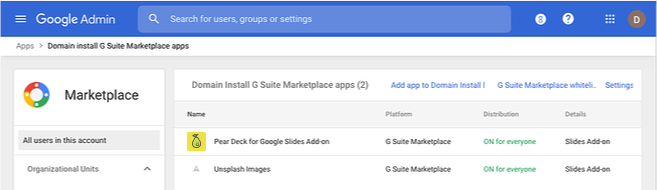
- Install Pear Deck in all users’ accounts.
- Allow Pear Deck so individual users can install it themselves.
Install Pear Deck for All Users
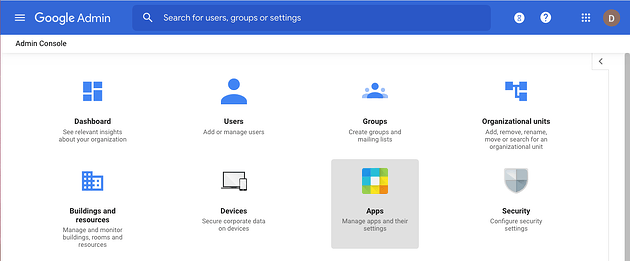
Follow these steps to automatically install the Pear Deck for Google Slides Add-on for every teacher in your Google domain:- Open the Google Admin Console.
- Select Apps.
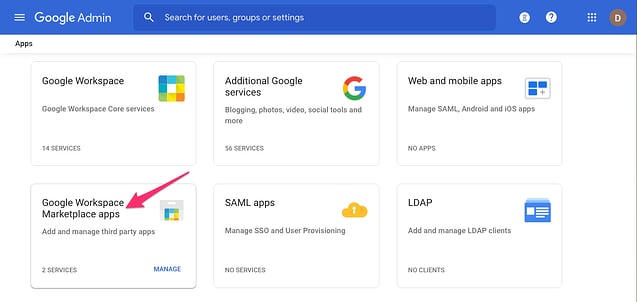
- Select Google Workspace Marketplace apps.
- Select Add app to Domain Install List.
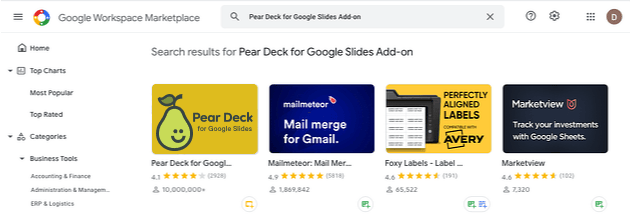
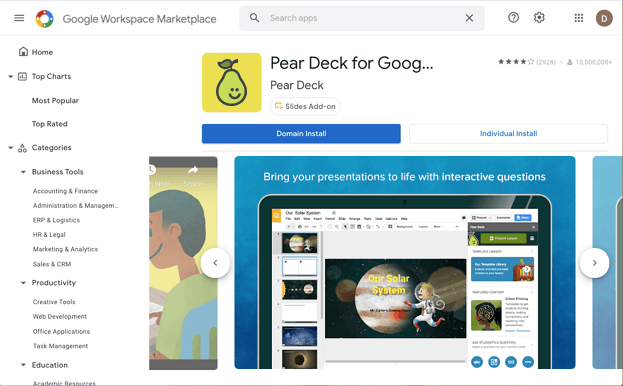
- In the Google Workspace Marketplace, search for and select Pear Deck for Google Slides Add-on, then complete the domain install.