

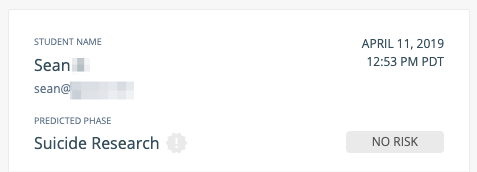
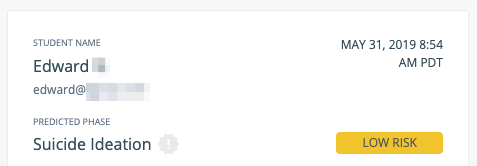
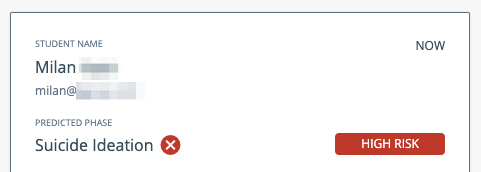
Review Risk Level Values
A fifth value, Select Risk Level, is the default for all newly generated alerts. It indicates that no risk level has been assigned yet.

Assign Risk Level
Open an alert card from the Alerts page. Select the appropriate risk level from the risk level dropdown on the alert card. The selection is saved automatically.Setting a risk level is optional, but doing so helps all Beacon users on your team understand the urgency of each alert and prioritize their responses.
Resources
Review a Beacon 24/7 Alert
Step-by-step instructions for reviewing and resolving alerts.
Alert Phases
Descriptions of each phase that Beacon detects.
Grouped Alerts
How Beacon groups related alerts for batch review.
Dashboard Overview
Overview of the Beacon alerts dashboard.