Find Chat History
-
Go to manage.goguardian.com/chat-logs.

- Select a Teacher Name, a Student Name, and a Date Range (up to 1 month at a time).
-
Click Apply Filters.
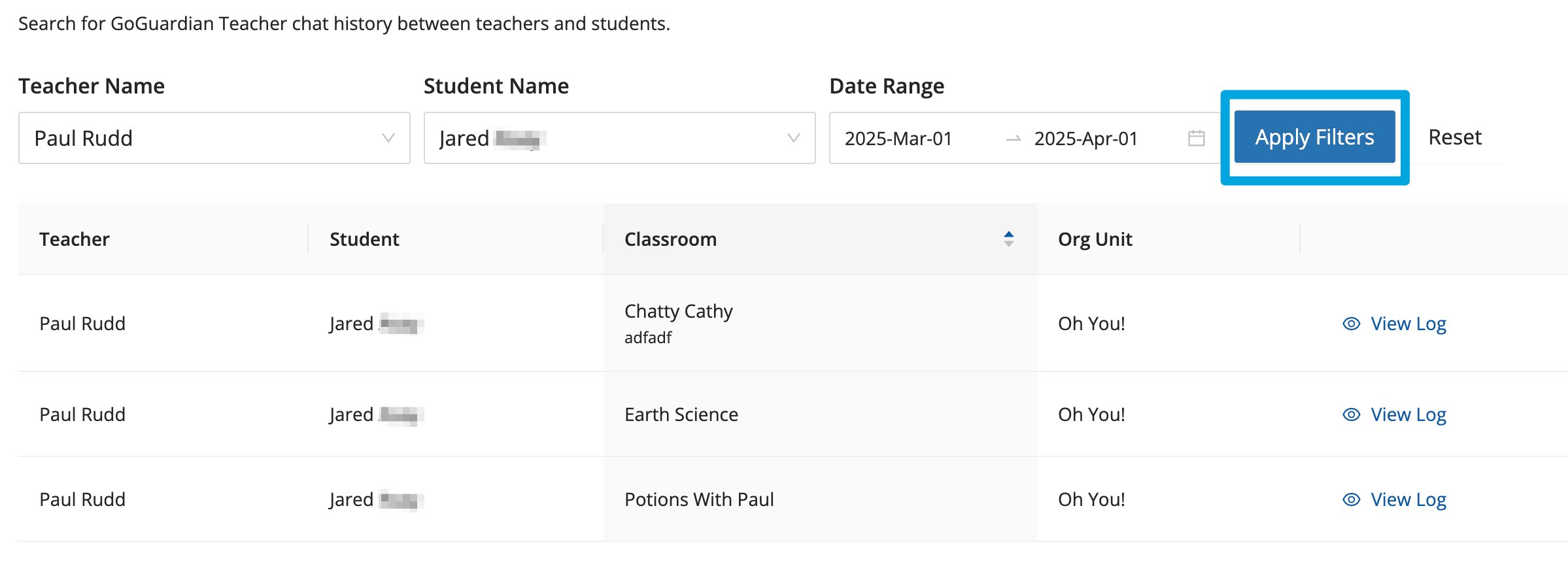
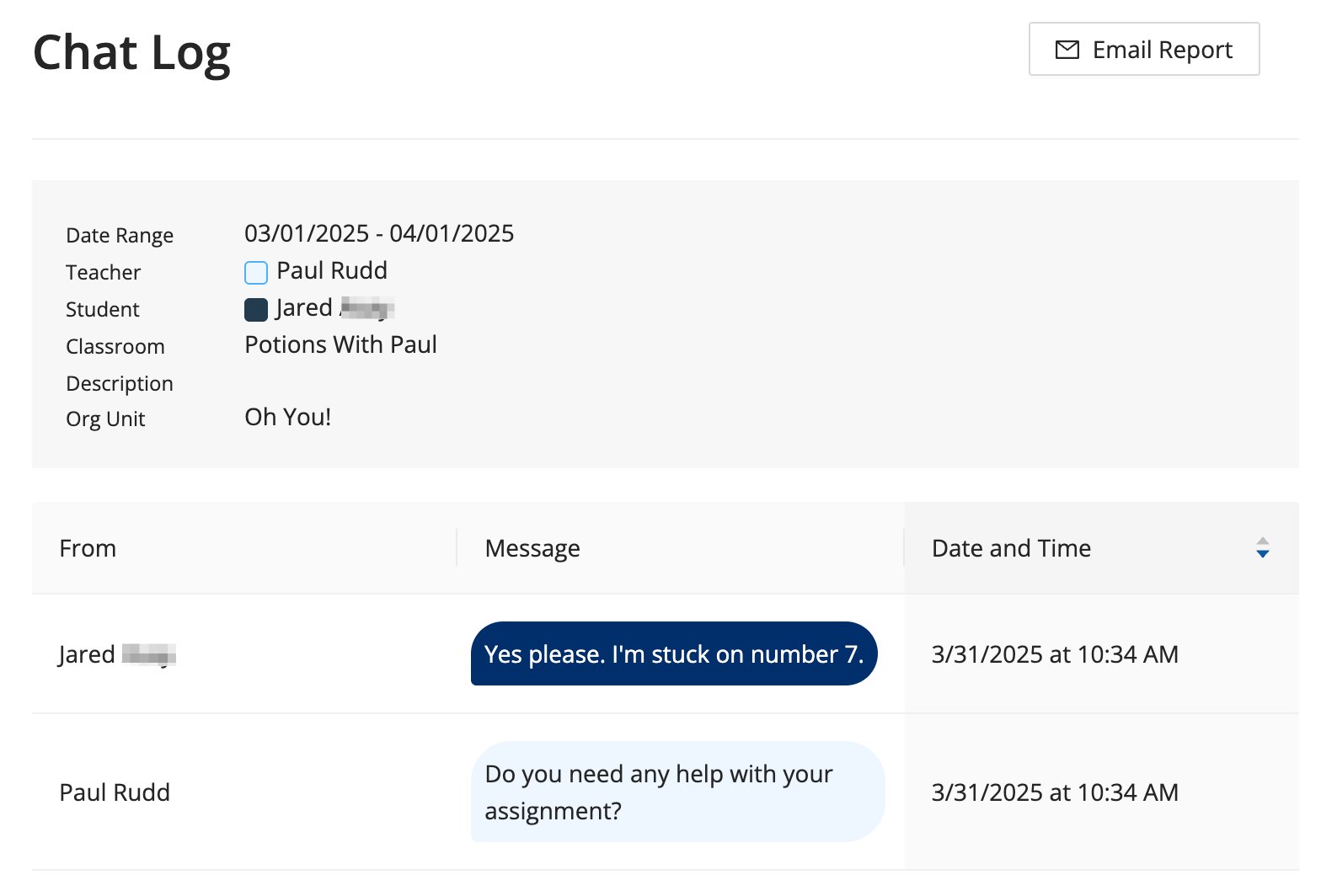
- Click View Log next to any result to see the chat transcript for that date.
- Verify the result: The chat transcript opens, showing the full conversation for the selected date.
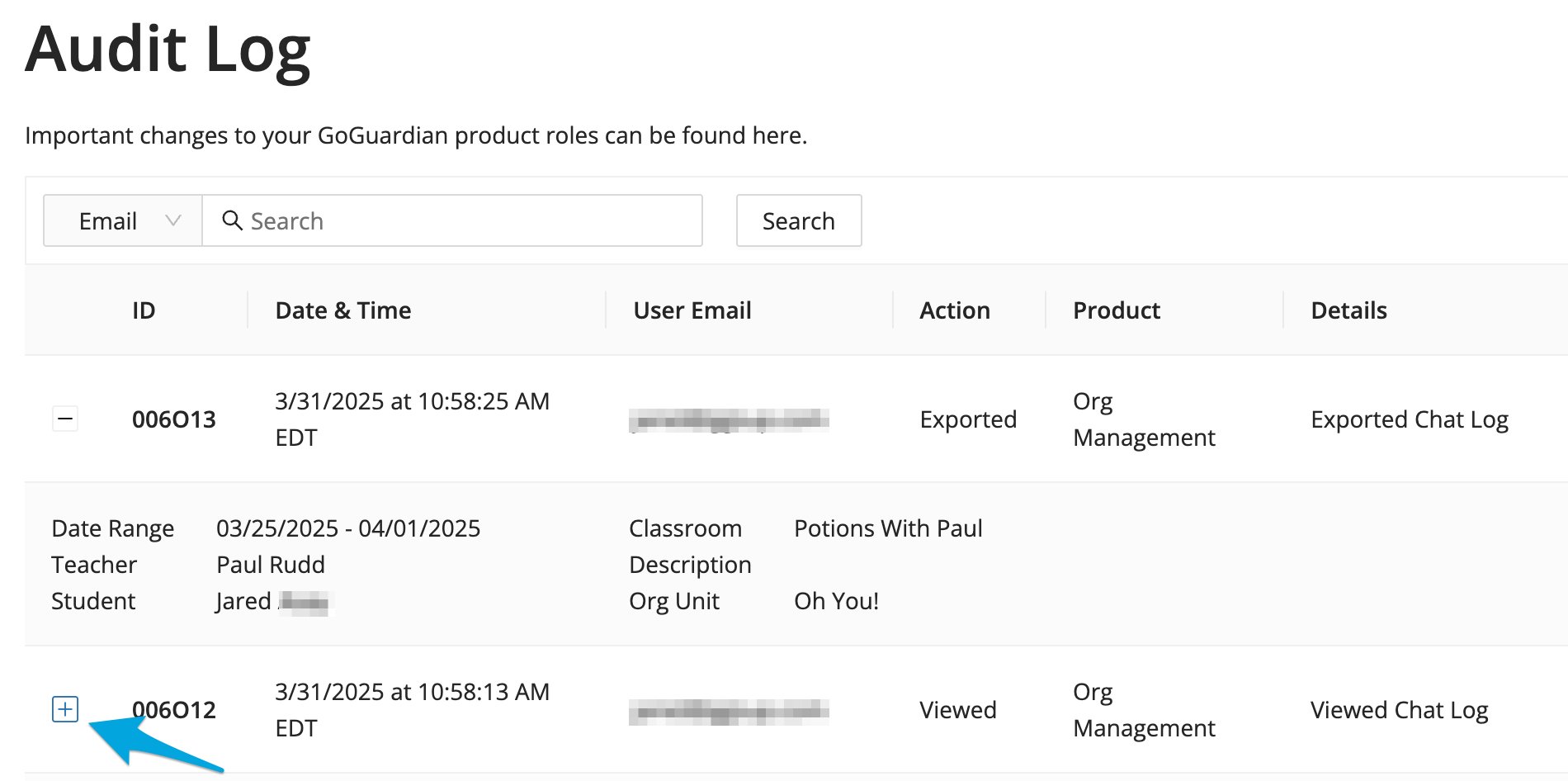
Review Chat Log Activity in the Audit Log
Chat Log activity (including searches, views, and exports) is captured in the Audit Log. Click the + sign next to any Audit Log entry to view details.