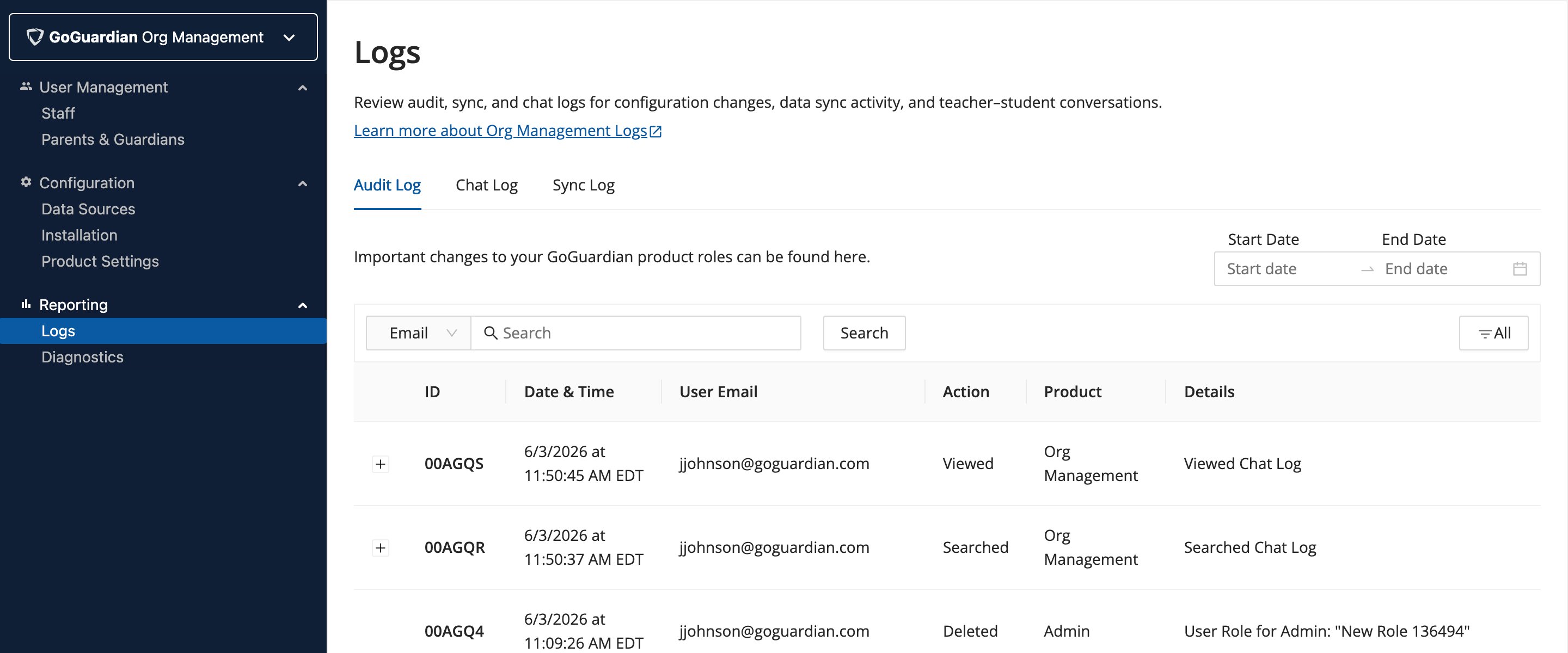
Review Logged Actions
The Audit Log captures changes related to:- User permissions (product access enabled or disabled)
- CSV file uploads
- Newly created, deleted, and updated custom roles via RBAC
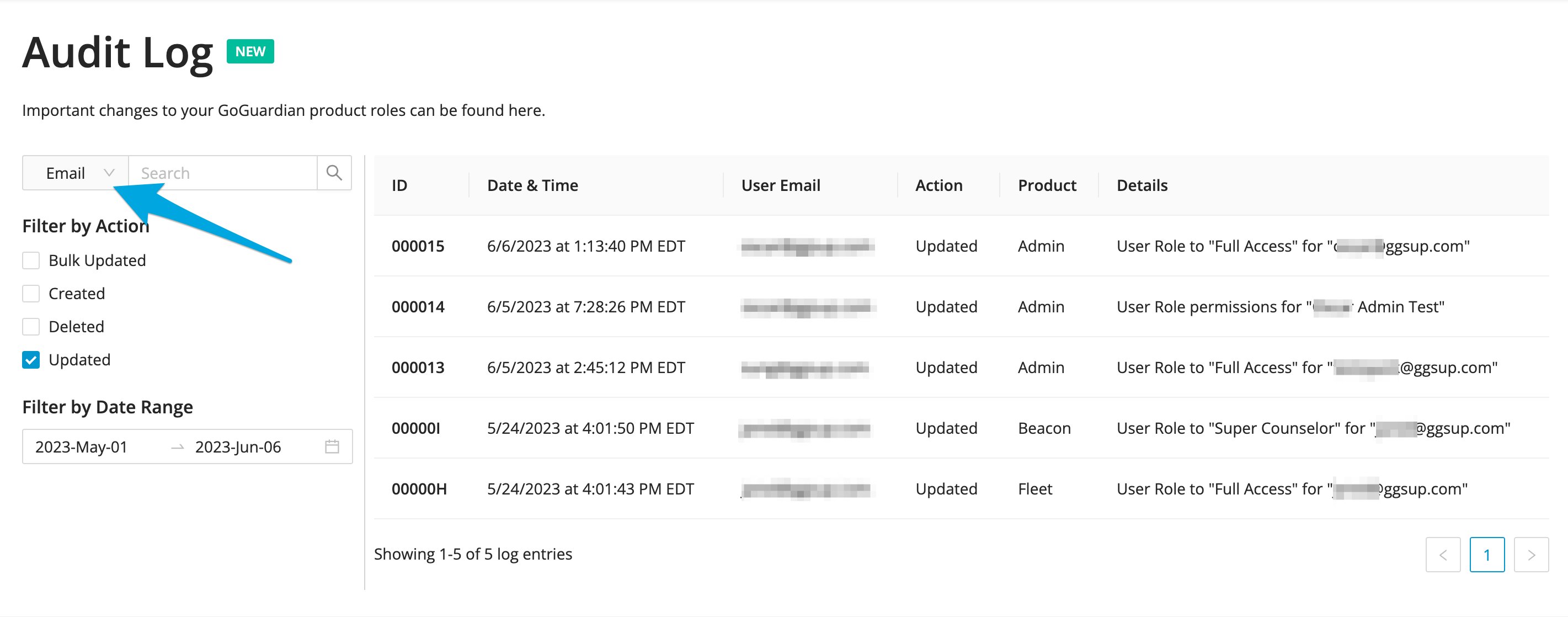
Filter by Search
The Email search filter (default) returns results based on the email of the user who made a change. The full email address is not required. Using the dropdown, results can also be filtered by ID number or product: Admin, Teacher, Beacon, Fleet, and Director.Filter by Action
Filtering by Action provides these toggle options:
Multiple Action filters can be applied simultaneously.
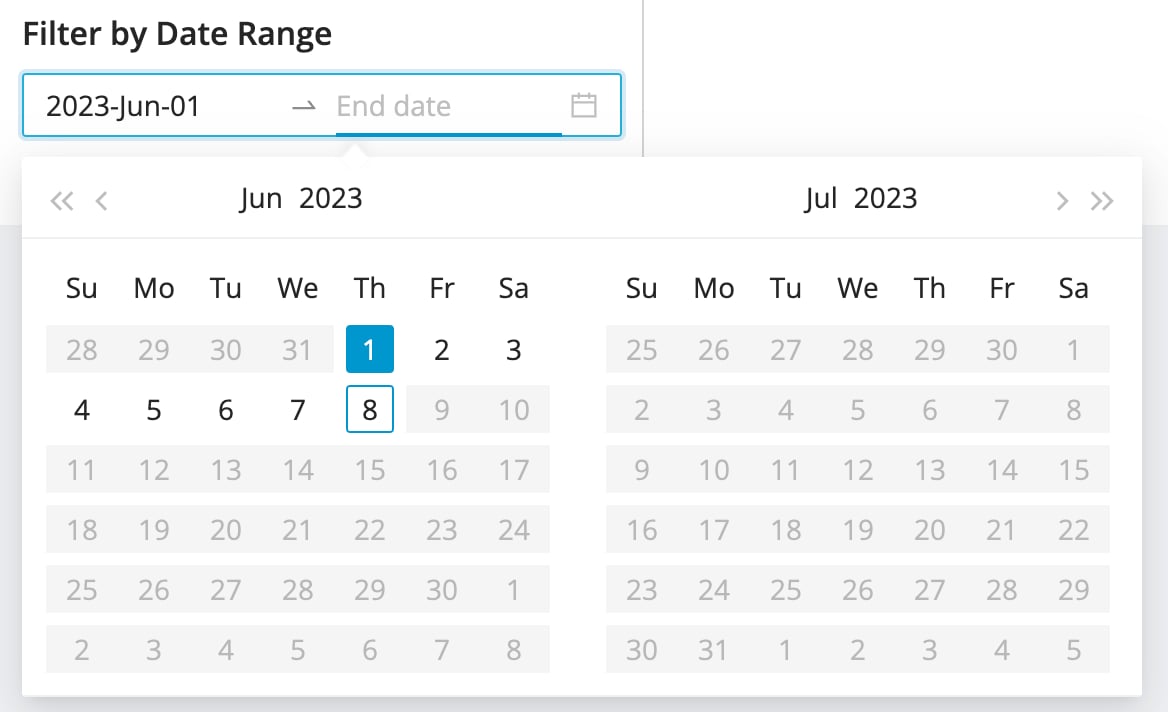
Filter by Date Range
Use the Date Range selection tool to filter Audit Log results by a specific timeframe.