De-integrate the Account
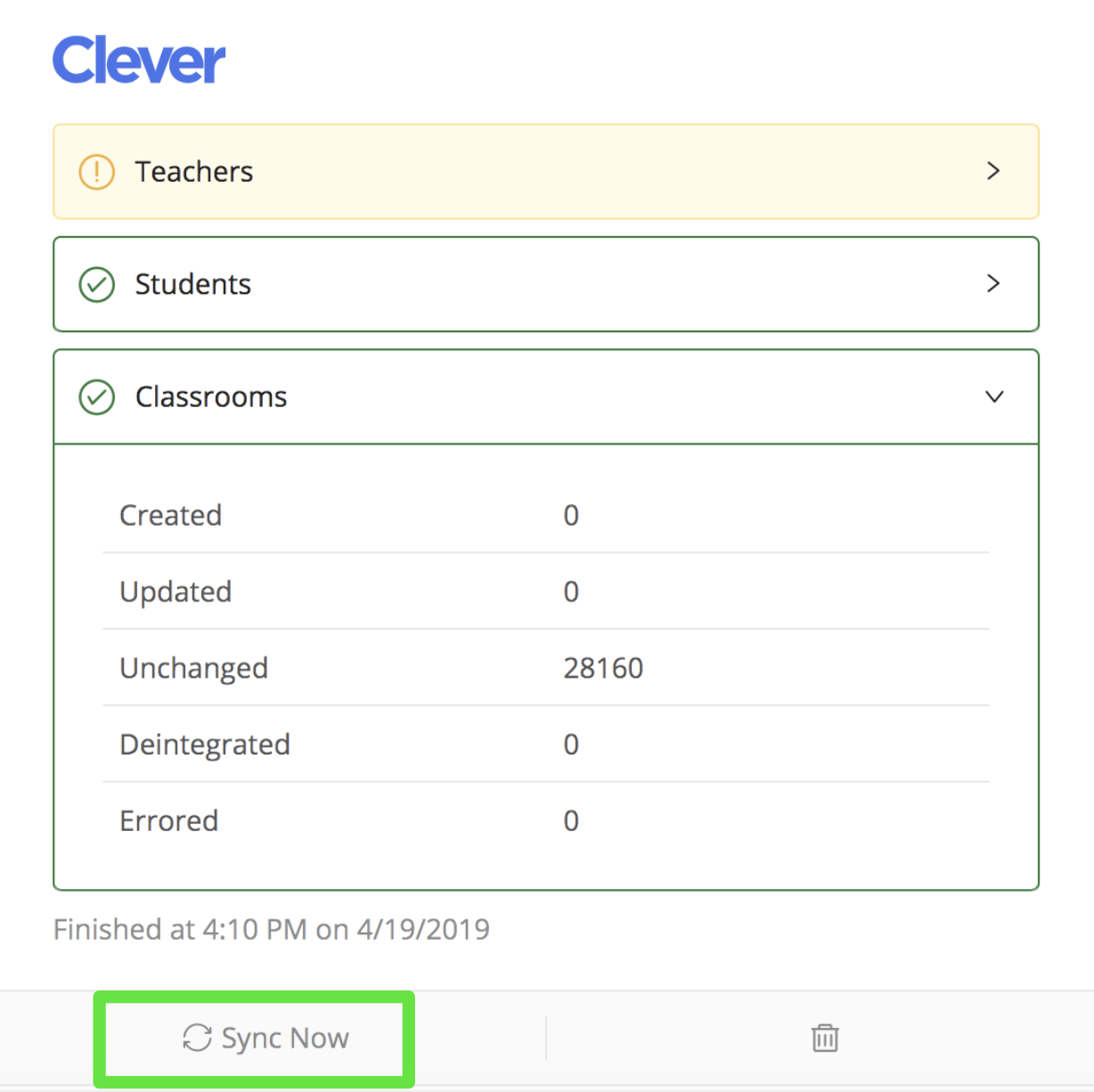
Go to manage.goguardian.com, select the Integrations tab, and click the trash icon under the service used to sync classrooms. De-integrating automatically archives all classrooms for teachers.
Change Classroom Sharing Permissions
In your rostering provider’s sharing permissions, remove sections to archive them and add new sections to share them with GoGuardian. See your provider’s documentation for setting up sharing rules in Clever or ClassLink.Re-Integrate
Re-integrating after changing sharing permissions excludes the old or unwanted classrooms. Click Sync in the Clever or ClassLink panel under the Integrations tab in Org Management to begin.New classrooms appear as “Created” in the Teacher Audit Log. Re-integrated classes move from the Archived tab to Pending in teachers’ dashboards and show as “Updated” in the Teacher Audit Log.