

Filter Audit Log Results
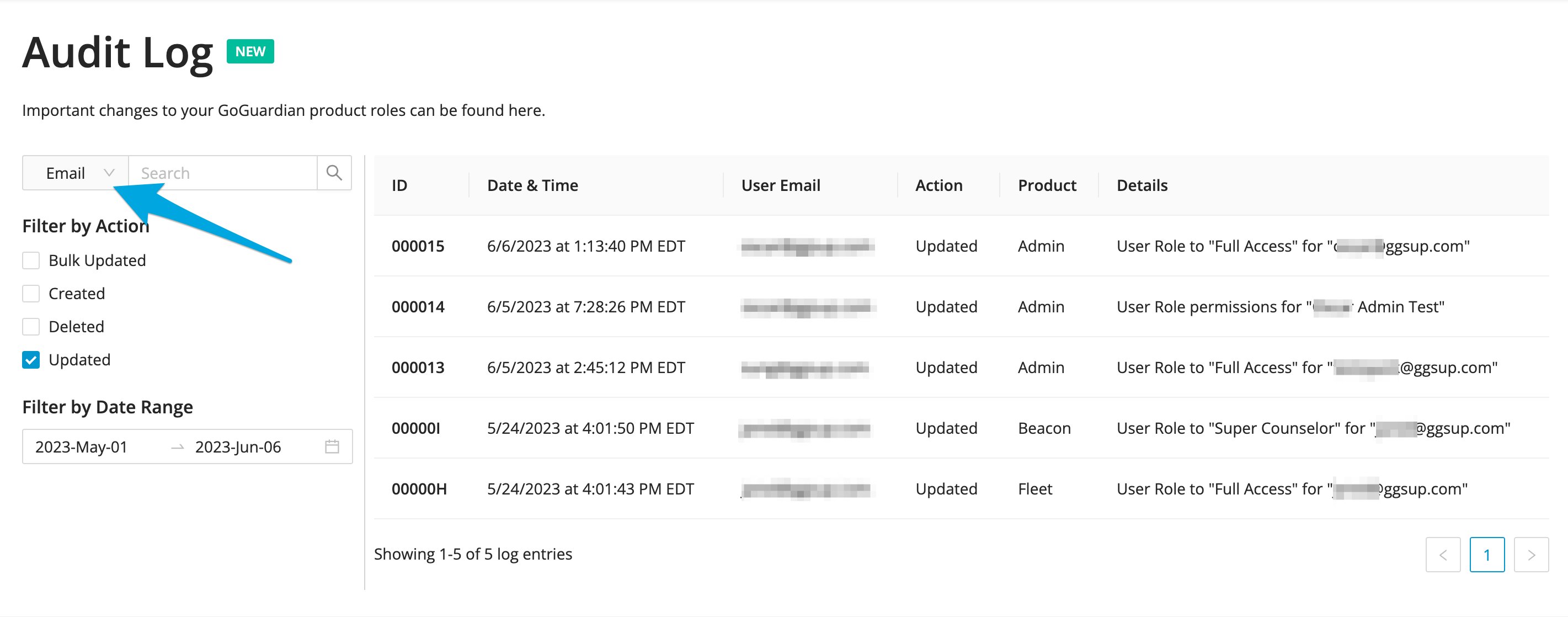
Use the filter icons on the Audit Log table to narrow results by location or action type. Both filters can be applied together for more specific results. Filter by location: Select the funnel icon on the right side of the Location column to filter results by the specific GoGuardian Admin feature where the change was made. Filter by action: Select the funnel icon to the left of the Target column to filter results by action type, the kind of change that was made. After selecting a location or action, check the box for the item you want and select Apply to see the filtered results.The search bar supports searches for Policies and Custom Groups data only. Select and apply the Policies or Groups location filter before using the search tool.
Resources
Review Browsing Activity
View student-level web activity by date range, content type, and result.
Manage Custom Groups
Review custom group settings. Changes to groups appear in the Audit Log.