

Sign In and Review the Alert
- Click the link in the text message. You will be taken to the Beacon sign-in page.
- Enter your GoGuardian credentials to access the Beacon Alerts page.
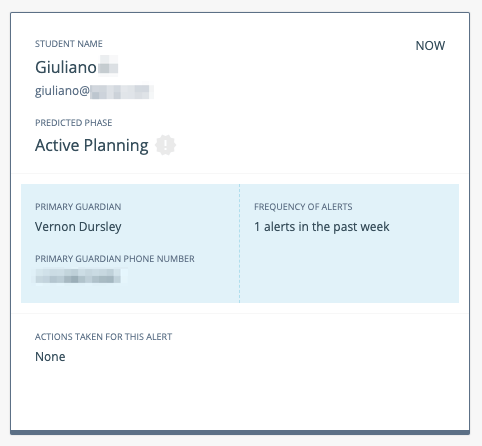
- The unread alert appears at the top of the feed with a dark outline. Click the alert card to open the Alert Details view.
Take Action to Stop the Escalation Cycle
To end the escalation list notification cycle, complete at least one of the following actions on the alert card:- Select a Risk Level using the dropdown.
- Select at least one item under Actions Taken for this Alert.

Verify the Phase Prediction
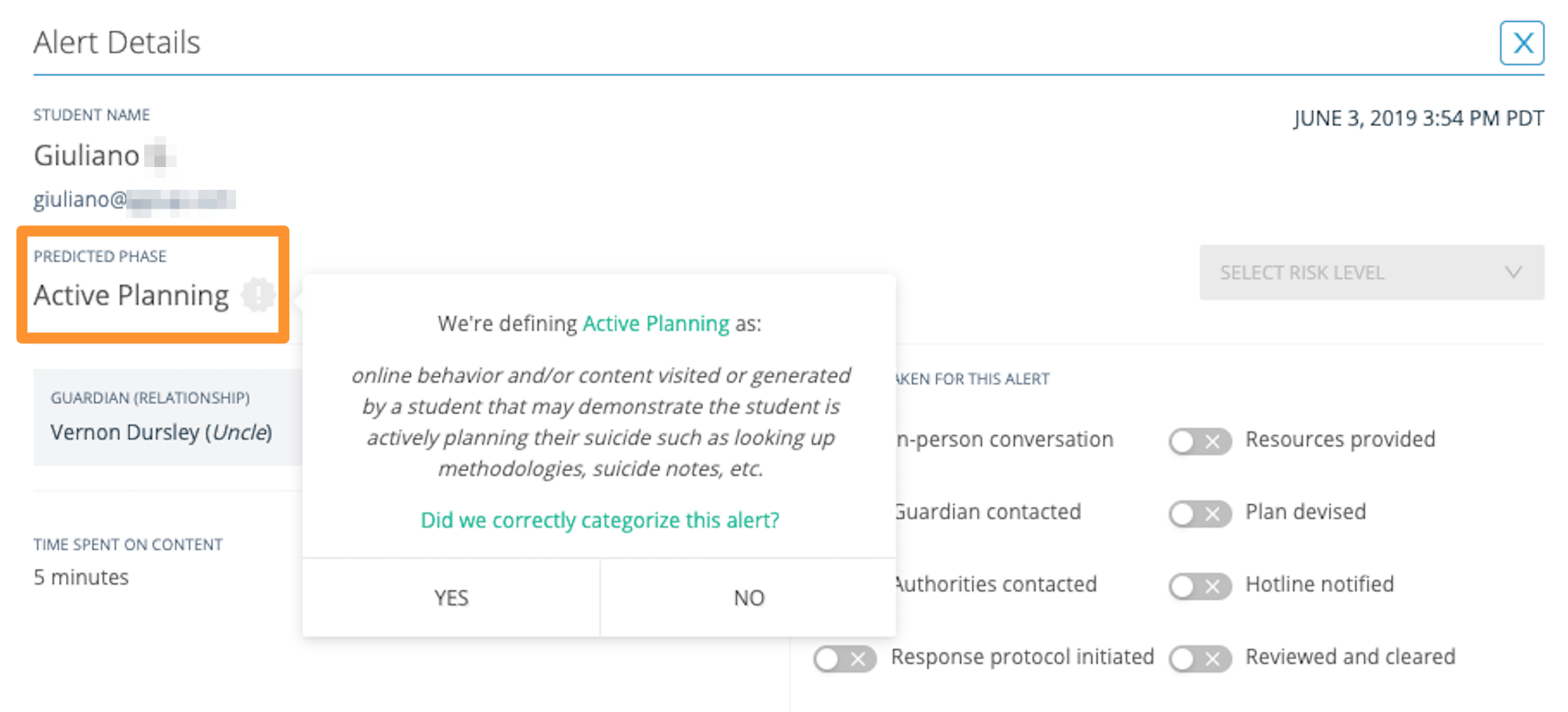
After taking action, verify Beacon’s phase prediction:- Click the listed Predicted Phase on the alert card.
- Select Yes or No to confirm whether the prediction is accurate.
- Active Planning
- Suicide Ideation
- Self Harm
- Help & Support
- Suicide Research
Mark a Miscategorized Alert
Alerts cannot be deleted. If Beacon has miscategorized an alert, mark it as follows:- Set Risk Level to No Risk.
- Click the Predicted Phase and select No if the prediction is inaccurate.
SMS Notification Terms
Review opt-in terms, opt-out instructions, and carrier information.
Configure Alert Notifications
Enable SMS notifications in Your Beacon Profile.
Notification Settings
Configure interval times and the number of reminders per alert.
Troubleshoot SMS Short Code
Resolve issues with receiving Beacon text message alerts.