

- Go to manage.goguardian.com.
- Find the user and click Edit at the right end of their row.
- In the side panel, toggle on Super User.
- At the bottom of the side panel, click Save.
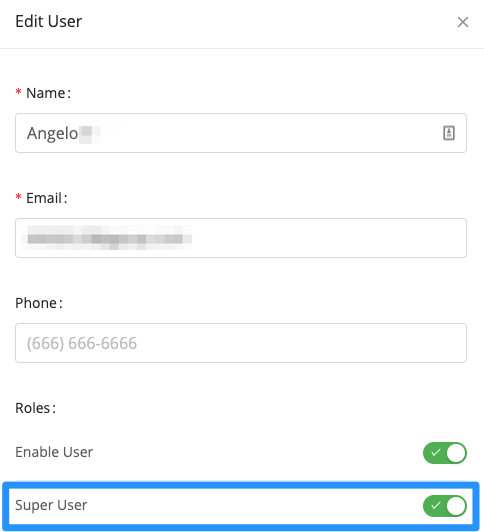

Promote an existing GoGuardian user to Super User in Org Management so they can manage accounts, permissions, and product settings.