

Choose a Teacher Account Setup Method
- Individual account: Add one teacher directly in User Management.
- CSV: Add or update multiple teachers with a one-time CSV upload.
- Google Directory: Automatically create and manage Teacher access by syncing teacher Organizational Units (OUs) from Google Admin Console.
- Roster integration: Sync teacher accounts and class rosters from Clever, ClassLink, or OneRoster.
Add One Teacher Account
- Go to manage.goguardian.com.
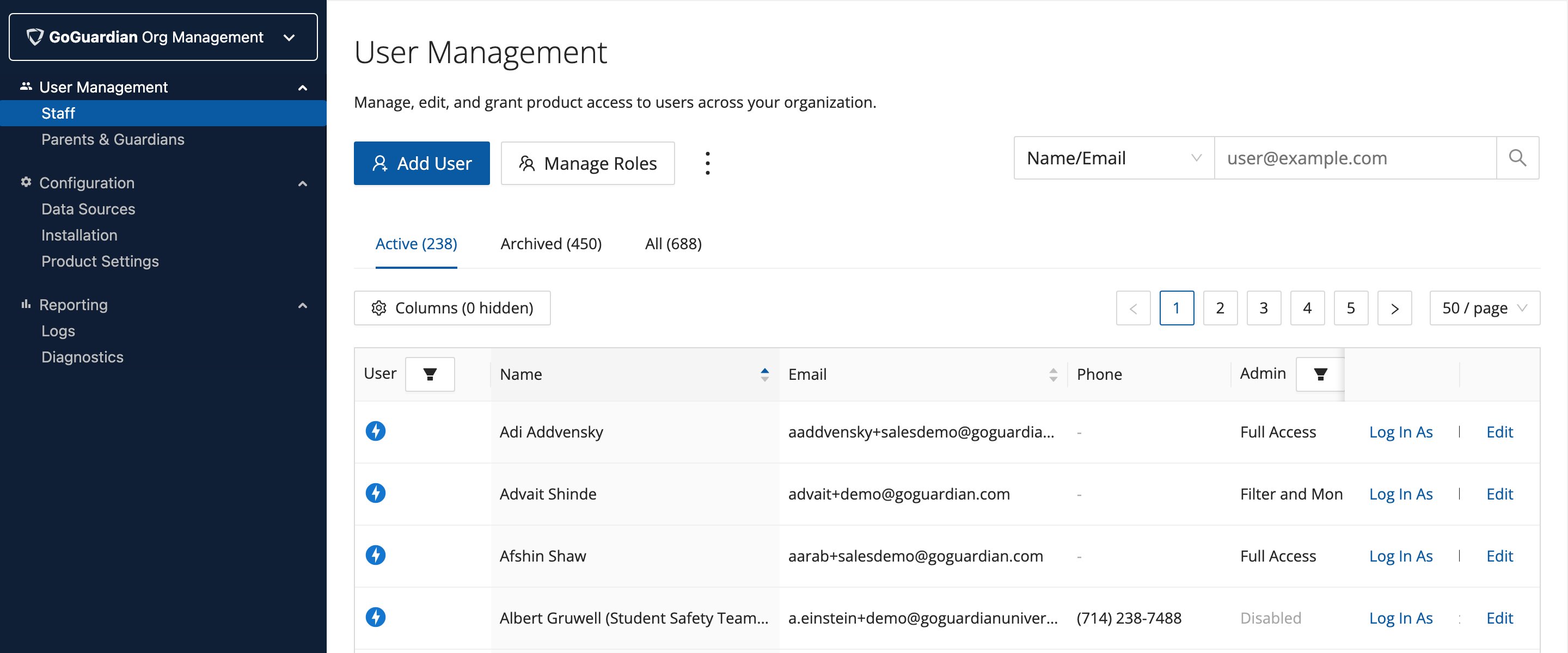
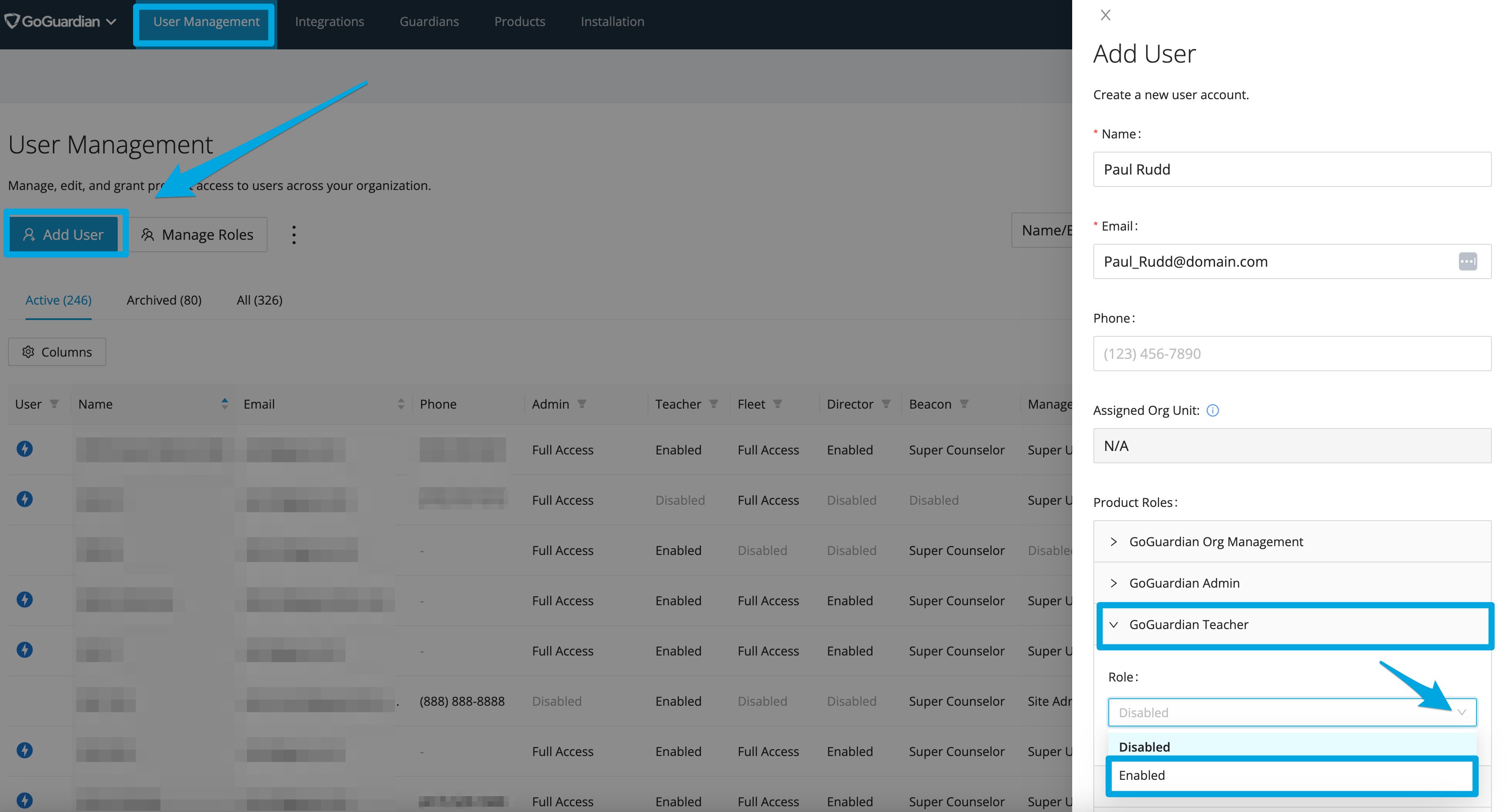
- Click Add User.
- Enter a first and last name.
- Enter an email address.
- Turn on GoGuardian Teacher.
- Assign Teacher OU access if you don’t want to grant this user full OU access.
- Scroll down and click Save.
The welcome email is sent only to users whose accounts are created individually. Accounts created by any bulk method (CSV or integration) do not receive a welcome email.
Add Multiple Teacher Accounts via CSV
- Go to manage.goguardian.com.
-
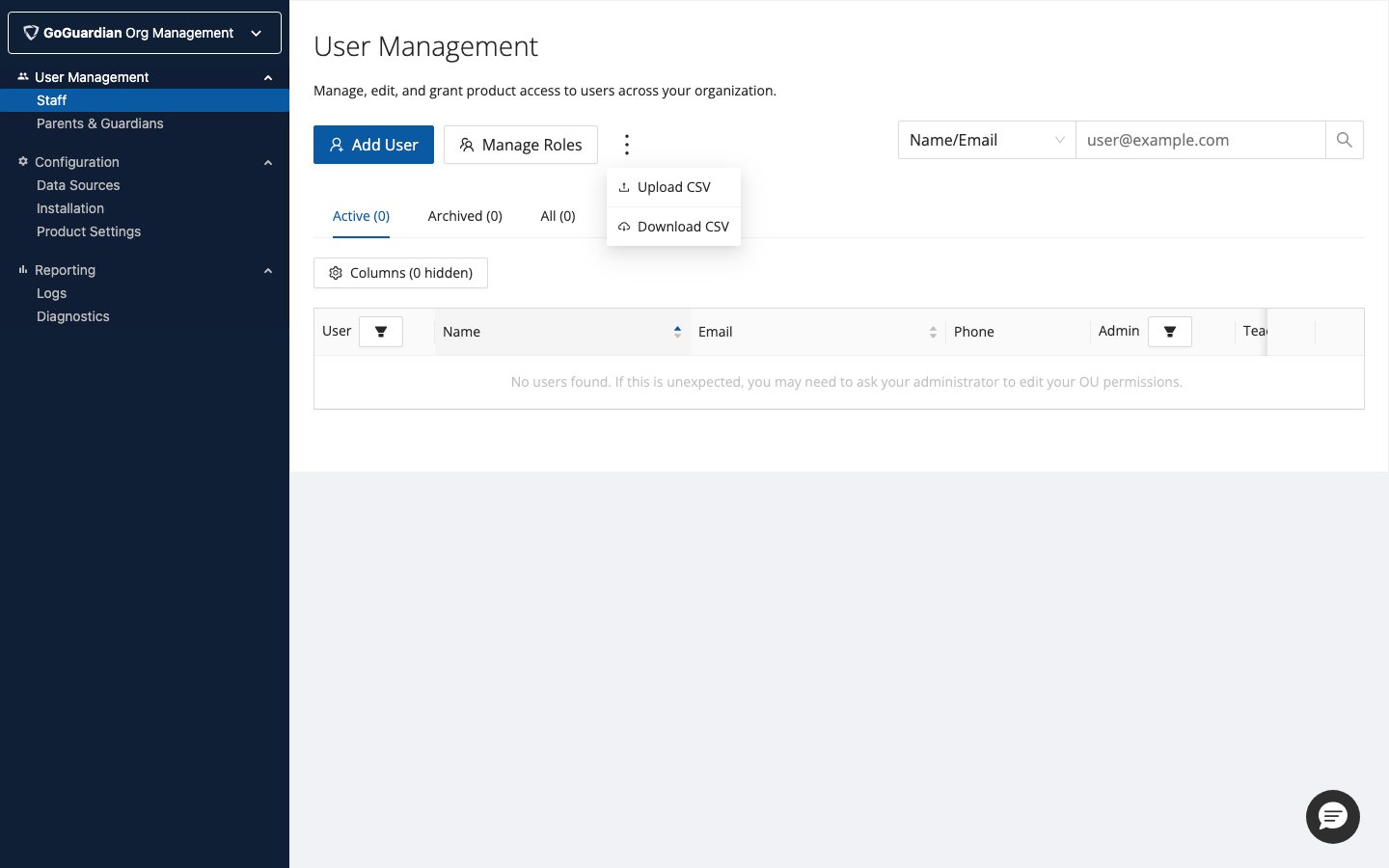
Click the three-dot menu and select Download CSV.
- Add users to the CSV. See Bulk Update Permissions by CSV for formatting details.
- Set permissions, status, and OU access for each user.
- Upload the CSV.