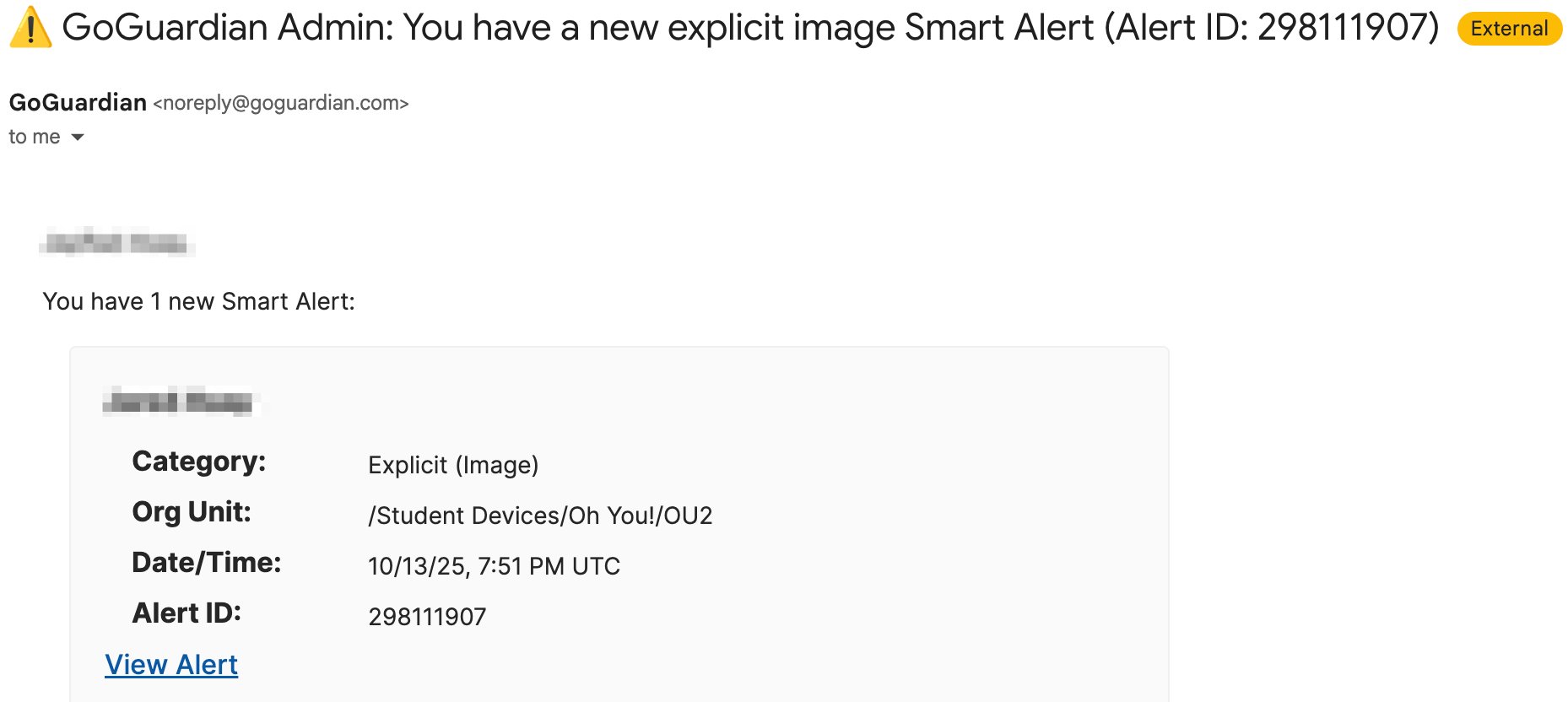
Key behavior to keep in mind:
- Images may take a few seconds to process, so they may not be blocked immediately.
- Image filtering does not scan websites GoGuardian categorizes as “Appropriate” or “Educational,” including sites such as Google, Wikipedia, and YouTube.
- Image filtering does not run unless a Smart Alert Trigger is configured for the user’s org unit.
Enable Image Filtering
To enable image filtering on an existing Trigger, click Edit on the Trigger, then enable the Include images toggle under Choose Category and Confidence Level. To create a new Trigger, see Configure Smart Alert Triggers.Customize the block page message (optional)
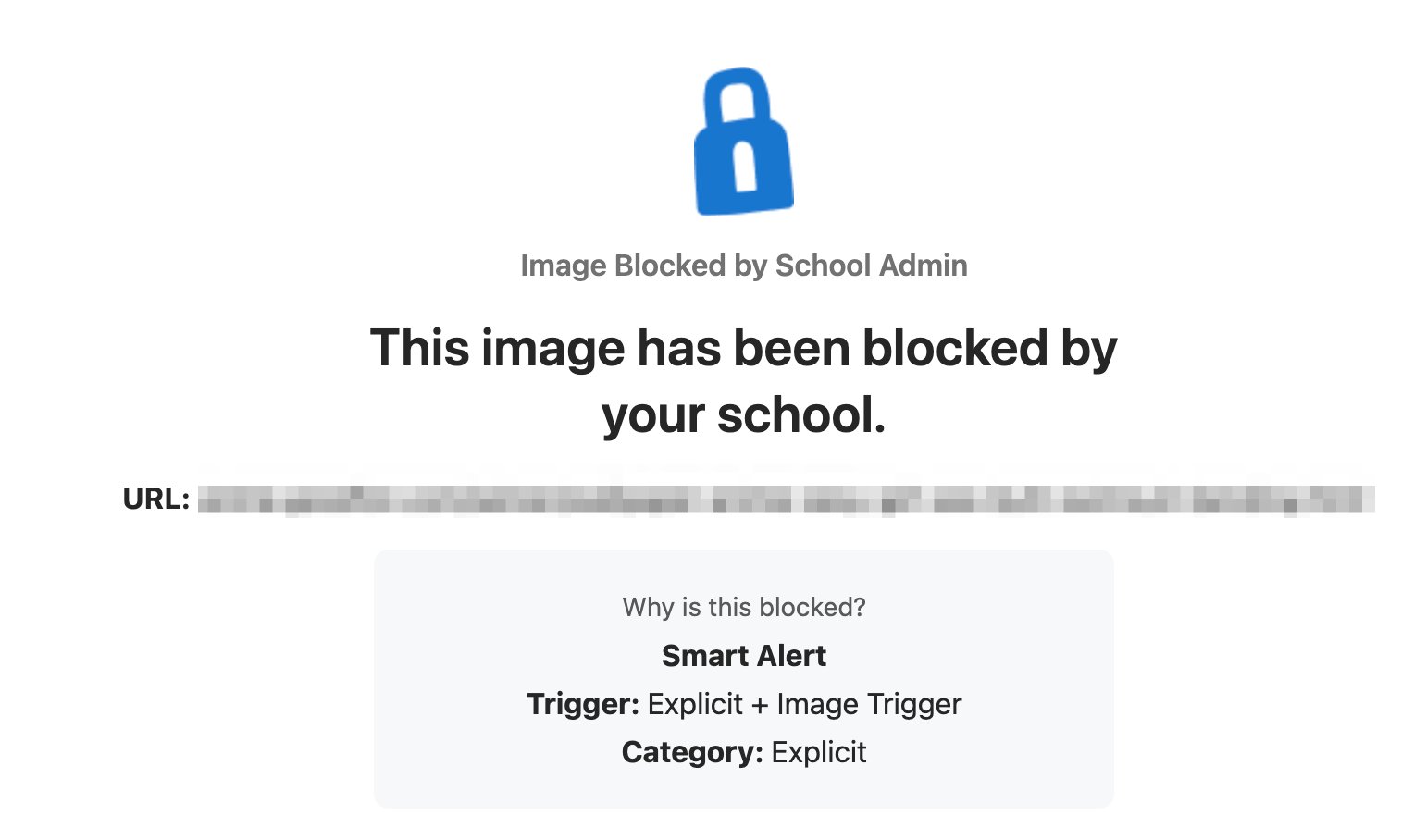
For Triggers that include the Block Content action, you can customize the block page text students see for blocked pages and blocked images separately.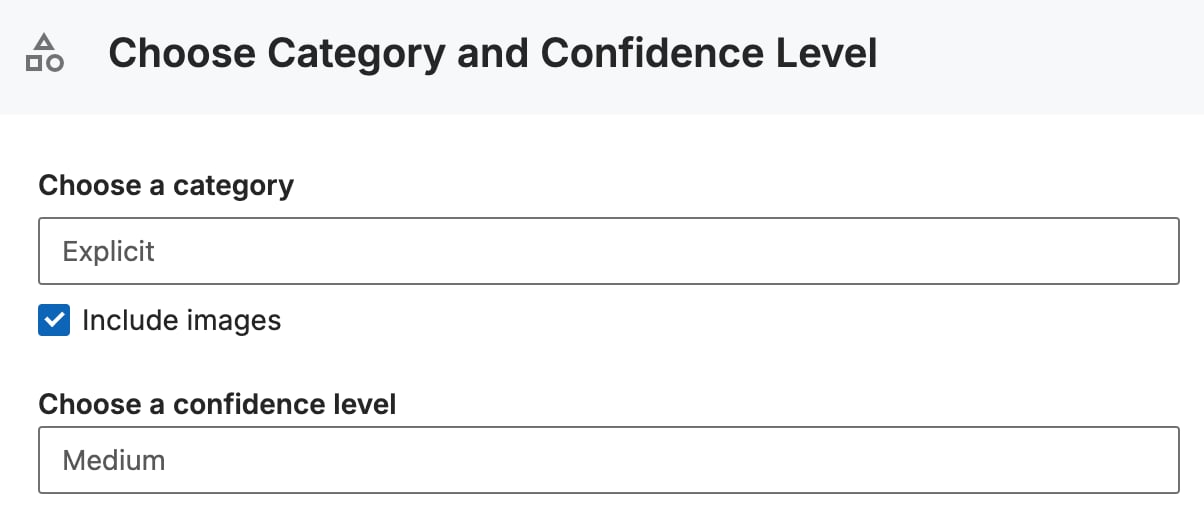

Review Alerts as an Administrator
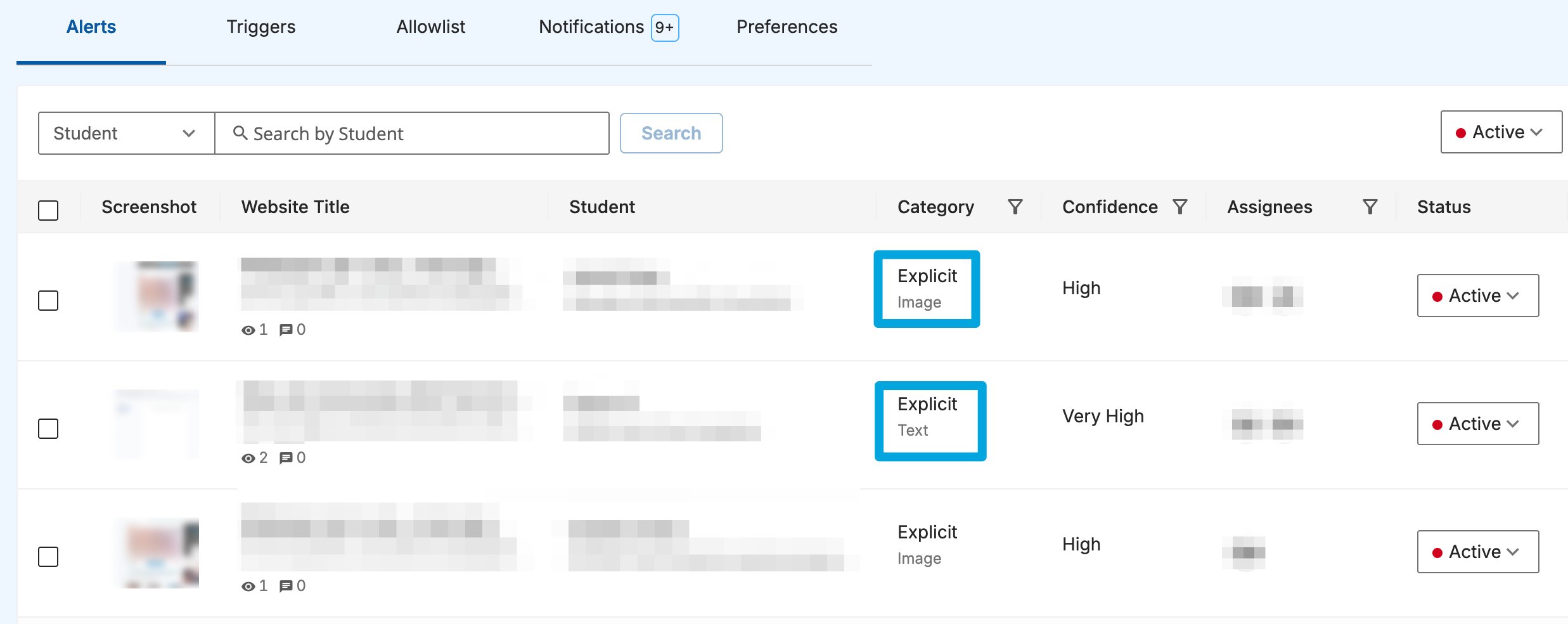
Once enabled, Smart Alerts containing explicit images appear in the Alerts section of the Smart Alerts page as they are generated. Explicit alerts carry a sub-category of “Image” or “Text” depending on the source, and you can filter alert types using the Category menu.