In-App Notifications
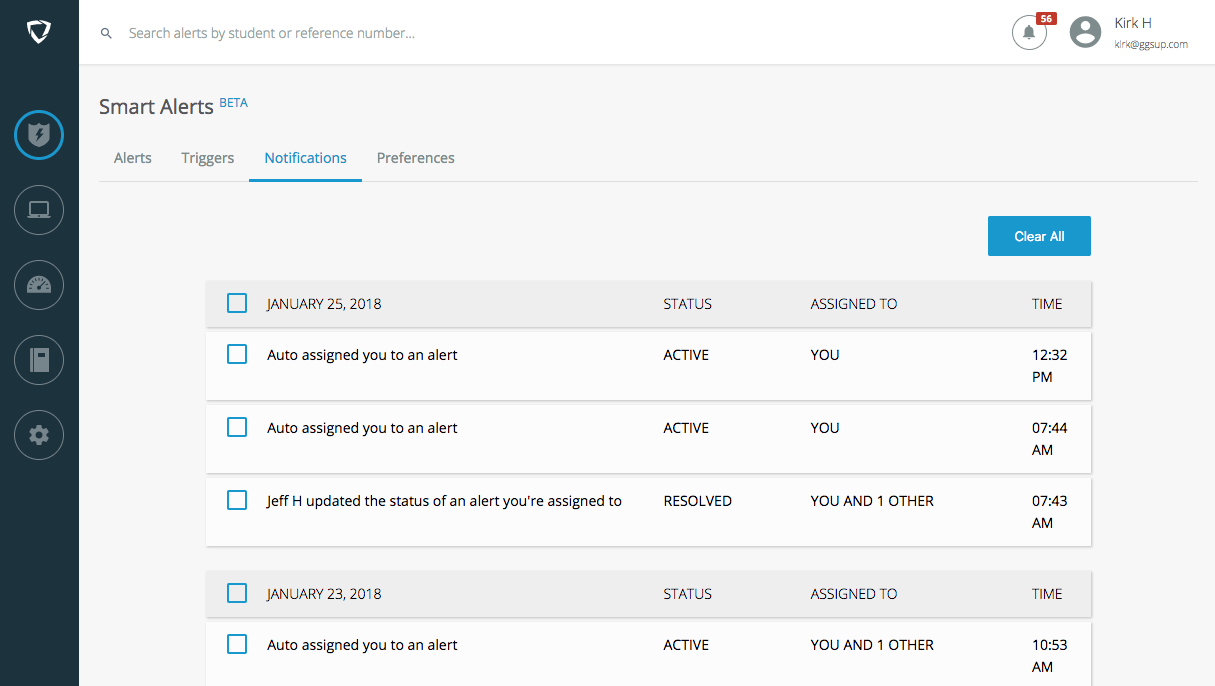
Users are notified when they are assigned an alert, or when an assigned alert is updated or commented on. Notifications appear in the top-right corner of the Smart Alerts interface. Click the notification icon or the Notifications tab to open the notification center. Updates and notifications are grouped by date. Clear them individually or by date using the checkbox and the Clear button that appears, or remove all with Clear All.Email Notifications
Email notifications are sent when an alert is assigned to a user by another administrator, by the Notify & Assign trigger action, or when an assigned alert is updated. To receive them, a user must enable Receive email notifications under the Preferences tab.Screenshots of Explicit alerts are blurred in notification emails. You can exclude them from email notifications by disabling Include screenshots in email under the Preferences tab.