

Understand Flagged Activity
Flagged Activity generates an alert when a word on a page’s full HTML source matches an entry on your Flagged Terms list. The system scans the entire page source, not just visible text, which means a term can appear in metadata or code comments without the student ever seeing it. Flagged Activity alerts are never blocked.Terms appearing in a Flagged Activity alert were not necessarily searched for or seen by the student. The alert reflects what appeared anywhere in the page source.
Some Flagged Activity alert URLs may require sign-in to view (such as a student’s email inbox) and may be inaccessible to the reviewing administrator. Use the Hostname dropdown in the Flagged Activity alert list to follow the link and review the page that generated the alert when direct access is available.

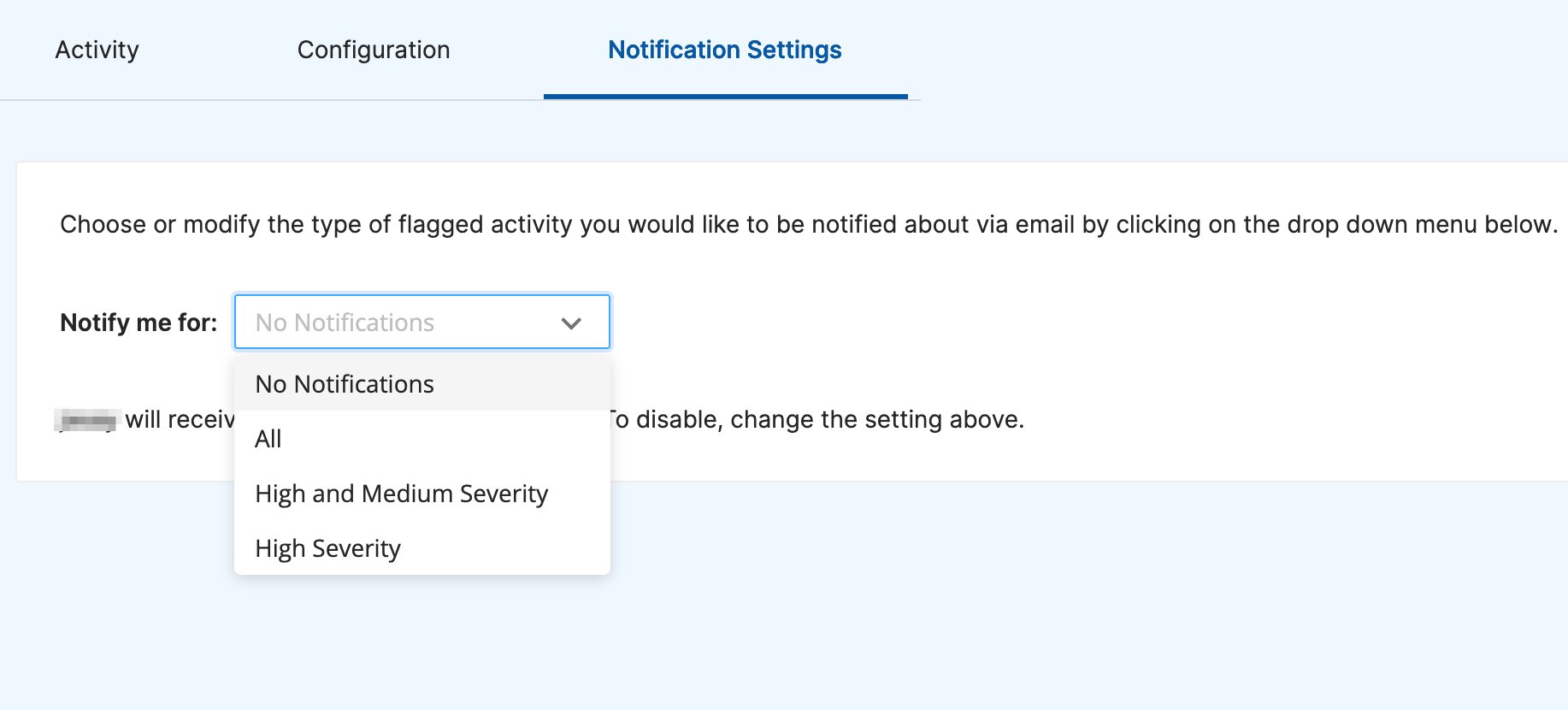
Understand Smart Alerts
Smart Alerts uses GoGuardian’s prediction model to determine whether a page contains explicit sexual or adult content, or signs of a web proxy, based on the page’s text. Unlike Flagged Activity, Smart Alerts does not match specific terms. It analyzes the full content context. An alert is generated when the model reaches 50% confidence or higher. Smart Alerts Triggers extend the system’s response capabilities. When a Smart Alert meets a Trigger’s confidence threshold and matches a student’s OU, the Trigger can automatically block content, notify administrators, message the student, or add the student to a Custom Group.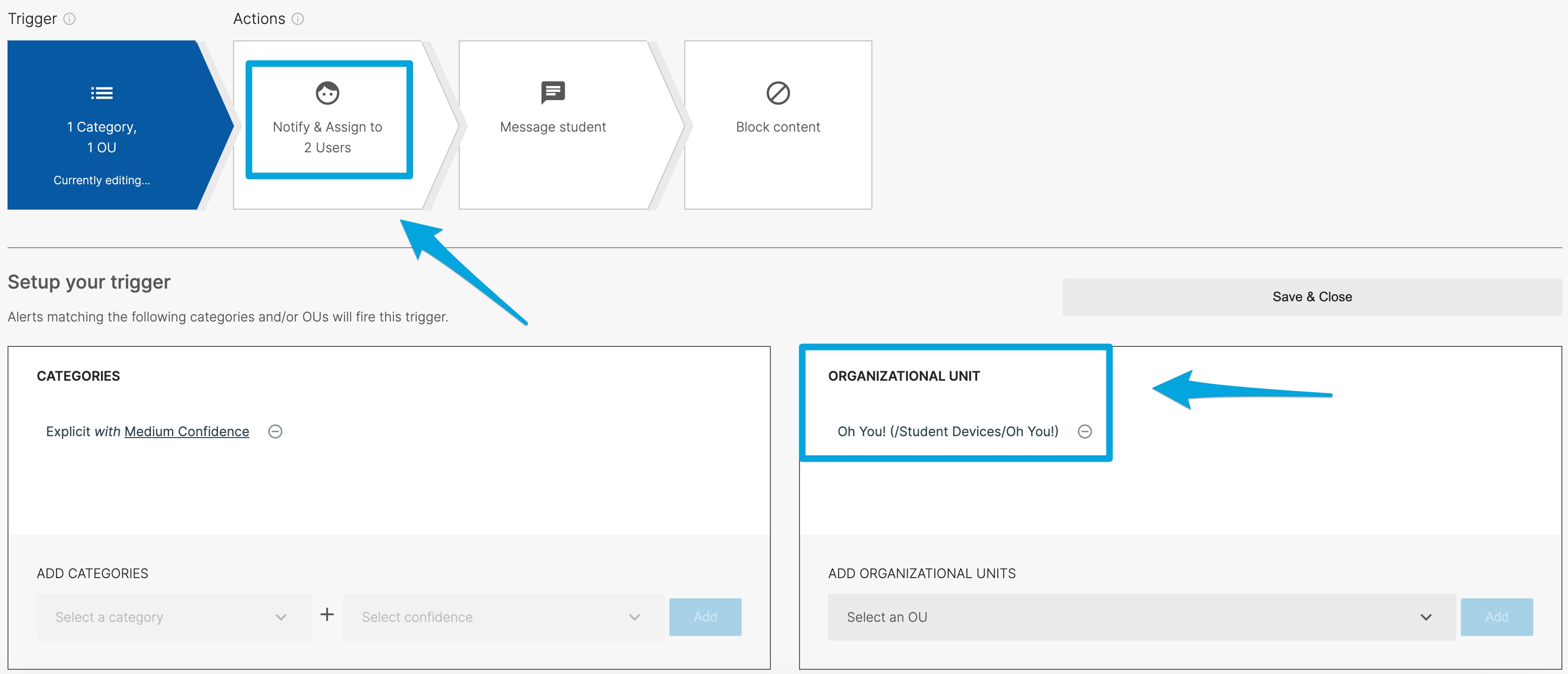
Compare the Two Systems
Resources
Understand Smart Alerts
Review Smart Alert categories, the alert list, and notification preferences.
Configure Smart Alert Triggers
Set up automated responses to Smart Alerts by OU and confidence threshold.