

Download the PDF
- Go to beacon.goguardian.com and sign in.
- From the Alerts page, click the alert card you want to save.
- Select the Rationale tab within the alert card.
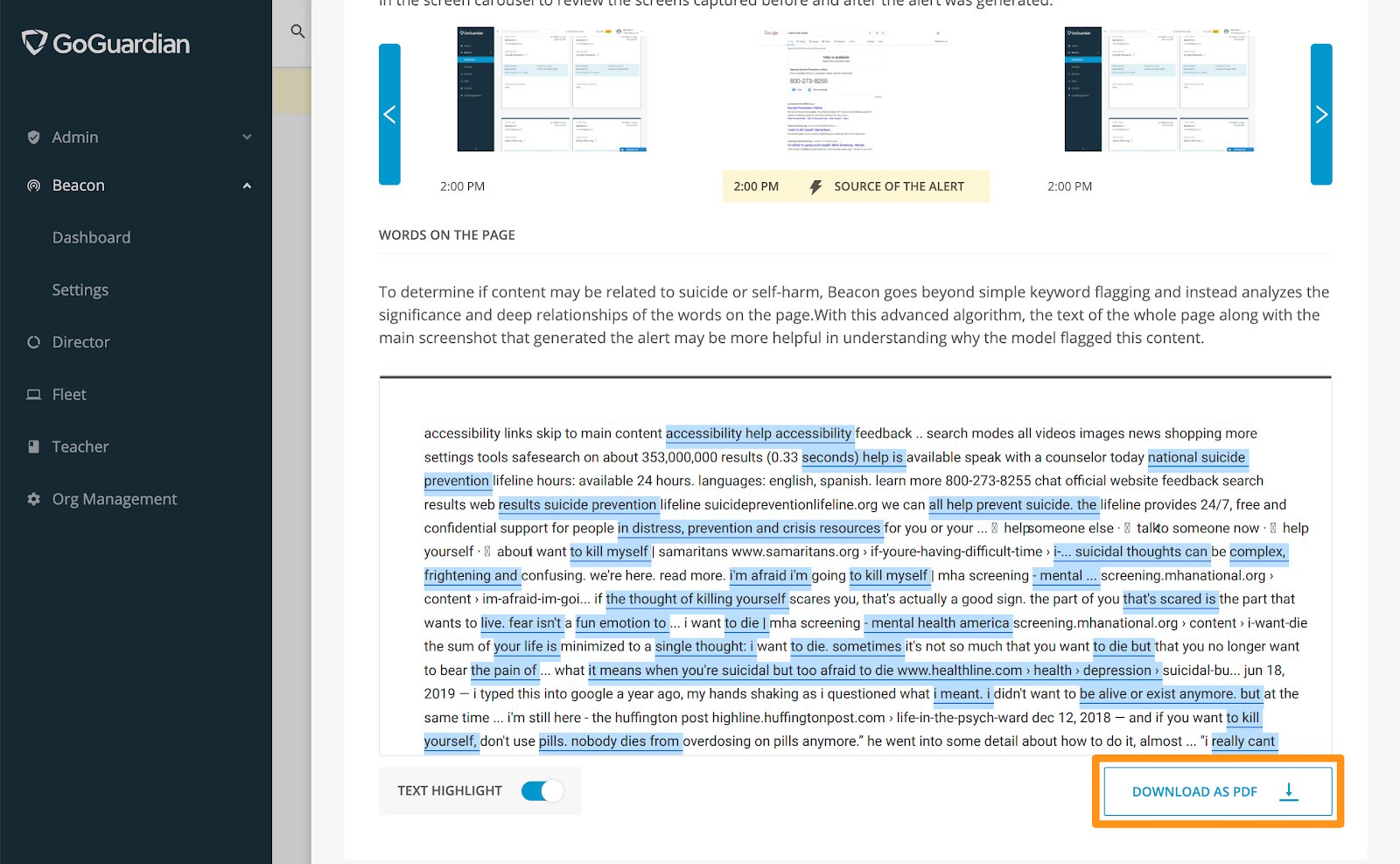
- Scroll to the bottom of the page and click Download as PDF. The file downloads automatically.
Review PDF Contents
The downloaded PDF includes the following information:Understand Alert Generation
How the Rationale tab explains why Beacon generated an alert.
Alert Card Anatomy
Reference for every field on a Beacon alert card.
Respond to Email Alerts
Steps for reviewing and resolving an alert from an email notification.