

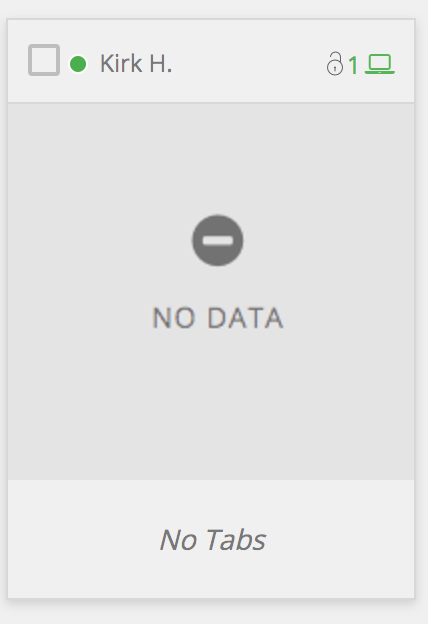
Resolve No Data Error
- On the student’s device, go to checkup.goguardian.com to log the error.
-
In the address bar of the student’s device, enter
chrome://restartand press Enter. This resets the device’s internet connection and background processes. - After Chrome reopens, confirm the student appears online with screen data in your Teacher session.
Resources
Device Unavailable
Troubleshoot students who appear offline in a classroom session.
Waiting for Activity
Resolve the “Waiting for Activity” status on a student’s screen.
Start a Classroom Session
Steps to launch a new Teacher classroom session.
Student Not Found
Fix issues with students not appearing in your class roster.