

Possible Cause 1: Student Is Present but Inactive
The student is present but has not interacted with their mouse or keyboard in at least 10 minutes. This can happen when a student is watching a long video or a live presentation, such as a Google Meet. Resolution: Have students who are present interact with their computer at least once every 10 minutes.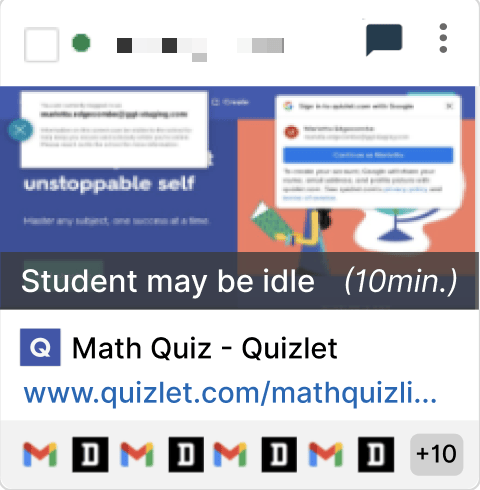
Possible Cause 2: Student Is Away from Device
The student is physically away from their computer. Resolution: Contact the student via chat or another means to check whether they respond.Resources
Use Teacher Chat
Send messages to students directly from GoGuardian Teacher.
Start a Classroom Session
Learn how to start and manage a classroom session.
Active Screens View
Review what students are doing on their screens in real time.
Device Unavailable
Troubleshoot when a student appears offline in Teacher.