

Review Permission Requirements
Your GoGuardian Admin role must have View/Edit access for both Block Uncategorized and Custom Policies. A Super User can configure these permissions in Org Management by selecting Manage Roles and editing the applicable GoGuardian Admin role.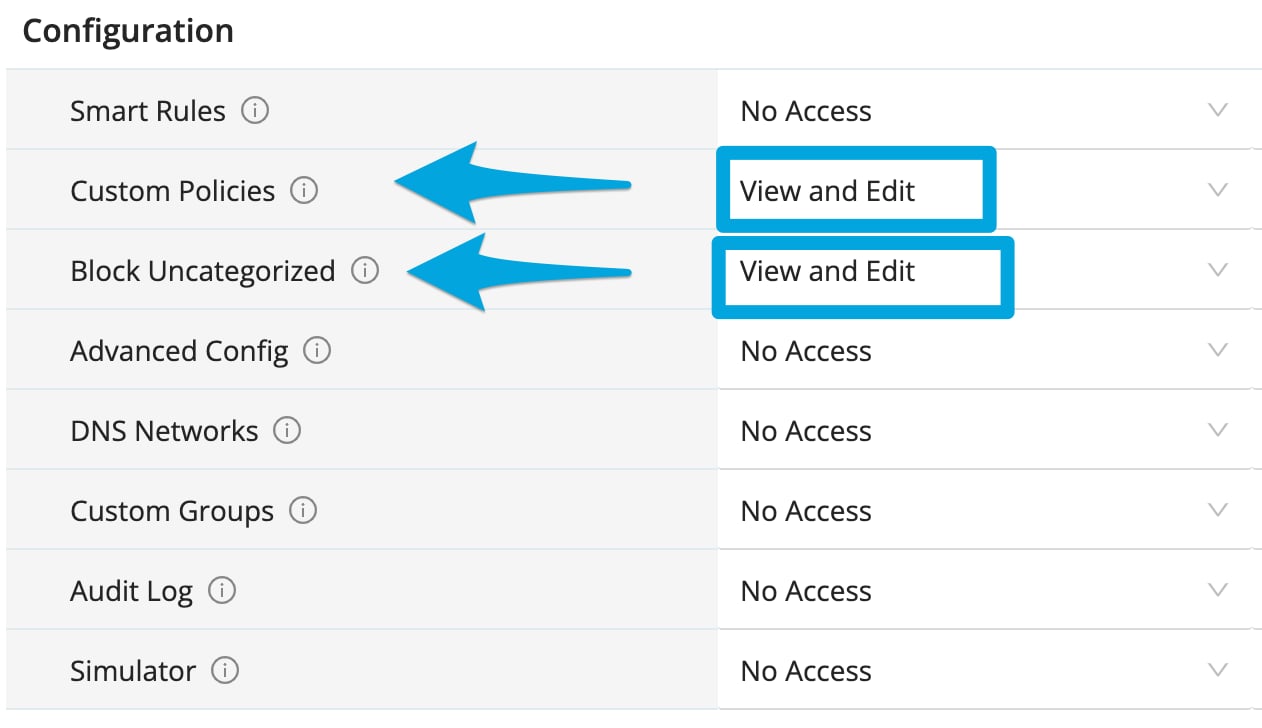
If your role does not have the required permissions, the policy displays No Access for Block Uncategorized. Contact a Super User to update your role.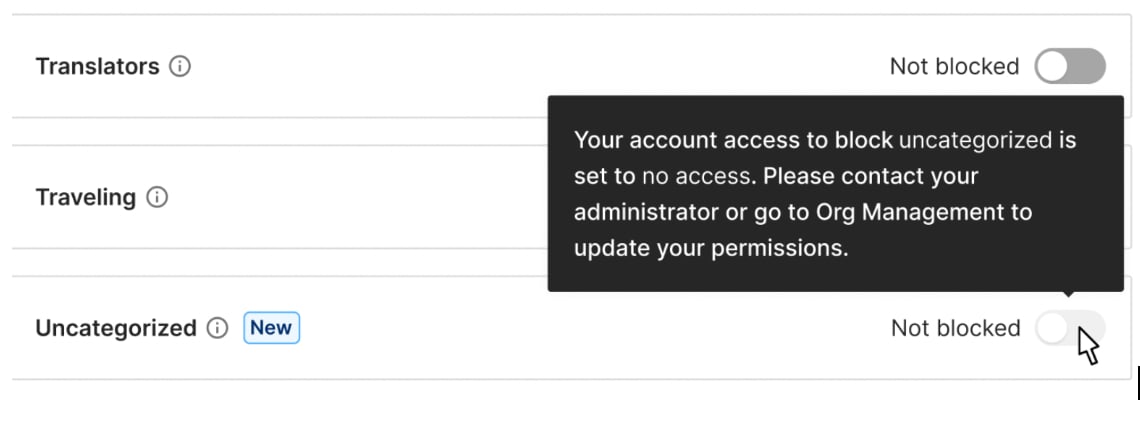
Turn On Uncategorized Blocking
- In GoGuardian Admin, go to Filtering > Policies, then open the policy you want to edit.
- Select Website Categories, then find Uncategorized.
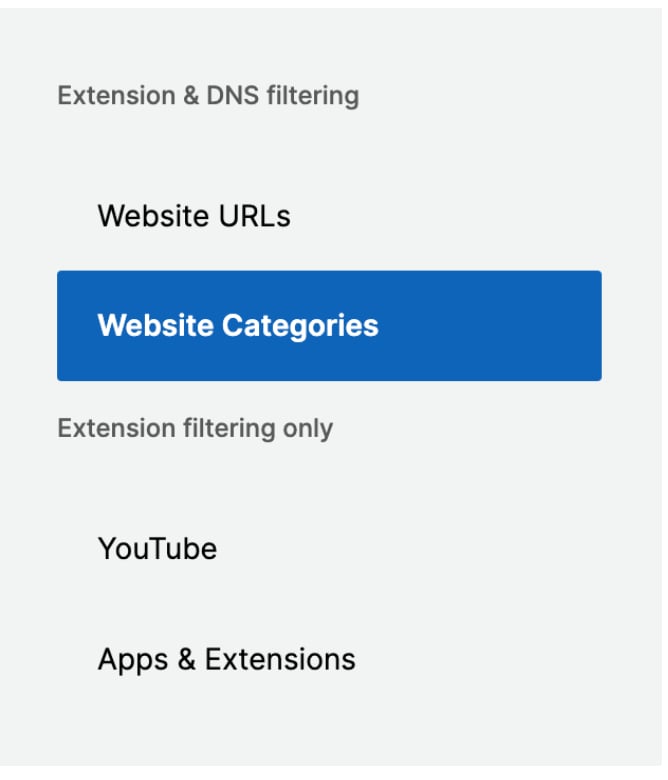
- Turn on Uncategorized.

- In the confirmation prompt, click Block Uncategorized Websites.
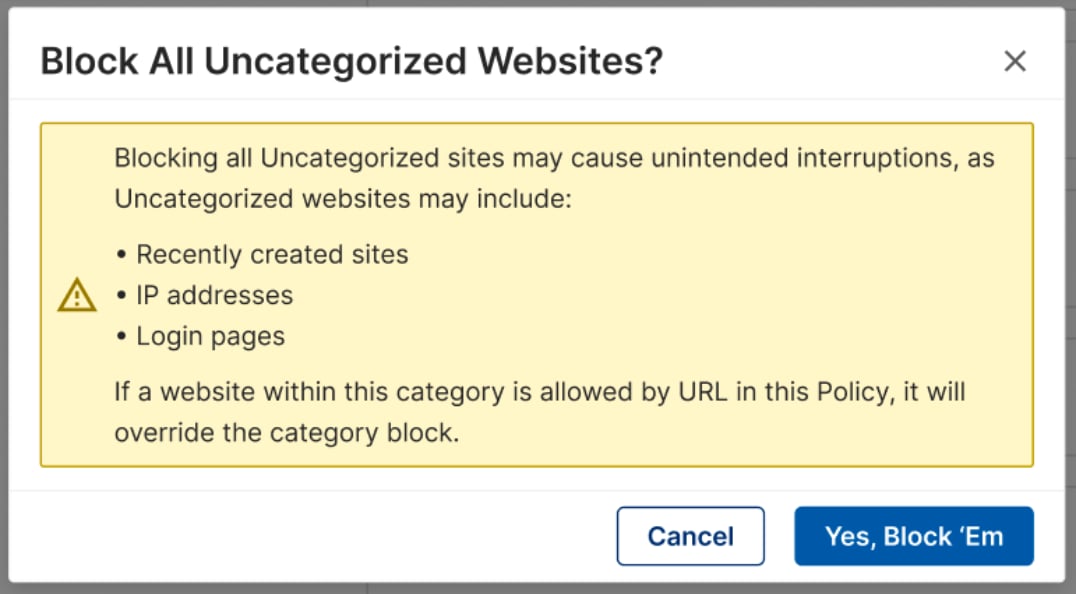
- Verify the result: Uncategorized remains on in the policy. Users assigned to the policy see a GoGuardian block page when they try to access an uncategorized website or web request.
Allow Website Blocked as Uncategorized
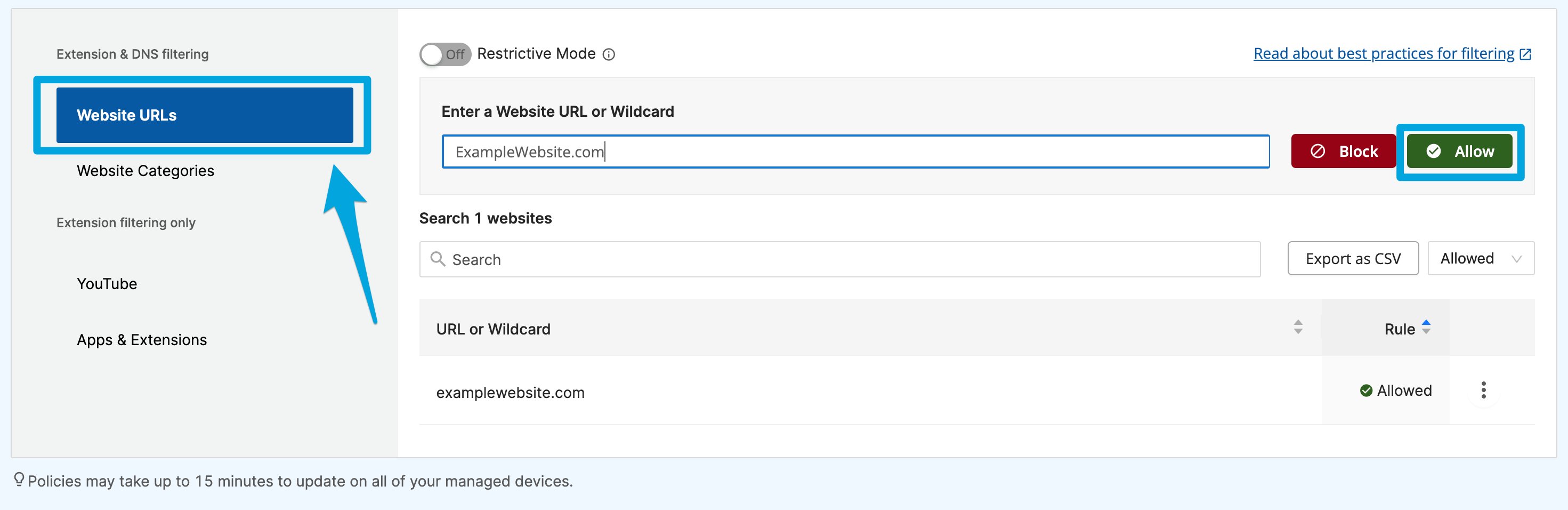
Add an Allow rule in the policy’s Website URLs section when a legitimate website is blocked as Uncategorized. For steps, see Allow and Block Websites. You can also submit a categorization update request if a website is uncategorized or assigned to the wrong category. A submitted request does not immediately change filtering, so add an allow rule when users need access right away. See Review Website Categories.Understand GoGuardian DNS Behavior
Policies assigned to organizational units filter top-level domains and can also filter embedded content when Filter Embedded Content is on. GoGuardian DNS evaluates traffic across configured networks, including top-level domains, content delivery network requests, and page resources. When Uncategorized is on for a GoGuardian DNS policy, any uncategorized web request can be blocked. A page may not load completely if one of its required resources is uncategorized. Add an allowed Website URL rule for a legitimate resource that needs an exception. For more information about network-level filtering, see Understand GoGuardian DNS.Resources
Review Website Categories
Review available categories and submit category feedback.
Allow and Block Websites
Add a Website URL allow rule for a blocked site or resource.
Set Up Granular Access Control with RBAC
Create and assign a role with the required permissions.
Understand GoGuardian DNS
Review how GoGuardian DNS applies network-level filtering.