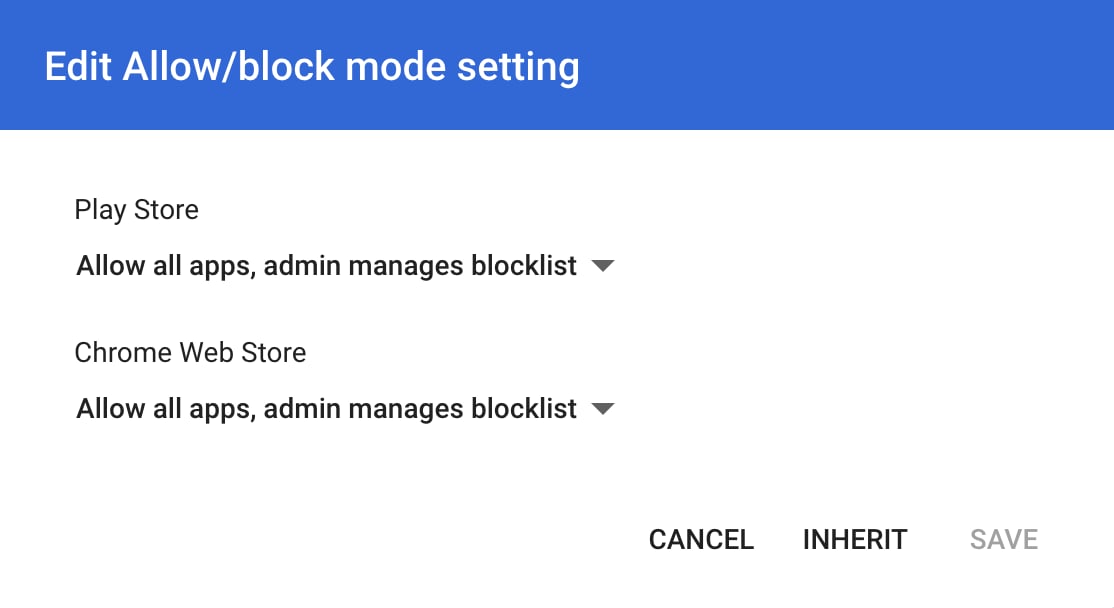
GoGuardian cannot directly filter apps on the Play Store. Play Store app controls are managed through Google Admin Console.
Add a Rule by App ID
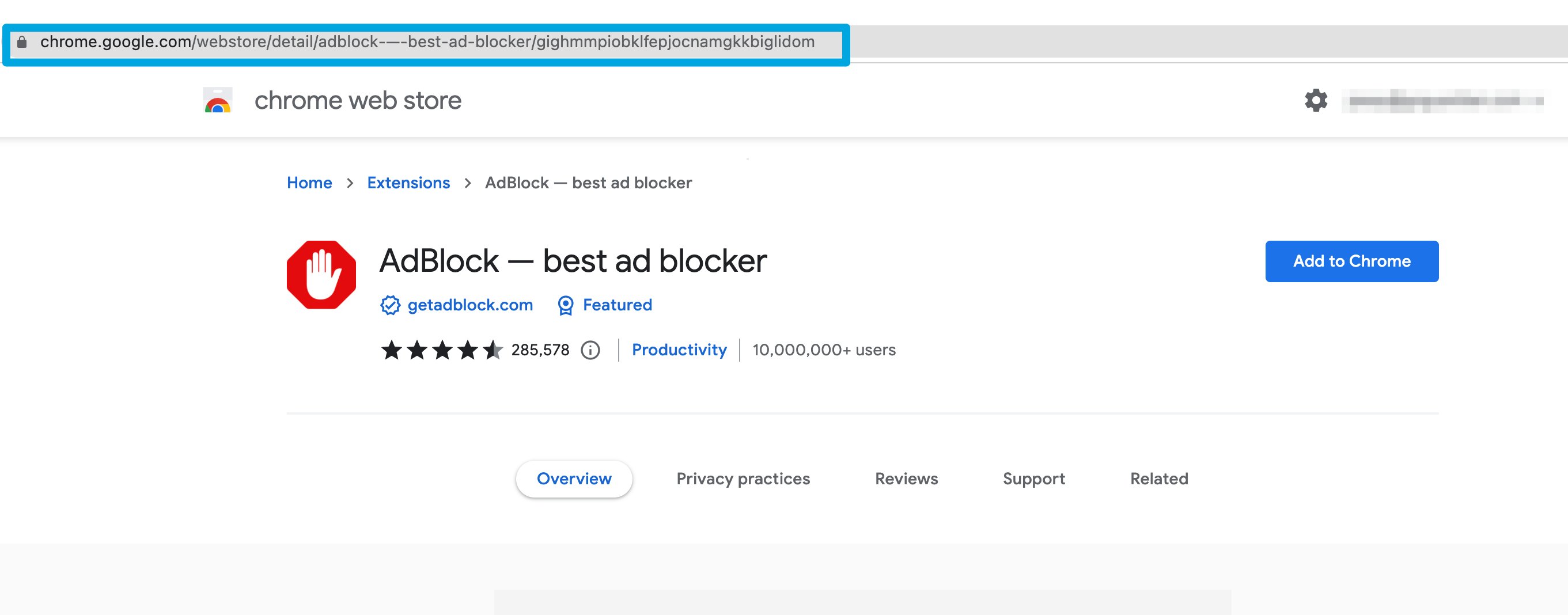
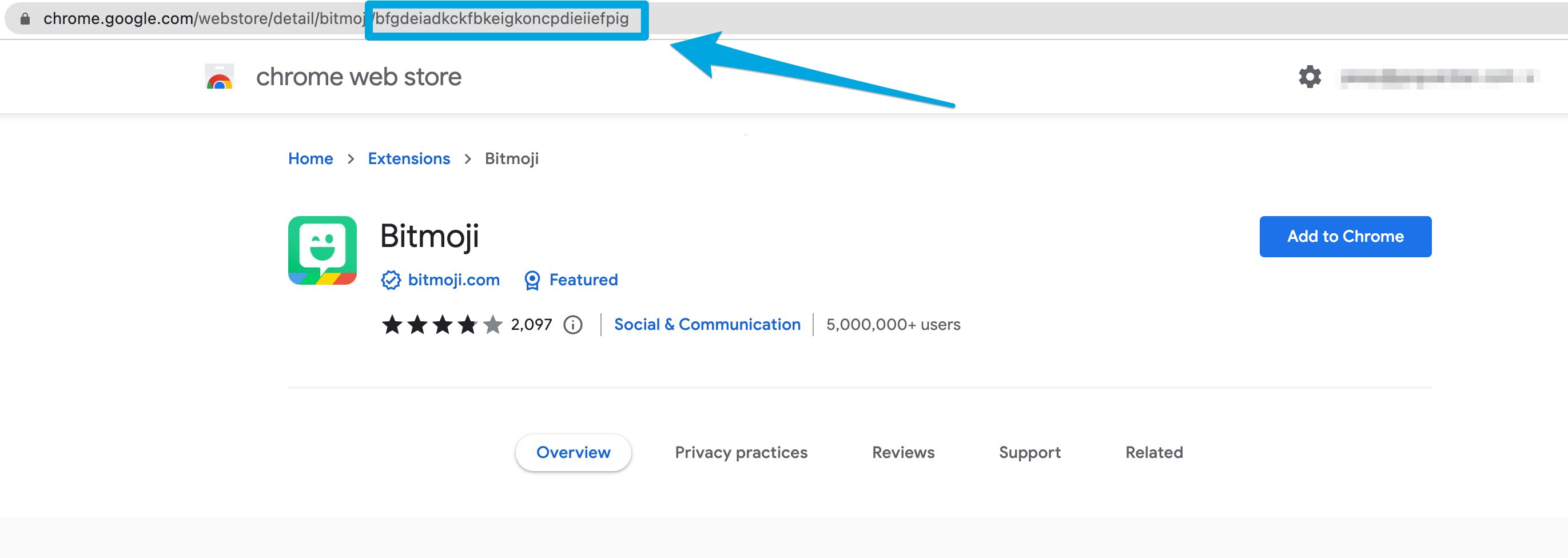
- Locate the app’s 32-character ID — the string after the
/in the Chrome Web Store URL. - Copy and paste the ID into the policy’s Apps & Extensions filter field.
- Click Block or Allow to set the rule.

Add a Rule by App URL
- Go to the Chrome Web Store.
- Search for the app or extension and copy its Web Store URL.
- Paste the URL into the policy’s Apps & Extensions filter field and click Block or Allow.