

For classes imported from Clever or ClassLink, the class roster and class name cannot be changed in GoGuardian Teacher. Make those updates in Clever or ClassLink, which sync back to GoGuardian.

Add a Co-Teacher
- For the class, click the Settings cogwheel, then Add Co-teachers.
-
Click Add Co-Teachers.

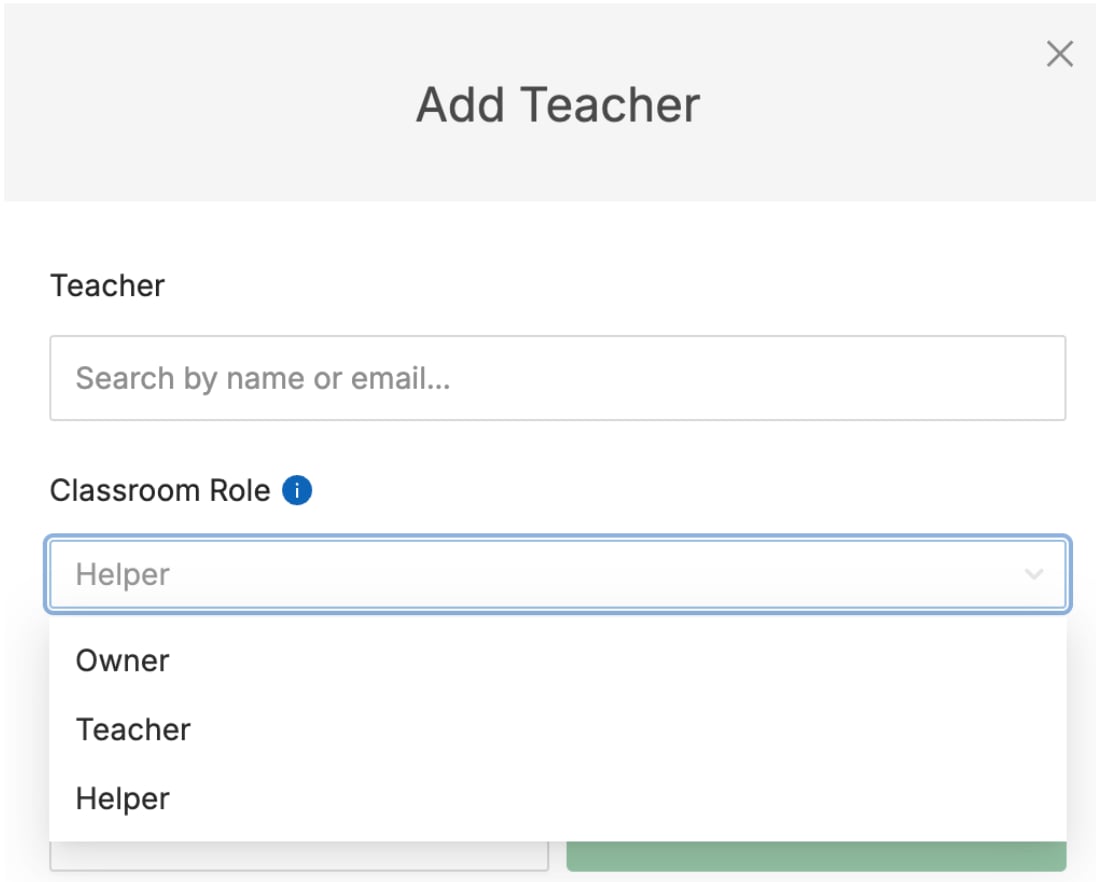
- Search for a user within your organization.
- Choose a permission level from the drop-down.
-
Click Add Teacher.
If a user does not appear in the drop-down, they likely do not have a GoGuardian account. Ask a Super User to create one at manage.goguardian.com.