

- Click the Devices tab.
- Click the column adjustment cog icon.
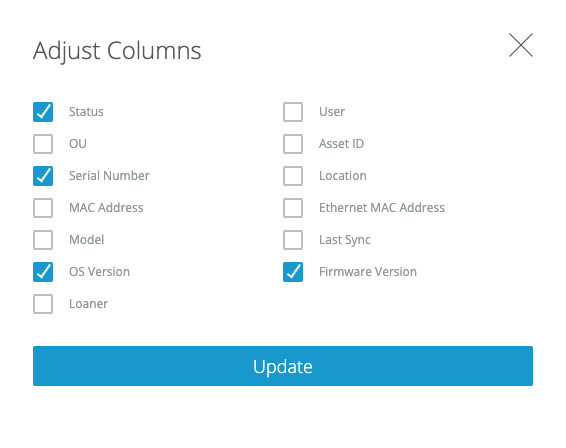
- Check OS Version and Firmware Version, plus up to two other options.
Fleet cannot tell you how out of date a version is, whether you should update a device, whether you are missing critical OS or firmware updates, or the last time your devices were updated.