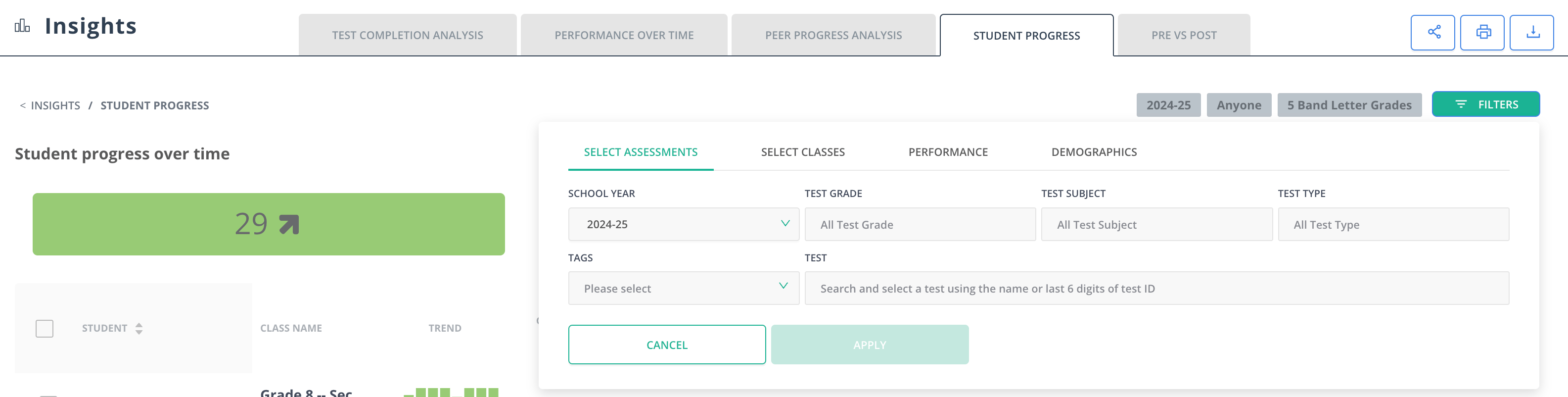
Access the Multiple Assessment Report
To get started, click Insights and click on one of the reports under the Multiple Assessment Report section.Scores are usually immediate, but there can be a lag of about one hour before reports are populated. You will only receive data for students who are marked as absent or who have submitted. Students with ungraded constructed responses will also appear in the report.
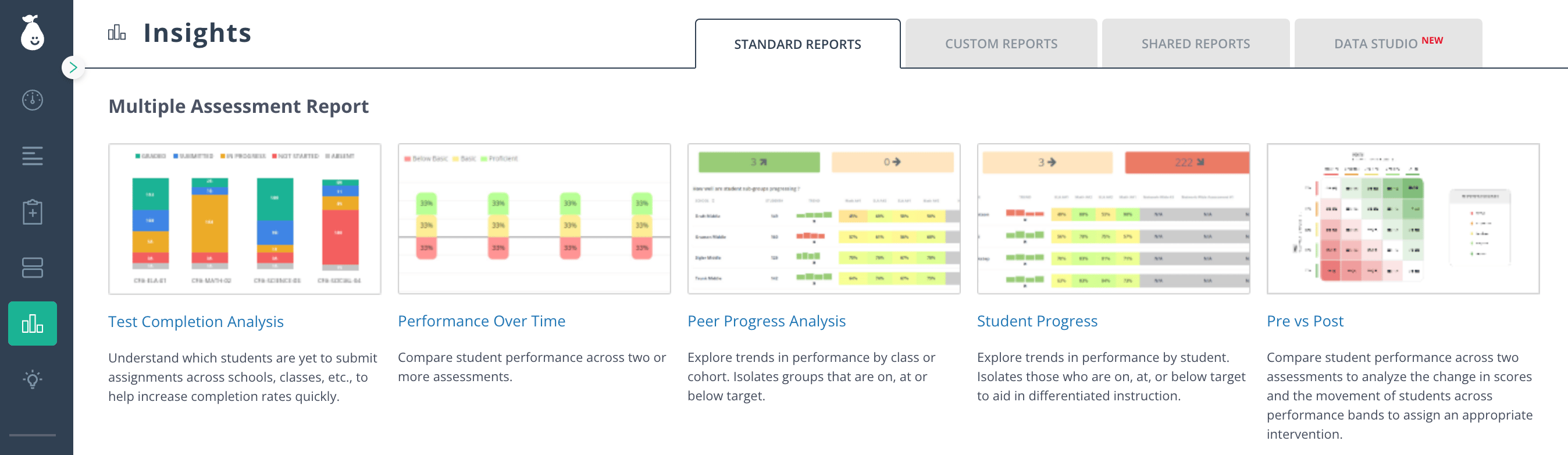
Report Types
The Multiple Assessment Report includes four report types:- Performance Over Time: Statistical overview of several assessments. Teachers get a high-level summary of data. District and school administrators can compare the data by school, teachers, and classes.
- Peer Progress Analysis: Analysis across cohorts such as classes, schools, gender, and race. Data can be modified to analyze by raw score or percentage. Rectangular bars indicate the number of students improving (green), maintaining the same status (yellow), or declining (red).
- Student Progress: Breaks down the performance on several assessments by each student and helps identify individual students who need intervention.
- Test Completion Analysis: Tracks student completion and grading status — Not Open, Absent, Not Started, In Progress, Submitted, or Graded — across one or more assessments, so you can see who still needs to finish or be graded. See Test Completion Analysis for details.
Filter Report Data
Once you navigate to your preferred Multiple Assessment Report, filter data by clicking Filters in the upper-right corner, then select a school year, course, assessment type, or assessment title.