

Access the Standards Performance Summary
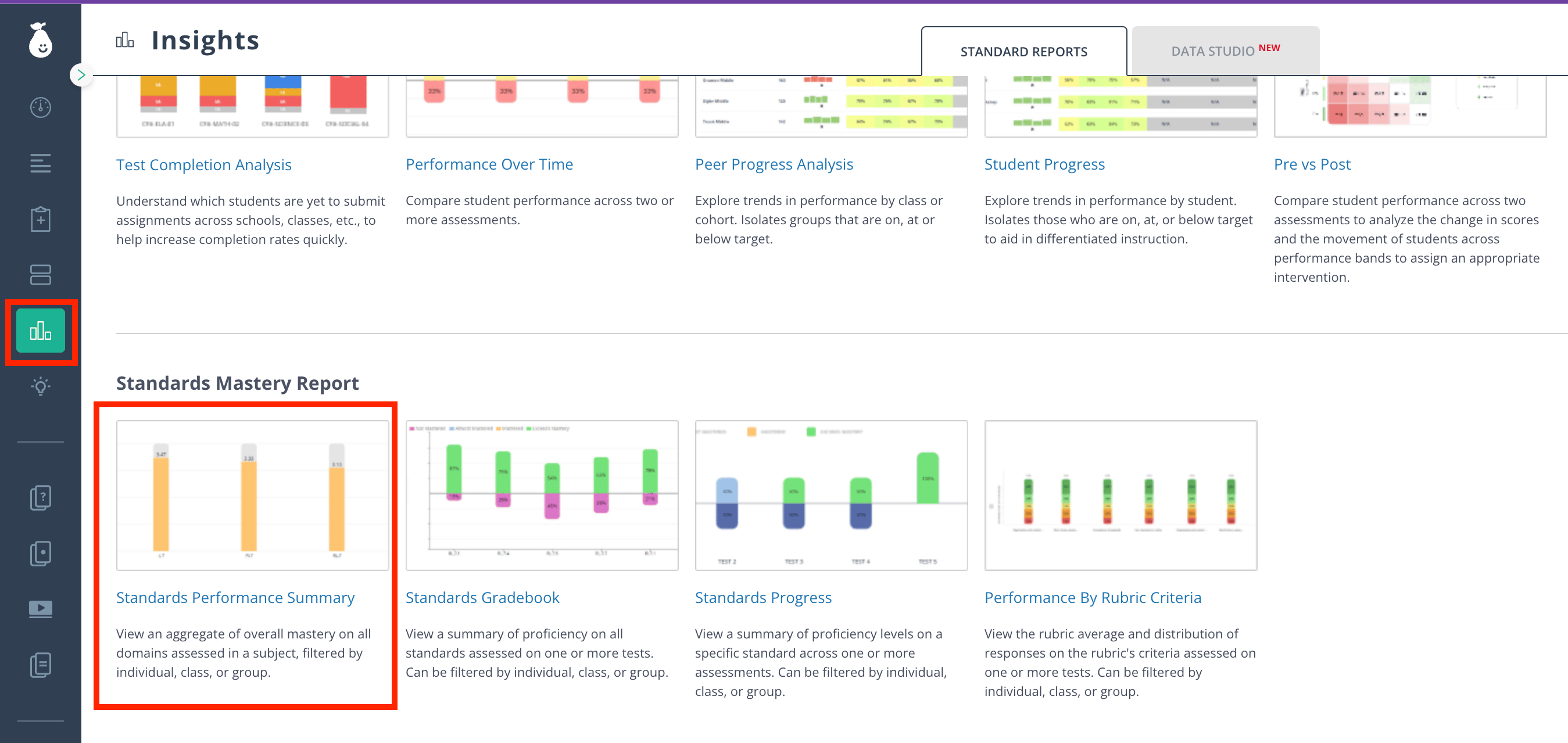
- Click Insights in the navigation menu.
- Click Standards Mastery Report > Standards Performance Summary.
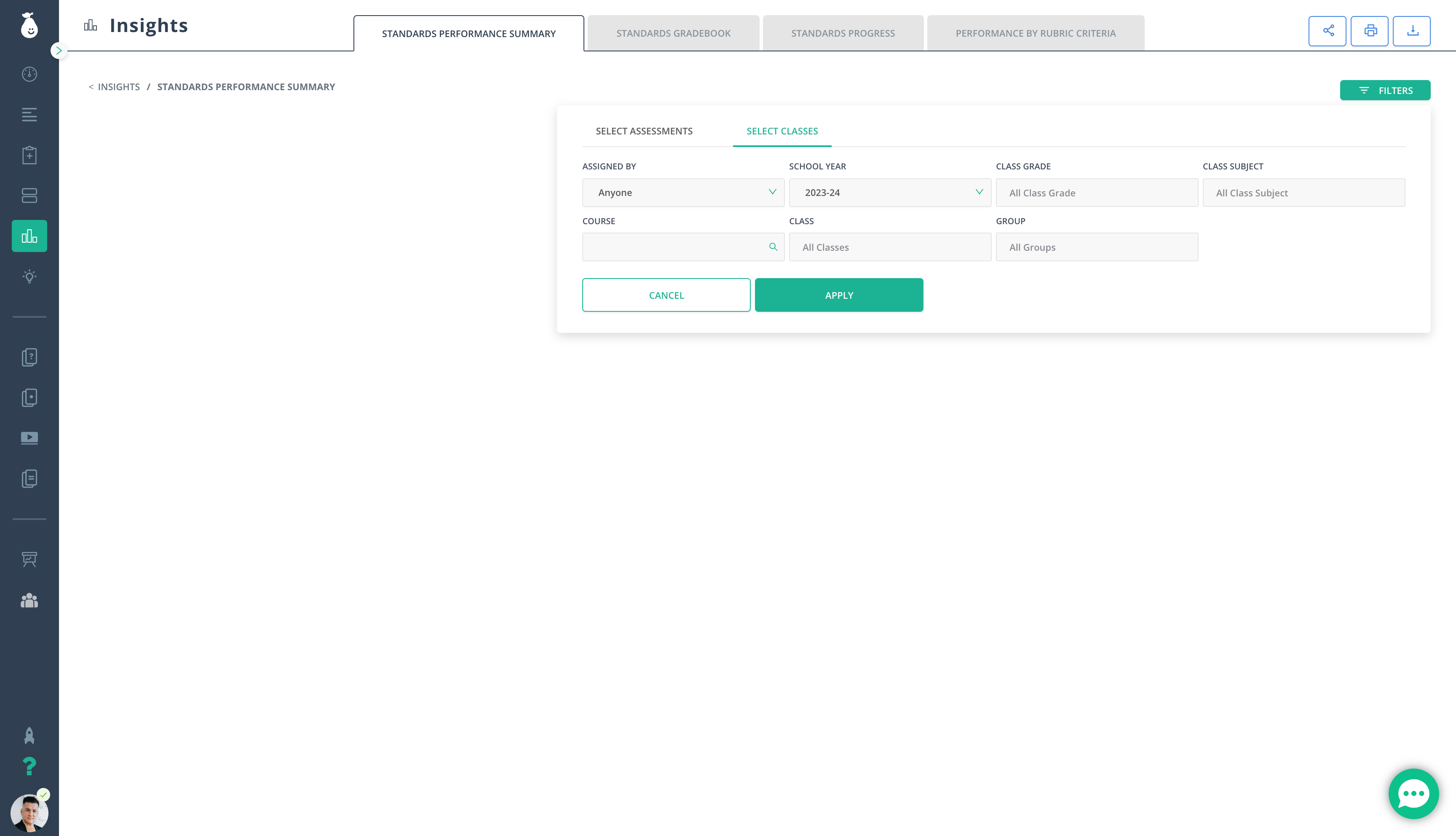
- Fill out the relevant filters.
-
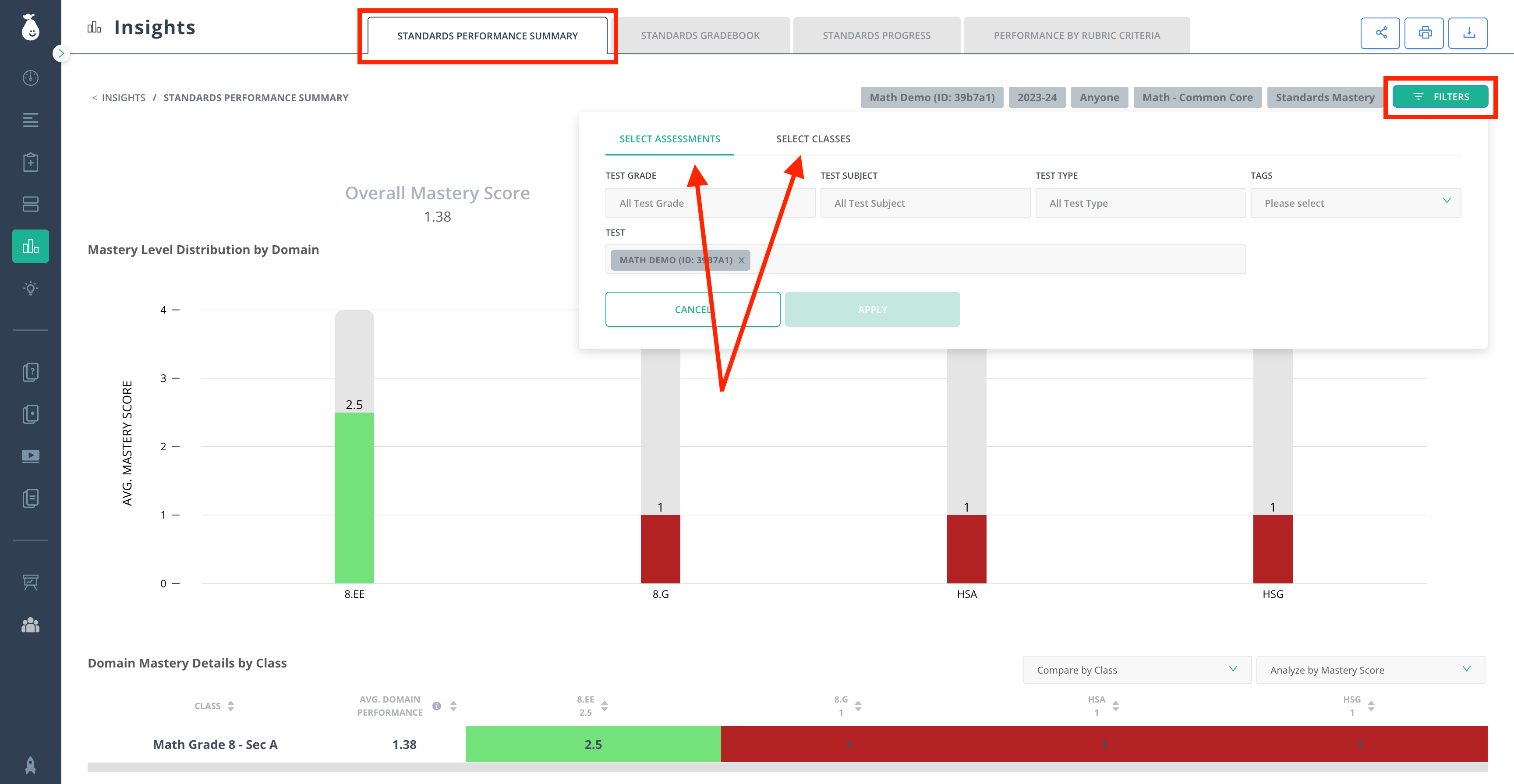
Review the data displayed in the Standards Performance Summary tab. With this report, you can:
- Track trending performance
- Download CSV files containing details from the table
- Compare results by Student or Class
- Analyze the report by Score (%), Raw Score, Above/Below Standard, and Proficiency Band
- Filter results by Test and Class
- Switch to view the report for any other assessment by clicking the Filters icon in the top right corner
- Once the filters are adjusted, click Apply.
Resources
Insights Help Center Articles
Browse all Pear Assessment Insights articles for additional reporting guidance.