

- Sign in to admin.goguardian.com.
- In the sidebar, under Filtering, click Configuration.
- Click Advanced Config, then Global Config.
- Enable Block Consumer Google Accounts (green = on, gray = off).
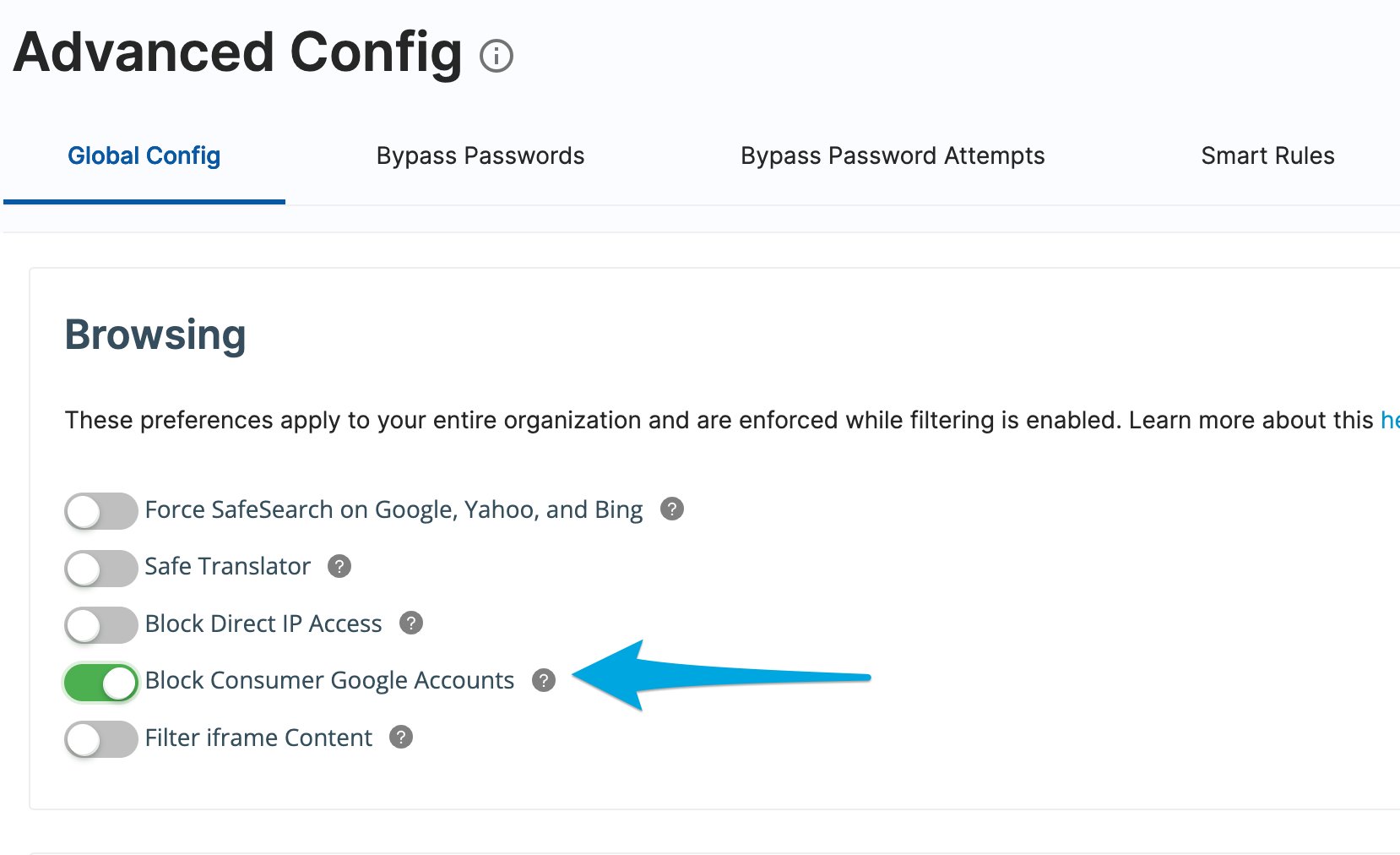
Enable Block Consumer Google Accounts in GoGuardian Admin to lock users to their school account and prevent personal Gmail and YouTube sign-ins.