

Remove the Bypass Button
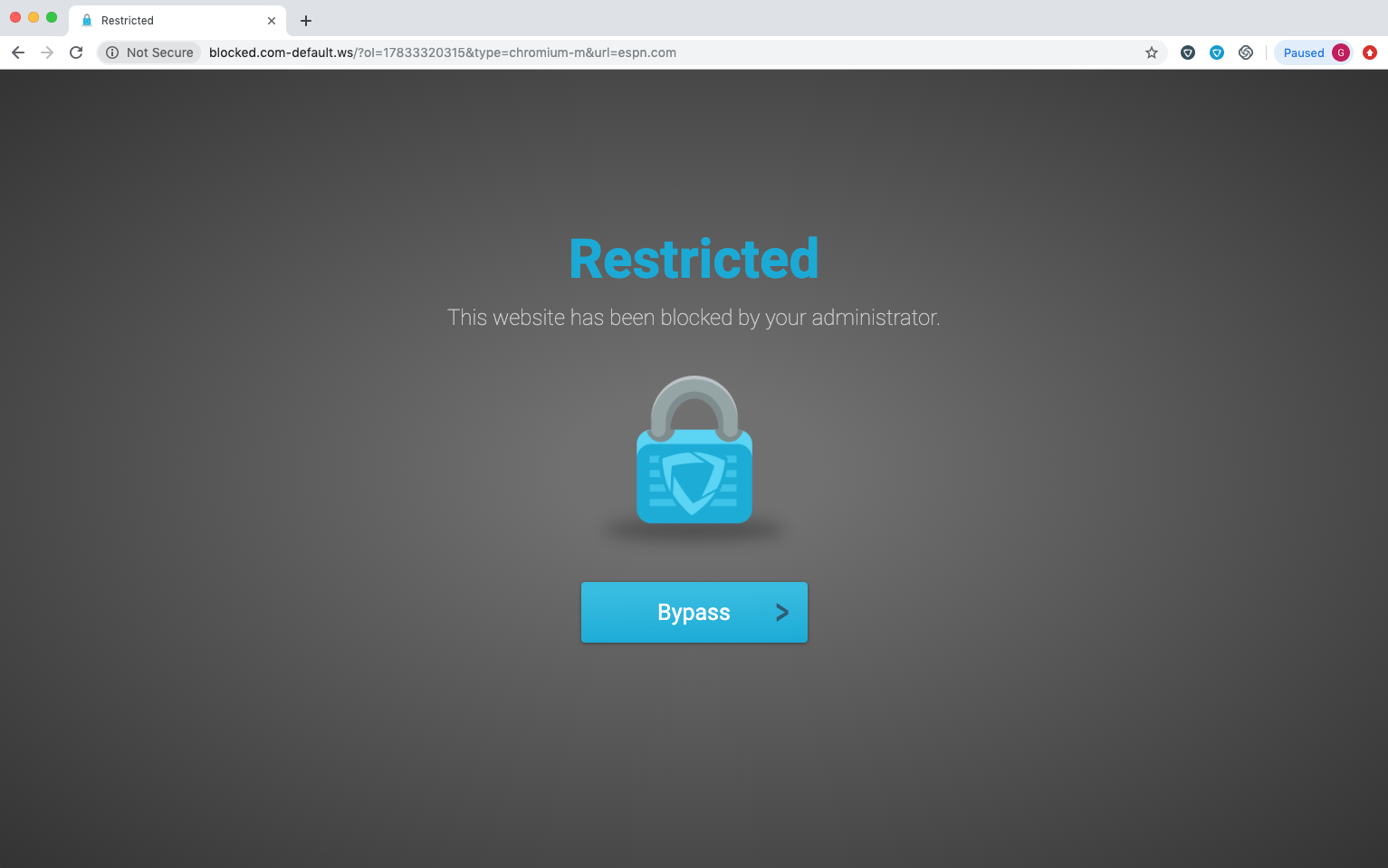
To prevent students from bypassing the block page, add the following CSS to the block page configuration:
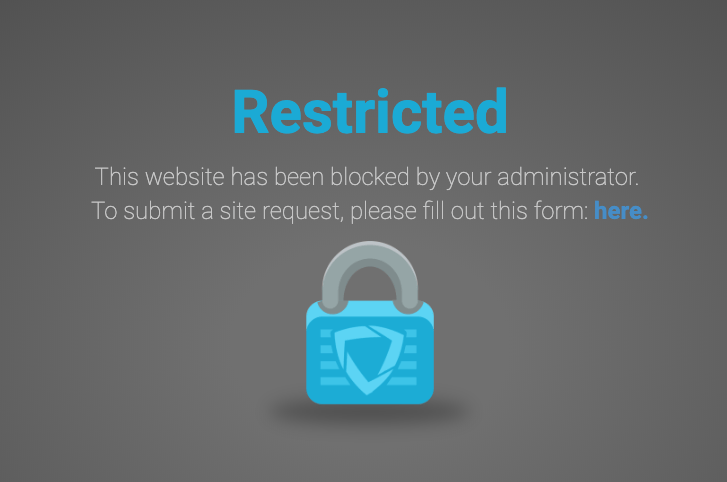
Add a Site-Access Request Form
To let students request access to the blocked site, add a link to a Google Form or similar survey on the block page. Require students to sign in with their school Google account before submitting the form so each request is tied to an identifiable user. Add the form link using standard HTML anchor syntax. ReplaceFORM_URL with the publicly accessible URL for your form.
Add an Image or GIF
To add a custom image or animated GIF to the block page, use the following HTML. ReplaceIMAGE_URL with the publicly accessible URL for your image or GIF.
Include a Personal-Device Disclaimer
If your organization filters personal devices, include a disclaimer that tells students when filtering applies. Adapt the following sample for your organization:Use language that reflects your organization’s policies. Do not imply that the organization reviews or records student activity beyond what those policies permit. Use “filtered by GoGuardian,” not “reviewed by GoGuardian.”