

Report Sections
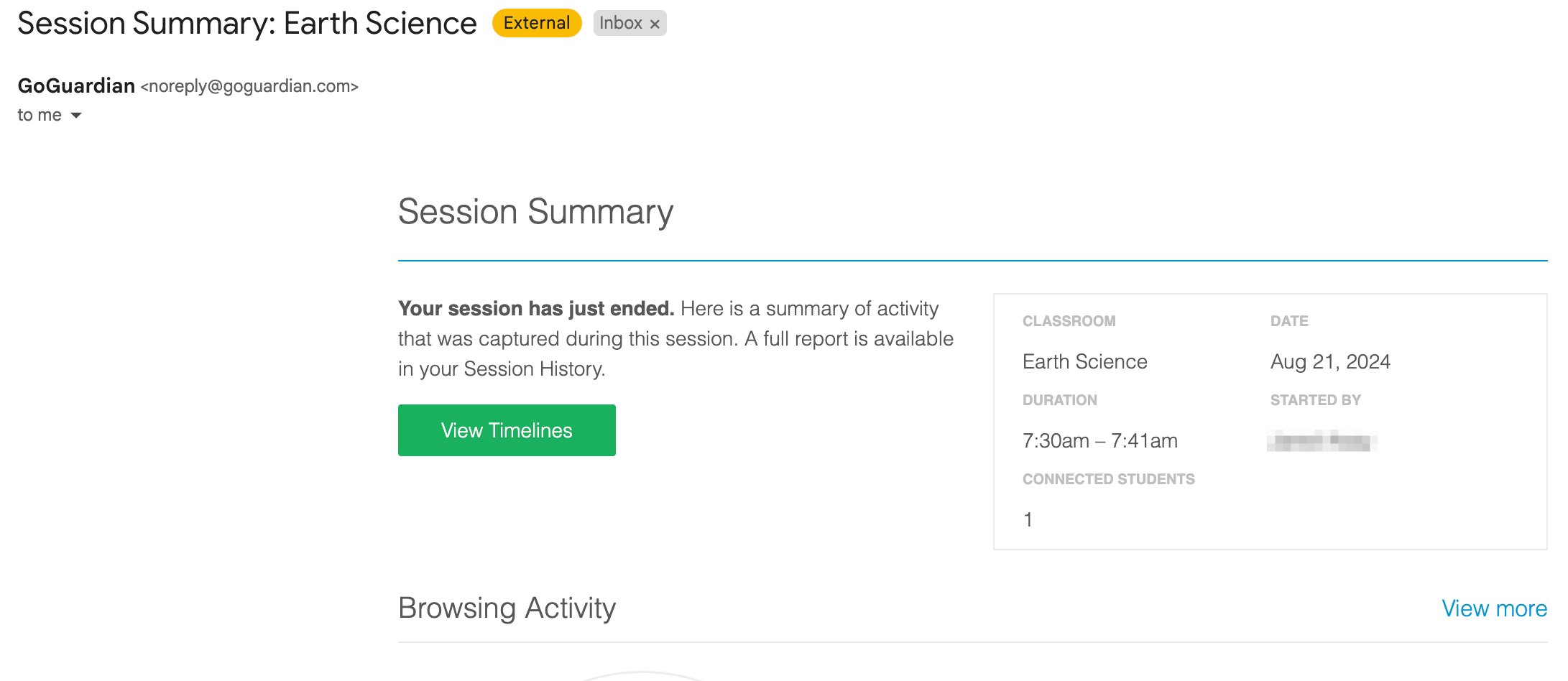
Each session report email has 4 sections.Student Activity Categories
The Students section groups activity into 4 categories:- Most time on most popular site
- Most time spent across all sites
- Least time spent across all sites
- Least time on most popular site
Opt Out of Session Report Emails for a Specific Class
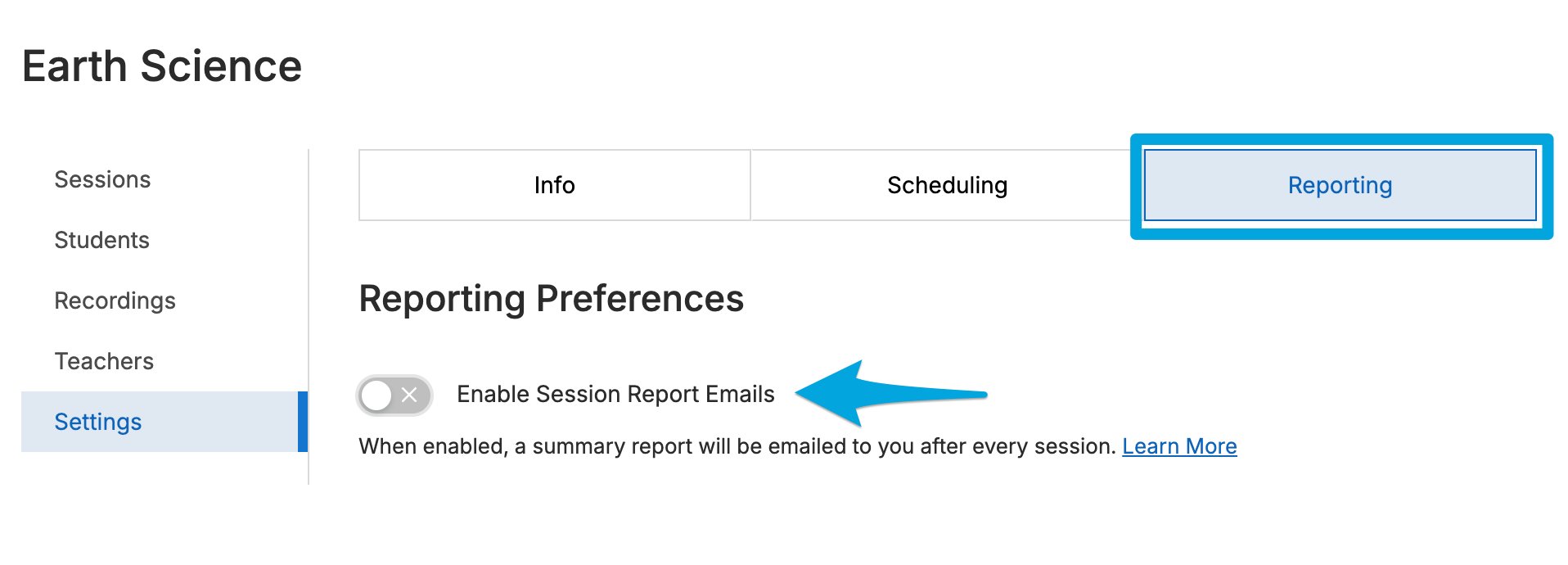
- From the GoGuardian Teacher dashboard, click the class.
- Go to the Settings tab.
- In the Reporting section, click the toggle to turn off session report emails for that class.

Opt Out of All Session Report Emails
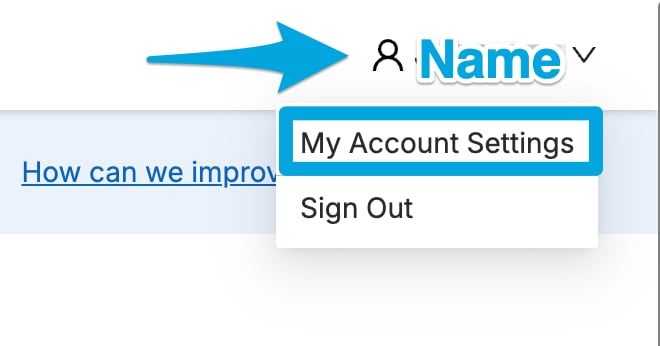
- From the GoGuardian Teacher dashboard, click your name to open the drop-down menu.
- Select My Account Settings.
- Go to the Preferences tab (selected by default).
- Turn off the Receive session report emails toggle to stop all session report emails.
Resources
Start a Classroom Session
Review how to start a session and what data is saved.
Student Browsing Reports
Access detailed individual student browsing activity.